17
Idle > Menu > Messages > Parameters > Message Centre
Enter message centre number in international dial form – see
“International Dialling” page 5.
Creating a Text Message
Idle > Menu > Messages > Create Press numeric
key - repeatedly (if required) to enter and
select characters, numbers or special symbols.
to switch “Input Mode”. Press to turn T9 on/off.
EMS (Enhanced Message Service)
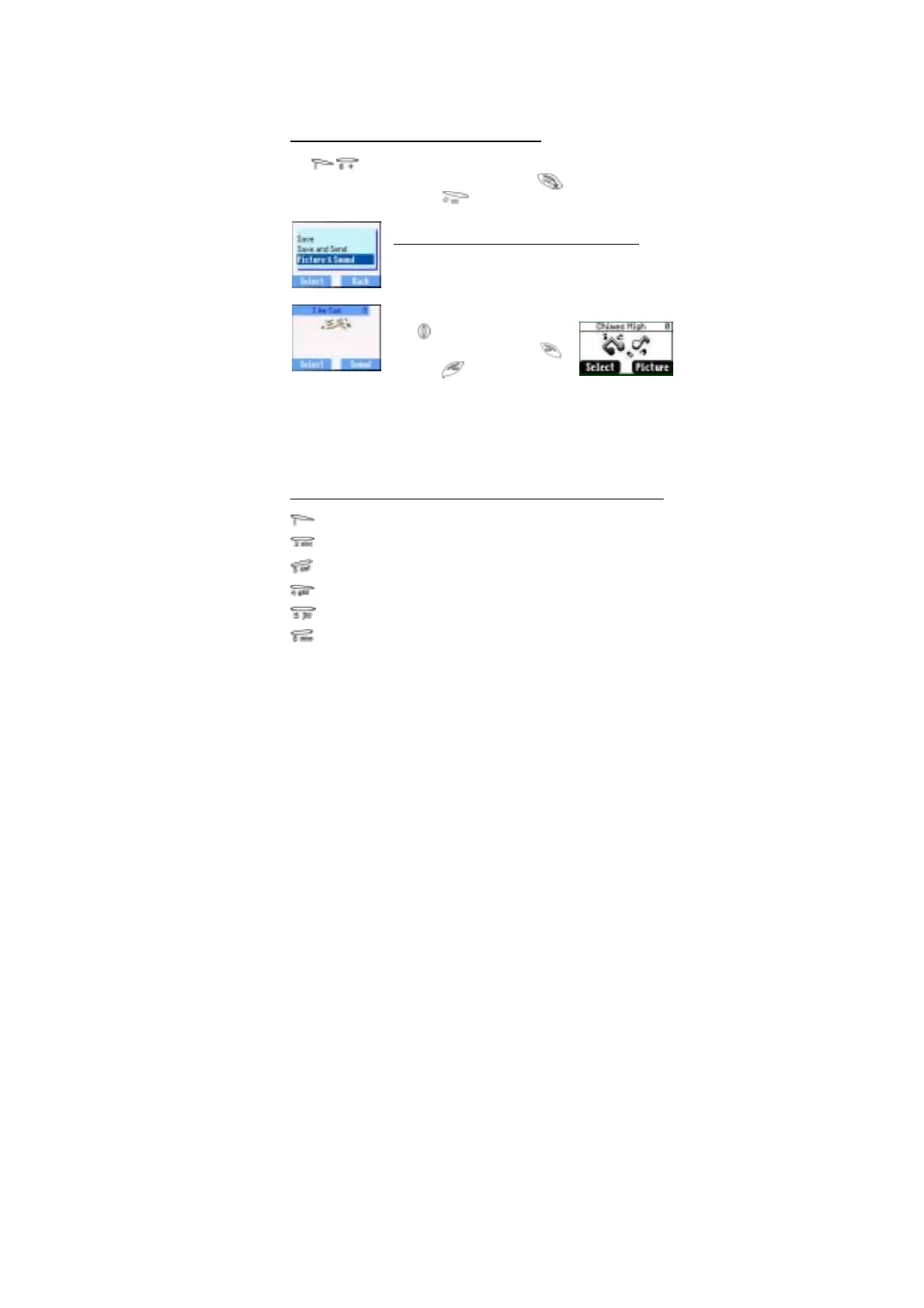
While editing the message, press Menu > Picture
& Sound can insert/add pictures or sound into the
message.
However, only if the receiver’s mobile phone
support this task.
Use to choose the pictures
you want to send and press .
Or press to select music.
Please note that one message can only transmit 10 sounds.
Once complete the message, press Menu to Send, Save or Save
and Send. After select Send, enter the destination phone number
or press Names to navigate. Then press OK to send.
Text Mode (abc, ABC and Numeric)
1 / ( ) < = > % ~ € &
a b c 2 ä à ç or A B C 2 Ä
d e f 3 é è or D E F 3 É
g h i 4 ì or G H I 4
j k l 5 or J K L 5
m n o 6 ö ñ ò or M N O 6 Ö Ñ






 To Next Page