EasyManua.ls Logo

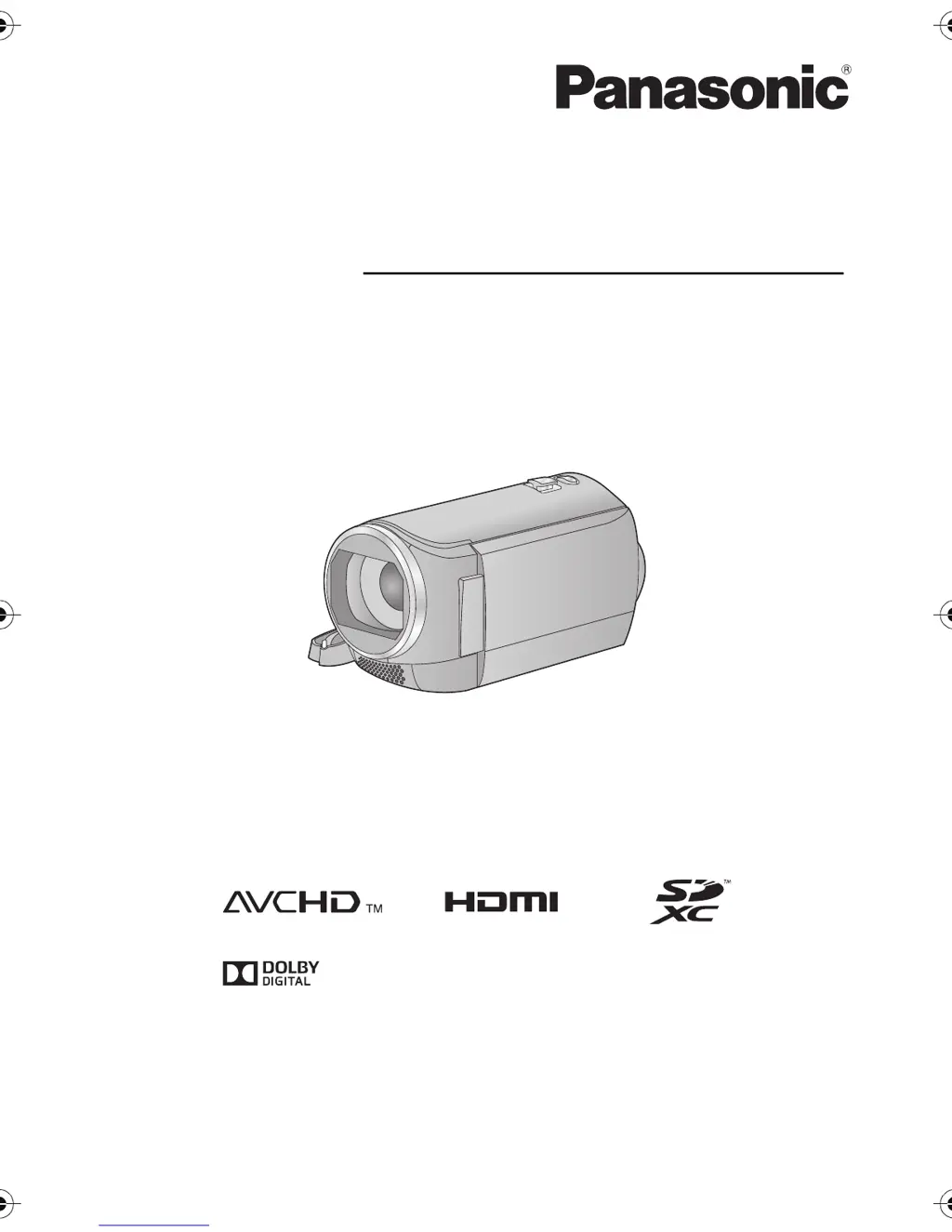
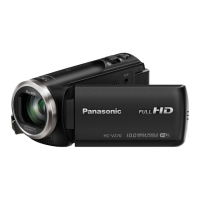
Panasonic HC-V130 - User Manual

Panasonic HC-V130
100 pages
Print Icon
To Next Page IconTo Next Page
Loading...
Operating Instructions
High Definition Video Camera
Model No. HC-V130
Please read these instructions carefully before using this product, and save this manual for future
use.
until
2014/2/1
SQT0053
HC-V130_EB_EP_GC_SQT0053_mst.book 1 ージ 013年12月17日 火曜日 午後4時11分

Table of Contents

Other manuals for Panasonic HC-V130

Questions and Answers

  • S
    Stephen CummingsSep 8, 2025
    How to fix Auto Focus function on Panasonic HC-V130?
    • P
      Paul CookSep 9, 2025
      Switch the Panasonic Camcorder to Intelligent Auto Mode. If you are recording a scene that is difficult to focus on in Auto Focus Mode, use the Manual Focus Mode to adjust the focus.
  • L
    lindsay26Aug 23, 2025
    Why does my Panasonic Camcorder battery run down quickly?
    • K
      kristenwestAug 23, 2025
      The battery may need to be charged again to ensure it is sufficiently charged. Keep in mind that in cold environments, battery life can be shorter. Also, the battery has a limited lifespan. If the operating time remains short even after a full charge, the battery may be worn out and require replacement.
  • M
    Matthew BryantAug 25, 2025
    Why does my Panasonic Camcorder turn off automatically?
    • P
      parkermichaelAug 25, 2025
      If the Panasonic Camcorder turns off when you turn off the power to the TV using the TV remote control, the VIERA Link is activated. If you are not using the VIERA Link, set [VIERA Link] to [OFF].
  • C
    carlosmasseyAug 26, 2025
    Why do the images from my Panasonic Camcorder appear squeezed horizontally on my TV?
    • R
      Rebecca WagnerAug 26, 2025
      Refer to your TV's operating instructions and select the channel that corresponds to the input used for the connection. Also, adjust the [TV ASPECT] setting to match the aspect ratio of your TV. When connecting the device to a television, the television image will not be displayed in the following cases. Use the device's LCD monitor.
  • J
    Julia WrightAug 27, 2025
    What to do if I see “ERROR OCCURRED. PLEASE TURN UNIT OFF, THEN TURN ON AGAIN.” on my Panasonic Camcorder?
    • A
      Aaron JacksonAug 27, 2025
      Restart the Panasonic Camcorder by turning it off and then on again. If the error message continues to appear after restarting, repair is needed.
  • A
    Alexandria HensleySep 22, 2025
    How can I see the PDF operating instructions for HD Writer LE 2.1?
    • N
      Nathaniel ScottSep 22, 2025
      You will need Adobe Acrobat Reader 5.0 or later or Adobe Reader 7.0 or later to read the PDF operating instructions for HD Writer LE 2.1.
  • D
    David MuellerSep 16, 2025
    Why can't I delete scenes on my Panasonic HC-V130 Camcorder?
    • J
      Jessica WilliamsSep 16, 2025
      Release the protect setting on the Panasonic Camcorder. If the scenes or still pictures are unnecessary, format the media to erase the data.
  • C
    Cynthia AlvaradoSep 18, 2025
    How to safely disconnect the USB cable from my Panasonic HC-V130 Camcorder to prevent PC errors?
    • M
      Michelle SawyerSep 18, 2025
      To safely disconnect the USB cable, double-click the icon in the task tray and follow the instructions on the screen.
  • A
    ataylorSep 7, 2025
    Why do I see horizontal bars or colour changes in my Panasonic Camcorder's image?
    • M
      Matthew MarshallSep 7, 2025
      Record in Intelligent Auto Mode or set the shutter speed to 1/100 in areas where the power supply frequency is 50 Hz, or 1/125 in areas of 60 Hz.
  • T
    Tonya NewmanSep 4, 2025
    What does 'CONDITION TOO DARK, OR OPEN LENS COVER' mean on my Panasonic HC-V130?
    • K
      kimberly28Sep 4, 2025
      Before turning on the Panasonic Camcorder, open the lens cover. This message may also appear when recording in a very dark location.

Summary

Important First Steps

Recording Formats and Card Compatibility

Explains recording formats (AVCHD, iFrame, MP4) and lists compatible memory cards.

Condensation and Indemnity

Instructions for handling condensation and legal disclaimers regarding recorded content.

Preparation and Setup

Device Anatomy and Controls

Identifies and describes the main physical components and controls of the camcorder.

Power Supply and Charging

Details on battery types, charging methods, and power management.

Turning the Unit On and Off

Methods for powering the camcorder on and off using buttons or the LCD.

Recording Motion Pictures

Recording Still Pictures

Intelligent Auto Mode

Basic Playback Operations

Navigating Menus and Settings

Advanced Recording: Zoom Function

Manual Recording Mode

Advanced Playback: Slow Motion and Frame-by-Frame

Deleting Scenes and Still Pictures

Watching Video on TV

Connecting via HDMI

How to connect the camcorder to a TV using an HDMI cable for high-quality playback.

Playback Using VIERA Link

Using the Eye-Fi Card

PC Connectivity: HD Writer LE 2.1 Features

Connecting the Camcorder to a PC

Troubleshooting Common Issues

Power and Operation Problems

Troubleshooting steps for power, battery, and unit operation issues.

Cautions for Safe Usage

Environmental and Handling Precautions

Advice on avoiding environmental hazards and proper handling.

Recording Modes and Time Estimates

Panasonic HC-V130 Specifications

General IconGeneral
Sensor typeBSI
Total megapixels2.51 MP
Optical sensor size1/5.8 \
Effective megapixels (image)2.12 MP
Digital zoom2500 x
Optical zoom38 x
Image stabilizerYes
Focal length range2.35 - 89.3 mm
Interchangeable lens-
Minimum aperture number1.8
Focal length (35mm film equivalent)32.9 - 1646 mm
Camera file systemDCF, Exif 2.2
Camcorder media typeMemory card
Disc types supportedNo
Compatible memory cardsSD, SDHC, SDXC
Internal storage capacity- GB
Focus adjustmentAuto/Manual
Camera shutter speed0.000125 - 0.04 s
Display diagonal2.7 \
Display resolution (numeric)230400 pixels
Viewfinder typeNot available
Camcorder typeHandheld camcorder
Minimum illumination1 lx
Supported aspect ratios16:9
Product colorBlack
Video resolutions640 x 360, 960 x 540, 1920 x 1080 pixels
Video formats supportedAVCHD, MP4
Maximum video resolution1920 x 1080 pixels
Image formats supportedJPG
Maximum image resolution3968 x 2232 pixels
Audio systemDolby Digital
Audio formats supportedAAC, MP4
USB 2.0 ports quantity1
Component video (YPbPr/YCbCr) out0
Battery voltage3.6 V
Battery capacity970 mAh
Battery life (max)- h
Cables includedAV, USB
Bundled softwareHD Writer LE 2.1
Weight and Dimensions IconWeight and Dimensions
Depth114 mm
Width53 mm
Height60 mm
Weight181 g

Related product manuals