EasyManua.ls Logo

Panasonic KX-TCD210E - User Manual

Panasonic KX-TCD210E
68 pages
Print Icon
To Next Page IconTo Next Page
Loading...
This unit is compatible with Caller ID and SMS. To use these
features, you must subscribe to the appropriate service of your
service provider.
Charge the batteries for about 7 hours before initial use.
Please read these operating instructions before using the unit and save them for
future reference.
Operating Instructions
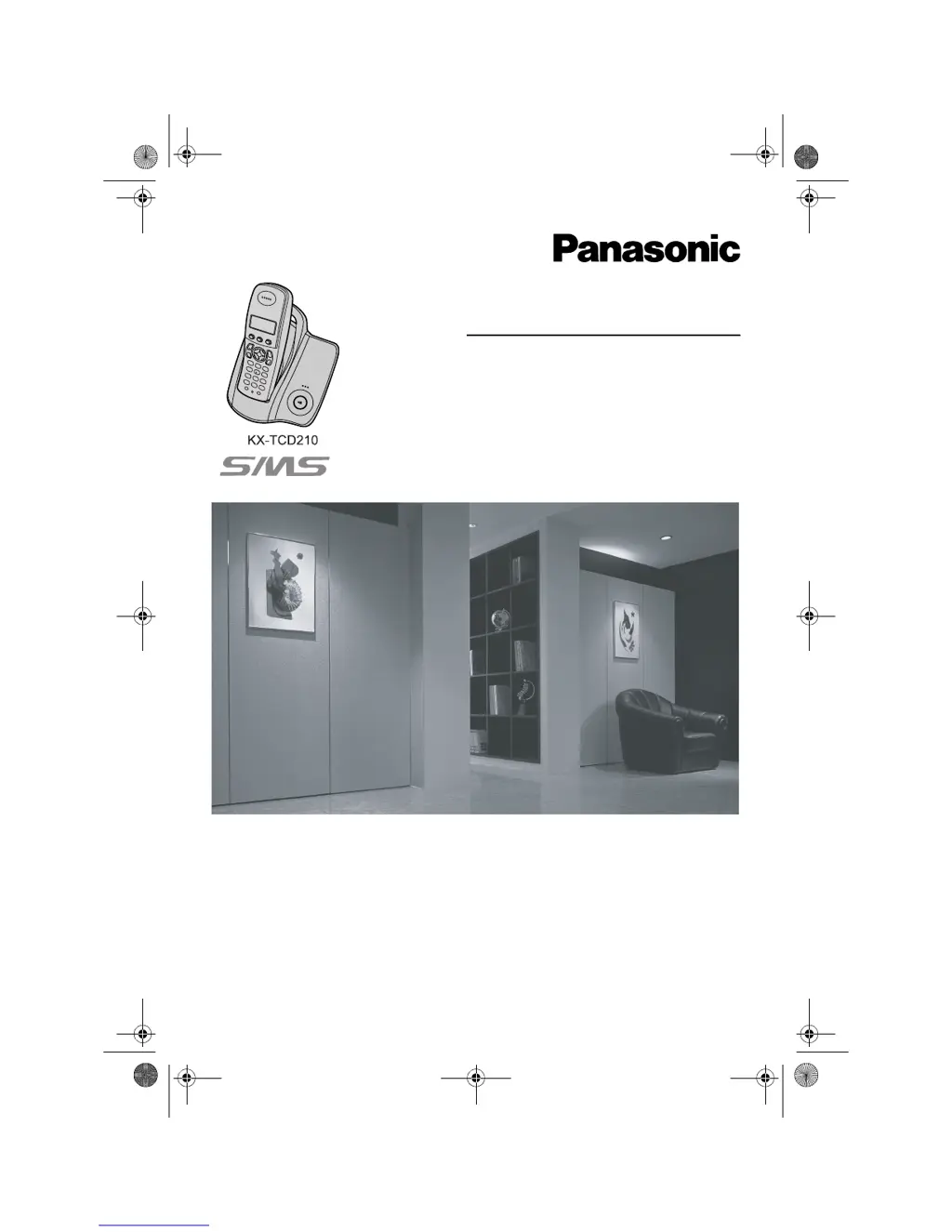
Model No. KX-TCD210E
Digital Cordless Phone
Model No. KX-TCD220E
Digital Cordless Answering System
TCD210220E(e-e).book Page 1 Tuesday, January 18, 2005 9:44 AM

Table of Contents

Other manuals for Panasonic KX-TCD210E

Questions and Answers

  • P
    pamjacksonAug 25, 2025
    Why is there static or sound cutting in and out on my Panasonic Cordless Telephone?
    • J
      Jon GarciaAug 26, 2025
      Static or sound cutting in and out can be caused by: * Interference from other electrical units. Try to locate the handset and the base unit away from other electrical appliances. * Distance from the base unit. Move closer to the base unit. * If you have DSL service, your unit may need a filter. We recommend connecting a filter (contact your DSL service provider) to the telephone line between the base unit and the telephone line jack.
  • C
    Christopher PachecoAug 23, 2025
    How to fix a Panasonic KX-TCD210E that doesn't ring?
    • B
      Benjamin JonesAug 23, 2025
      If your Panasonic Cordless Telephone is not ringing, it could be due to the following reasons: * The ringer volume might be turned off. Adjust the handset and the base unit ringer volume. * The night mode feature might be turned on. Turn it off.

Panasonic KX-TCD210E Specifications

General IconGeneral
TypeCordless Telephone
Number of Handsets1
Talk Time10 hours
Standby Time120 hours
DisplayLCD
Caller IDYes
SpeakerphoneYes
DECTYes
GAP compatibleYes
Frequency1.9 GHz
Answering MachineNo
KeypadYes
Headset JackNo
Range300 meters
Phonebook Capacity50
Battery typeNiMH
IntercomYes

Related product manuals