Helpline Tel.No. :U.K. 08700 100 076 R.O.I. 01289 8333
39
Cordless Telephone
SMS Feature (Text Message)
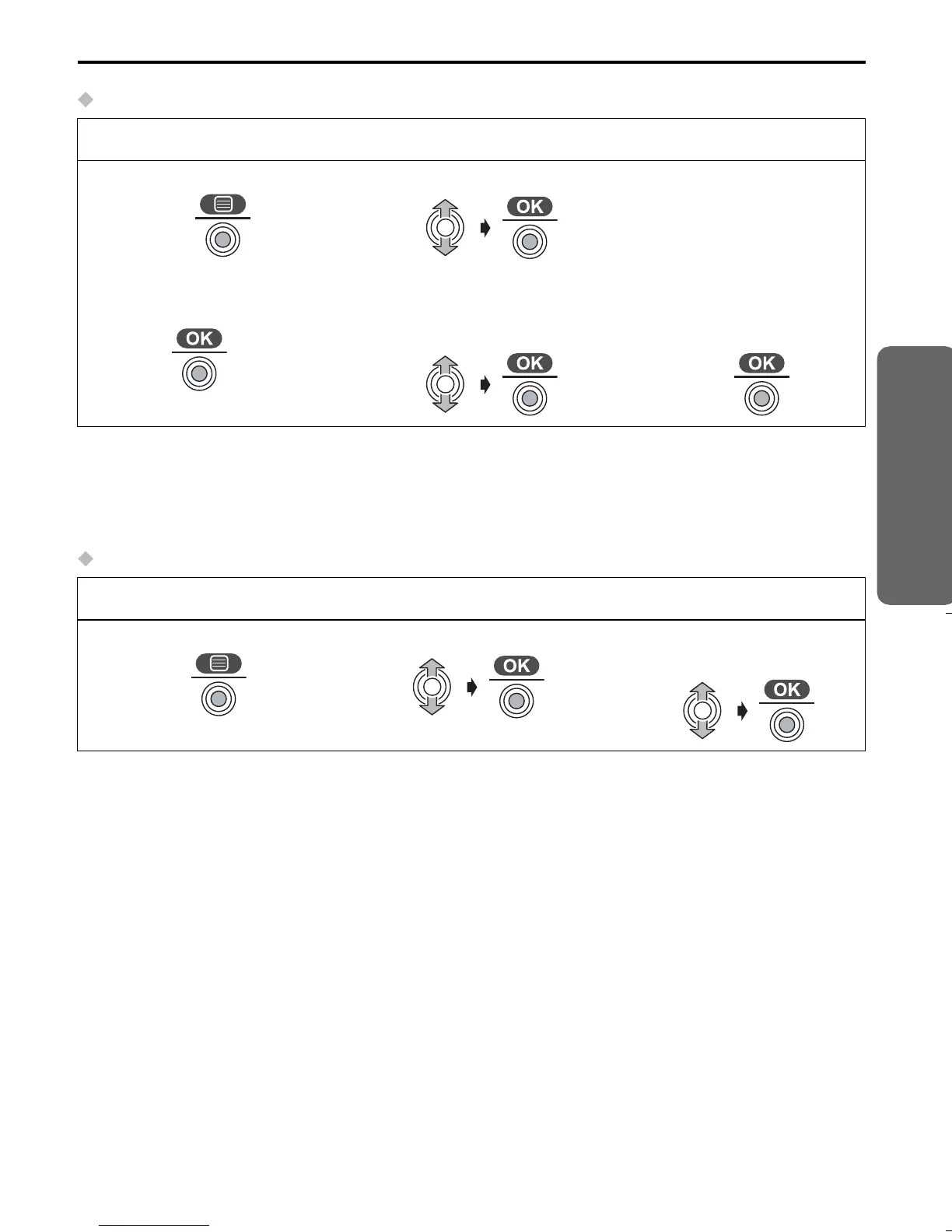
Replying to a message
• “Sending Message” is displayed. The display returns to the standby mode, then
“Transferring Message” is displayed.
• If the base unit does not have sufficient memory to send a message, the display will
show “SMS lists are memory full. Delete messages.”.
Deleting a message
Follow steps 1 to 6 on the previous page, then:
7
Press JOYSTICK.
8
Select “Reply”.
9
Enter Message.
10
Press JOYSTICK
twice.
twice
11
“Save?” is displayed,
then select “Yes”.
12
“Saved Message” is
displayed, then select
“Send”.
Follow steps 1 to 6 on the previous page, then:
7
Press JOYSTICK.
8
Select “Delete”.
9
Select “Yes”, then
“Deleted” is displayed.
515E_E.book Page 39 Friday, June 27, 2003 2:23 PM






 To Next Page