66
Multi-Unit User Operations
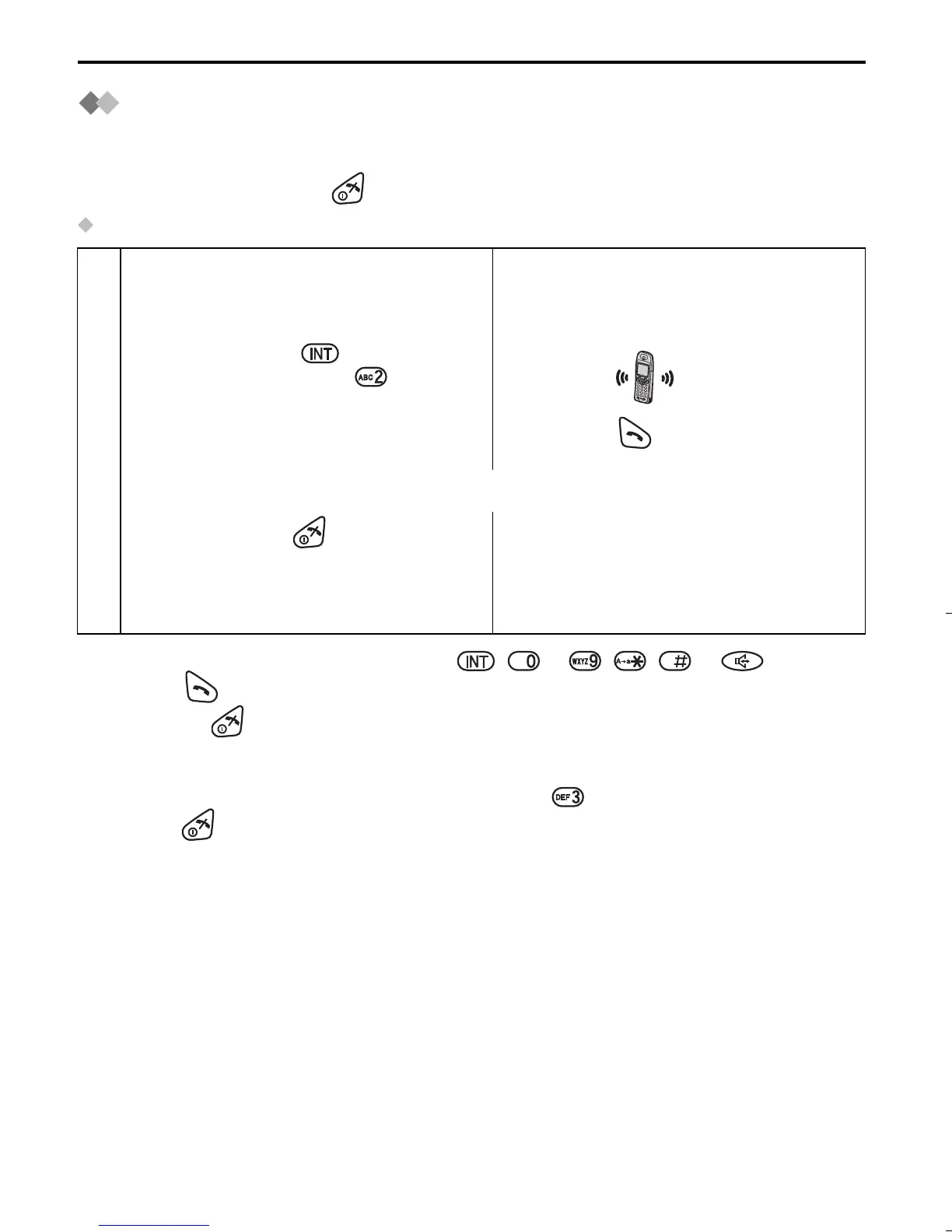
Transferring a Call to Another Handset
The intercom can be used during a call to transfer an external call between handsets
that are registered to the same base unit.
To exit the operation, press at any time.
For example, when Handset 1 transfers a call to Handset 2:
• You can also answer a call by pressing , to , , or instead of
pressing (Any Key Talk).
• If you press after pressing the desired handset number, a call can be transferred
to another handset without speaking to another handset.
If the transferred call is not answered within 60 seconds, Handset 1 will ring again.
• When Handset 2 answers a call transferred, press to establish a conference call
or press to complete a call transfer.
<Handset 1> <Handset 2>
(During a call)
1
Press INTERCOM , then press
desired handset number .
2
Press TALK .
(Conversation between handset 1 and 2)
3
Press TALK OFF .
(Conversation between outside line and
Handset 2)
515E_E.book Page 66 Friday, June 27, 2003 2:23 PM











 To Next Page