70
Walkie-Talkie
To exit the operation, press at any time.
• If you select “Group”, enter Group Code (this can be 3 digits of your choice - the
factory preset is 000). Make note of your code.
• The factory preset of Handset Number is 1.
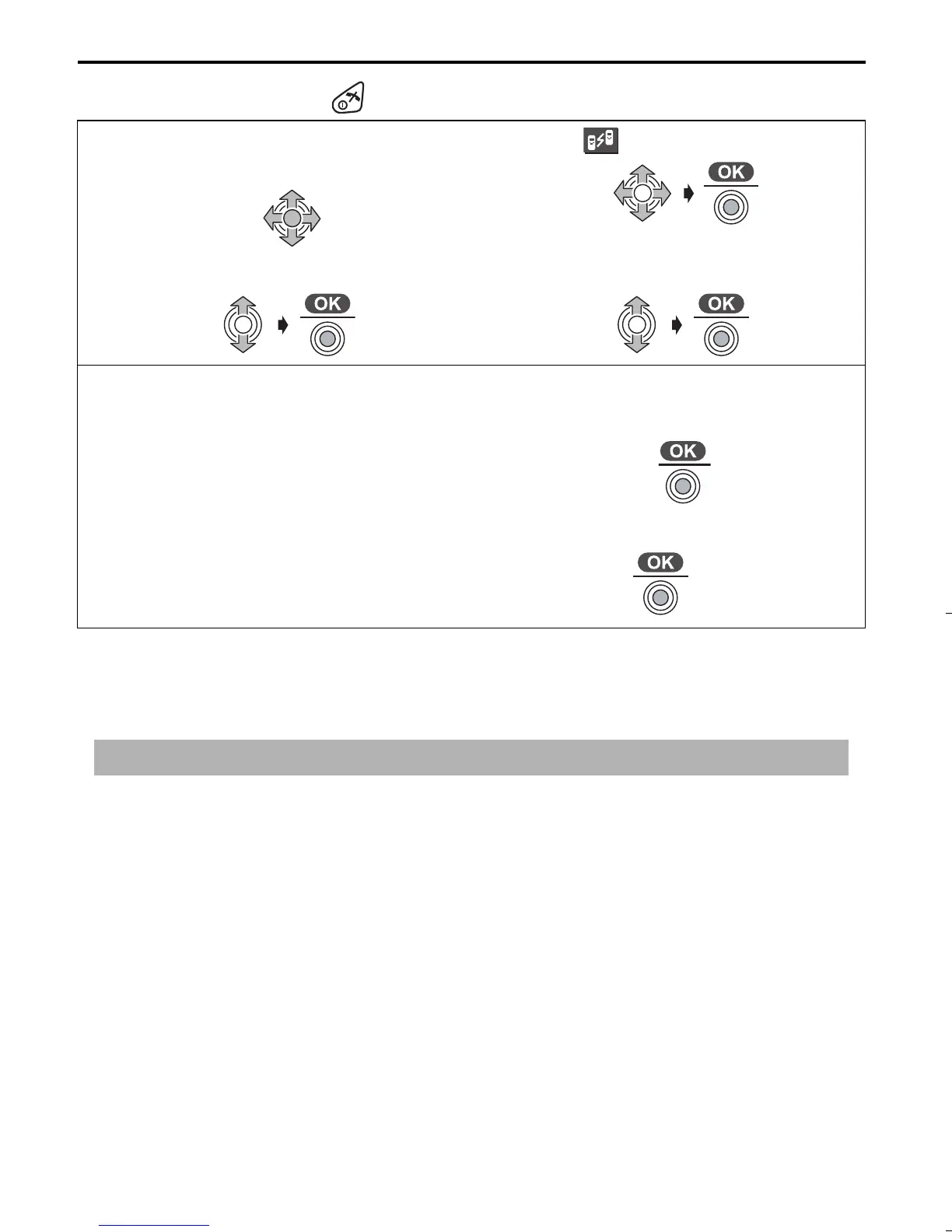
1
Press JOYSTICK
(or move).
2
Select “ Walkie-Talkie”.
3
Select “Setting”.
4
Select “Common” or “Group”.
When “Group” was selected;
5
Enter 3-digit Group Code.
(Factory Preset 000)
6
Press JOYSTICK.
7
Enter Handset Number.
(1-9: Factory Preset is 1)
8
Press JOYSTICK twice.
twice
IMPORTANT: Each handset should have its own unique number.
515E_E.book Page 70 Friday, June 27, 2003 2:23 PM











 To Next Page