EasyManua.ls Logo

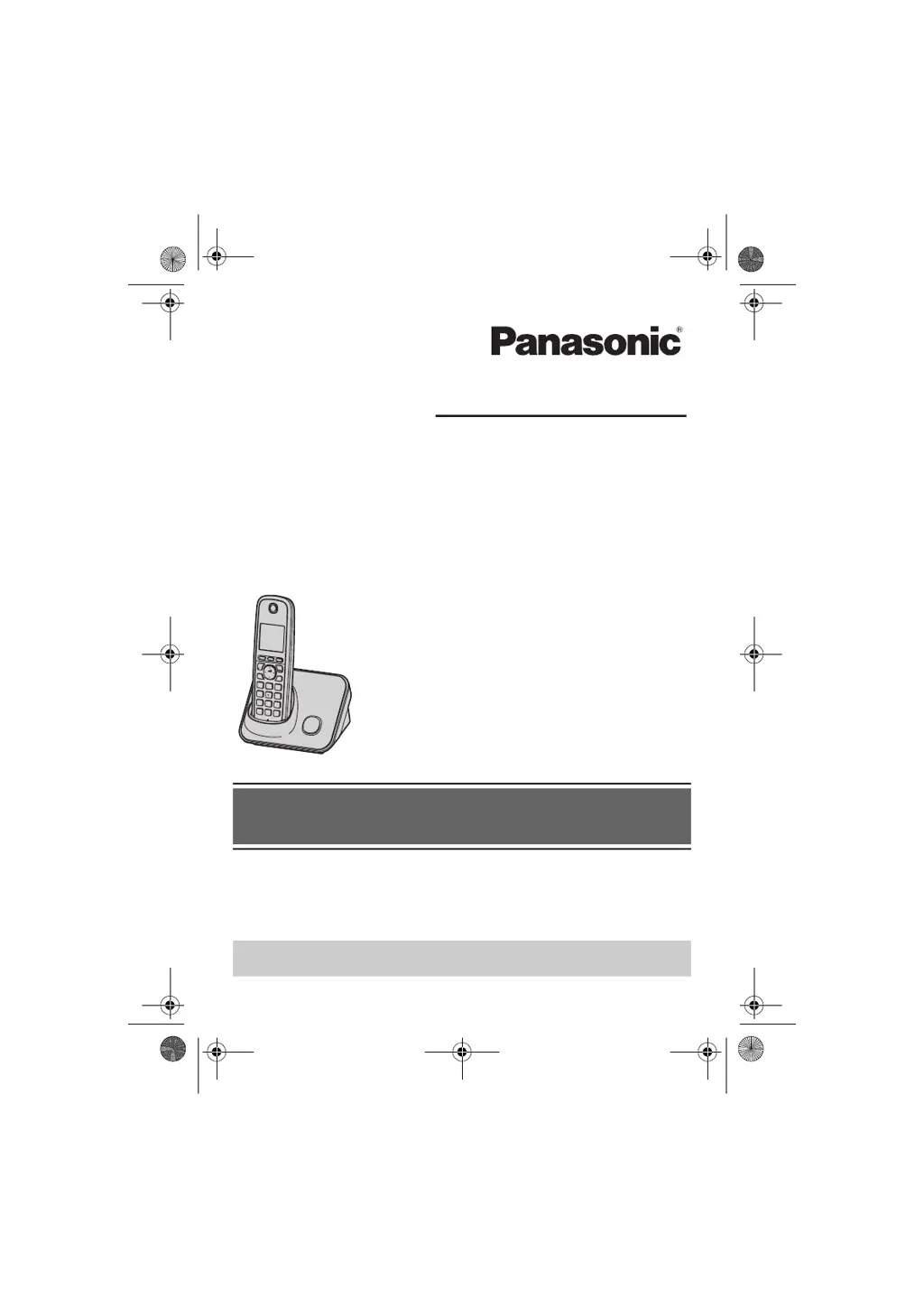
Panasonic KX-TG3711SX - User Manual

Panasonic KX-TG3711SX
56 pages
Print Icon
To Next Page IconTo Next Page
Loading...
Thank you for purchasing a Panasonic product.
Please read these operating instructions before using the unit and save them for
future reference.
This unit is compatible with Caller ID. You must subscribe to the appropriate service
offered by your service provider/telephone company.
Before initial use, see “Getting Started”
on page 9.
Please access our online customer survey:
http://panasonic.net/pcc/tel/q
2.4 GHz Digital Cordless Answering System
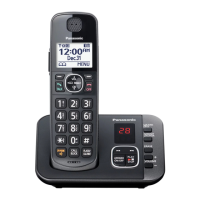
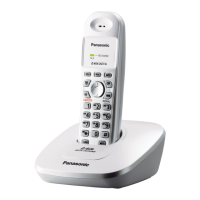
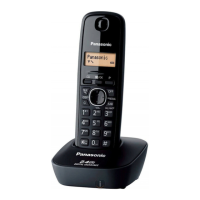
Model shown is KX-TG3711.
KX-TG3721BX/KX-TG3722BX
KX-TG3721SX/KX-TG3722SX
KX-TG3821BX
KX-TG3821JX/KX-TG3822JX
KX-TG3821SX
2.4 GHz Digital Cordless Phone
KX-TG3711BX/KX-TG3712B
X
KX-TG3719B
X
KX-TG3711SX/KX-TG3712S
X
KX-TG3811B
X
KX-TG3811J
X
KX-TG3811S
X
Model No.
Model No.
Operating Instructions
TG37xx38xxBX(e).book Page 1 Wednesday, June 8, 2011 2:08 PM

Questions and Answers

  • W
    William SwansonAug 8, 2025
    What to do if I cannot hear a dial tone on my Panasonic KX-TG3711SX Cordless Telephone?
    • A
      Ann MyersAug 8, 2025
      If you cannot hear a dial tone on your Panasonic Cordless Telephone, first check if the AC adaptor or telephone line cord of the base unit is properly connected. If the connections are correct, disconnect the base unit from the telephone line and connect the line to a known working telephone. If the working telephone operates correctly, contact service personnel to repair the unit. If the working telephone does not operate properly, contact your service provider/telephone company.
  • A
    Alex SnowAug 15, 2025
    Why my Panasonic KX-TG3711SX unit does not work?
    • M
      michellebarkerAug 15, 2025
      If your Panasonic Cordless Telephone unit isn't working, ensure the batteries are correctly installed and fully charged. Check all connections. Try resetting the unit by unplugging the base unit’s AC adaptor, then reconnecting it. Also, verify the handset is registered to the base unit.
  • C
    clarkethanAug 20, 2025
    What to do if I cannot make a call on my Panasonic Cordless Telephone?
    • D
      Donna RiceAug 20, 2025
      If you cannot make a call on your Panasonic Cordless Telephone, check the dialing mode setting. Also, ensure the handset is close enough to the base unit. If another unit or the answering system is in use, wait and try again. Lastly, check if dial lock is turned on.
  • A
    Alejandra HinesAug 26, 2025
    What to do if I cannot operate the answering system remotely on Panasonic KX-TG3711SX Cordless Telephone?
    • M
      Megan MclaughlinAug 26, 2025
      If you cannot operate the answering system remotely on your Panasonic Cordless Telephone, ensure the remote access code is set. Verify that you are entering the correct remote access code, pressing each key firmly. Also, confirm that the answering system is turned on.
  • M
    Michael CooperSep 1, 2025
    What to do if liquid entered my Panasonic KX-TG3711SX Cordless Telephone?
    • J
      Jeffery HendrixSep 1, 2025
      If liquid or moisture has entered your Panasonic Cordless Telephone handset/base unit, disconnect the AC adaptor and telephone line cord from the base unit. Remove the batteries from the handset and allow it to dry for at least 3 days. Once completely dry, reconnect the AC adaptor and telephone line cord, reinsert the batteries, and charge fully before use. If it still doesn't work, contact an authorized service center.

Summary

Getting Started

Setting up

Instructions for connecting the base unit, handset, and power.

Battery charging

Procedure for charging the handset batteries correctly.

Making and Answering Calls

Making calls

Step-by-step guide to making calls using handset, speakerphone, or base unit.

Answering calls

Instructions for answering incoming calls on the handset or base unit.

Phonebook

Answering System

Useful Information

Error messages

Common error messages displayed and their corresponding solutions.

Troubleshooting

Solutions for general usage problems and programmable setting issues.

Panasonic KX-TG3711SX Specifications

General IconGeneral
TypeCordless Telephone
Number of Handsets1
Frequency1.9 GHz
DECTYes
GAP compatibleYes
LCD DisplayYes
Caller IDYes
Call WaitingYes
Phonebook Capacity50 names and numbers
Redial Memory10 numbers
Talk TimeUp to 10 hours
Standby TimeUp to 120 hours
Wall MountableYes
SpeakerphoneYes
Answering MachineNo
RangeUp to 50 meters indoors
Ringer Patterns5
Battery TypeNiMH
IntercomYes
Color OptionsSilver
Additional FeaturesKey Lock, Mute, Clock, Alarm

Related product manuals