EasyManua.ls Logo

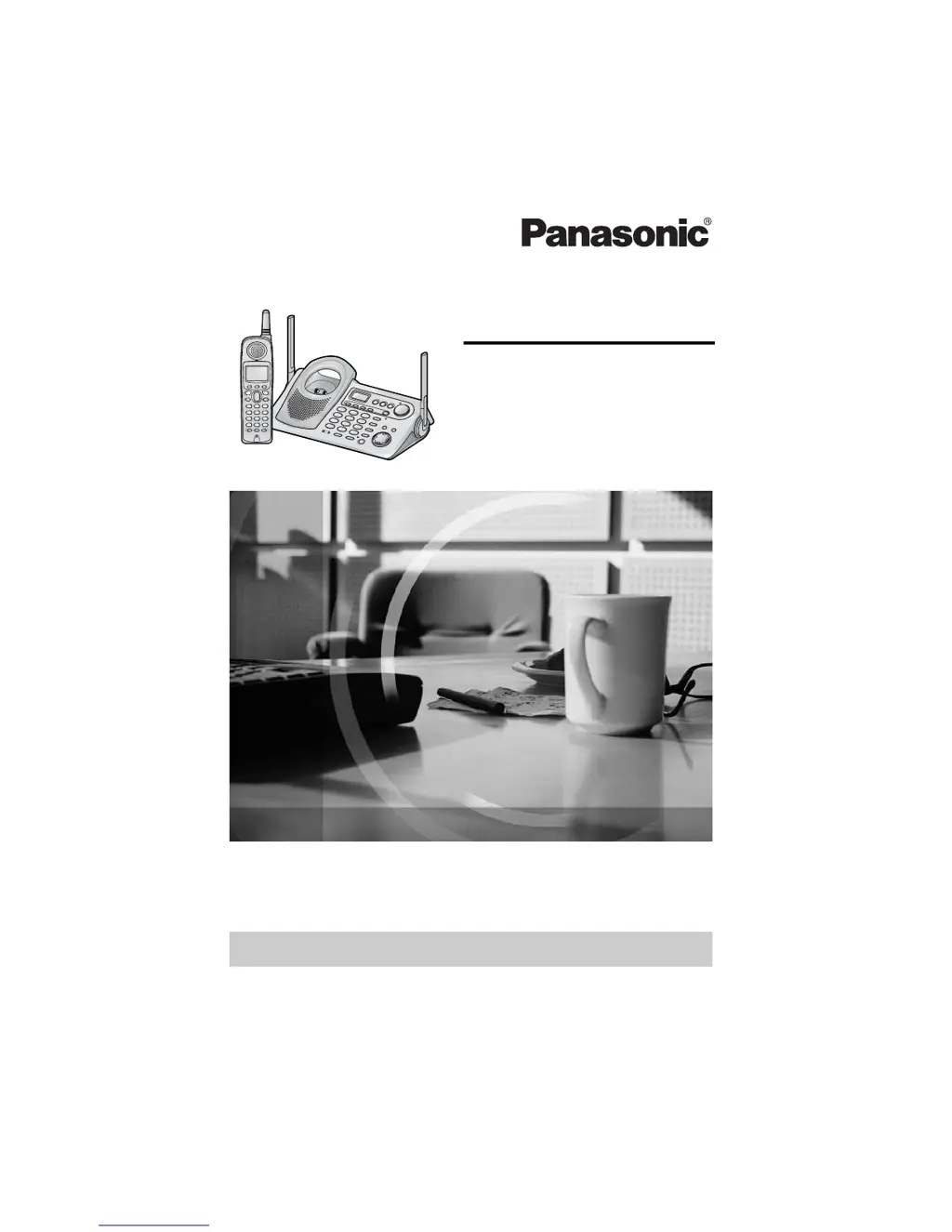
Panasonic KX-TG5471 - User Manual

Panasonic KX-TG5471
96 pages
Print Icon
To Next Page IconTo Next Page
Loading...
5.8 GHz Digital Cordless Answering System
Operating Instructions
Model No. KX-TG5471
Pulse-or-tone dialing capability
The unit is Caller ID compatible. To display the caller’s name and phone number,
you must subscribe to Caller ID service.
PLEASE READ BEFORE USE AND SAVE.
Panasonic World Wide Web address: http://www.panasonic.com
for customers in the USA or Puerto Rico
Charge the battery for 6 hours before initial use.

Table of Contents

Other manuals for Panasonic KX-TG5471

Questions and Answers

  • J
    Jessica AlvarezAug 20, 2025
    Why is my Panasonic KX-TG5471 not recording incoming messages?
    • K
      Kirsten AllenAug 20, 2025
      If your Panasonic Answering System is on but not recording messages, it might be due to the recording time being set to 'Greeting only'. To fix this, select '1 minute', '2 minutes', or '3 minutes'. Another possible reason is that the memory is full; try erasing unnecessary messages.
  • S
    Susan JacobsonAug 22, 2025
    What to do if my Panasonic Answering Machine has static or sound cuts in and out?
    • M
      Maria HawkinsAug 22, 2025
      If you are experiencing static, sound cutting in and out, or fading on your Panasonic Answering Machine, here are some possible solutions: Move the handset and base unit away from other electrical appliances. Try walking closer to the base unit and raising the base unit antennas. You can also try turning on the Clarity Booster feature. Another option is to connect a noise filter to the telephone line between the unit and the telephone line jack.
  • W
    William Watson MDAug 25, 2025
    How to fix a blank handset display on my Panasonic Answering Machine?
    • R
      Roger MartinAug 25, 2025
      If the handset display of your Panasonic Answering Machine is blank, the first thing you should do is fully charge the battery.
  • W
    William BallardAug 26, 2025
    Why is my Panasonic KX-TG5471 displaying 'Recharge battery'?
    • G
      Gregory GilbertAug 26, 2025
      If your Panasonic Answering Machine is displaying 'Recharge battery', '3' is flashing, or the handset is beeping intermittently, it indicates that you need to fully charge the battery.
  • S
    Sarah CrawfordAug 28, 2025
    Why is my Panasonic Answering Machine not displaying caller ID?
    • K
      Kelsey ClarkAug 28, 2025
      If your Panasonic Answering Machine handset is not displaying the caller’s name and/or phone number, ensure that you have subscribed to Caller ID service with your telephone company. If you are subscribed, disconnect any additional telephone equipment (like Caller ID boxes or wireless telephone jacks) and plug the unit directly into the wall jack. If you have DSL service, connect a noise filter to the telephone line between the unit and the telephone line jack. Note that the name display service may not be available in some areas, and caller information is generally displayed from the 2nd ring. Also, if a call is being transferred, the caller information will not be displayed.
  • M
    Michael HuertaAug 29, 2025
    Why can't I access my Panasonic KX-TG5471 mailbox?
    • B
      Barbara KeithAug 30, 2025
      If you cannot access a mailbox from the base unit or handset of your Panasonic Answering Machine, it might be because another user is currently listening to messages or the answering system is handling a call. Try again later.
  • S
    Sara HuffmanAug 31, 2025
    Why can't I access my Panasonic KX-TG5471 Answering Machine mailbox from a touch tone phone?
    • K
      Kimberly StewartAug 31, 2025
      If you're unable to access your Panasonic Answering Machine mailbox from a touch tone phone, ensure you've entered the correct remote code. Also, the answering system may not respond if the tones are too short, so press each button firmly. Finally, make sure the answering system is turned on.
  • M
    Monica MilesSep 2, 2025
    Why does my Panasonic KX-TG5471 still display 'Recharge battery' after fully charging?
    • D
      Diana OrtegaSep 2, 2025
      If your Panasonic Answering Machine continues to display 'Recharge battery' or '3' flashes even after fully charging the battery, try cleaning the charge contacts and charging again. If the issue persists, the battery may need to be replaced; if you install a new battery, fully charge it.
  • E
    enguyenSep 4, 2025
    Why does the CHARGE indicator on my Panasonic KX-TG5471 Answering Machine not go out after charging?
    • M
      Mitchell ArcherSep 4, 2025
      If the CHARGE indicator on your Panasonic Answering Machine does not turn off after the battery has been charged, this is normal.
  • M
    mooreanneSep 6, 2025
    What does it mean when my Panasonic KX-TG5471 Answering Machine displays 'FULL'?
    • J
      jasonbenitezSep 6, 2025
      If your Panasonic Answering Machine displays 'FULL' and the ANSWER ON indicator flashes rapidly, it means the memory is full. To resolve this, erase unnecessary messages.

Summary

For Best Performance

Battery charge and location

Instructions for charging the handset battery and recommended base unit placement for optimal performance.

Preparation

Location of Controls

Overview of buttons, keys, and indicators on the handset and base unit.

Installation

Instructions for connecting the telephone line, AC adaptor, and installing the handset battery.

Programmable Settings

Guide to customizing features like ringer, display language, dialing mode, and auto talk.

Answering System Setup

Setup instructions for greeting messages, recording time, number of rings, and recording modes.

Telephone System

Making Calls

Guides on how to make calls using the handset, hands-free, and base unit.

Answering Calls

Procedures for answering incoming calls using the handset or base unit.

Caller ID Service

Information on Caller ID features, display, and voice announcements.

Preparing the Answering System

Greeting Message Base Unit

Instructions for recording a personal greeting message for the answering system.

Making Calls

Using the Handset

Step-by-step guide for making calls using the telephone handset.

Hands-Free Phone Conversation

Instructions for making calls using the handset's speakerphone.

Answering Calls

Answering with Handset

Procedures for answering incoming calls using the handset.

Answering with Base Unit

Procedures for answering incoming calls using the base unit.

Caller ID Service

Caller ID Information Display

Explanation of how Caller ID data appears on the display and is announced.

Base unit Talking Caller ID feature

How to enable or disable the Talking Caller ID feature for the base unit.

Talking Caller ID

How to turn the voice announcement of caller names on or off.

Phone Book

Storing Names and Numbers Handset

Step-by-step guide to storing contact names and phone numbers.

Dialing from the Phone Book Handset

How to make calls by selecting entries from the phone book.

Speed Dialer

Storing Phone Numbers Base Unit

How to store phone numbers in memory locations on the base unit.

Intercom

Transferring a Call

Conference Calls

Special Features

Re-registering the Handset

Steps to re-establish communication between handset and base unit.

Mailbox Features

Automatic Answering Operation

Listening to Messages

Using the Base Unit

How to play back recorded messages from the base unit.

Recording a Memo Message

Transferring a Call to a Mailbox

Direct Commands

If the Following Appear on Your Display...

Display Message Causes and Remedies

Explains causes and remedies for common error messages on the handset display.

Troubleshooting

Common Phone Issues

Solutions for problems like no link, static, or no ringing.

Call and Redial Issues

Remedies for inability to redial, make calls, or handle long distance calls.

Caller Name Announcement Issues

Addressing problems with caller name announcements and pronunciation.

Answering System Issues

Solutions for problems related to the answering system not recording messages.

Mailbox and General Issues

Troubleshooting mailbox passwords and general unit functionality.

Caller Name;Number Display Issues

Troubleshooting for problems displaying caller name and phone number.

Caller ID Editing and Headset Issues

Resolving issues with auto-editing caller ID and headset usage.

openLCR Service for Caller IQ

Important Safety Instructions

Panasonic Telephone Products Limited Warranty

Specifications

Panasonic KX-TG5471 Specifications

General IconGeneral
BrandPanasonic
ModelKX-TG5471
CategoryAnswering Machine
LanguageEnglish

Related product manuals