EasyManua.ls Logo

Panasonic KX-TG5438S - User Manual

Panasonic KX-TG5438S
72 pages
Print Icon
To Next Page IconTo Next Page
Loading...
This unit is compatible with Caller ID. To use this feature, you must
subscribe to the appropriate service offered by your service provider.
Please read these Operating Instructions before using the unit and save
for future reference.
For assistance, visit our website: http://www.panasonic.com for
customers in the U.S.A. or Puerto Rico.
Charge the battery for 6 hours before initial use.
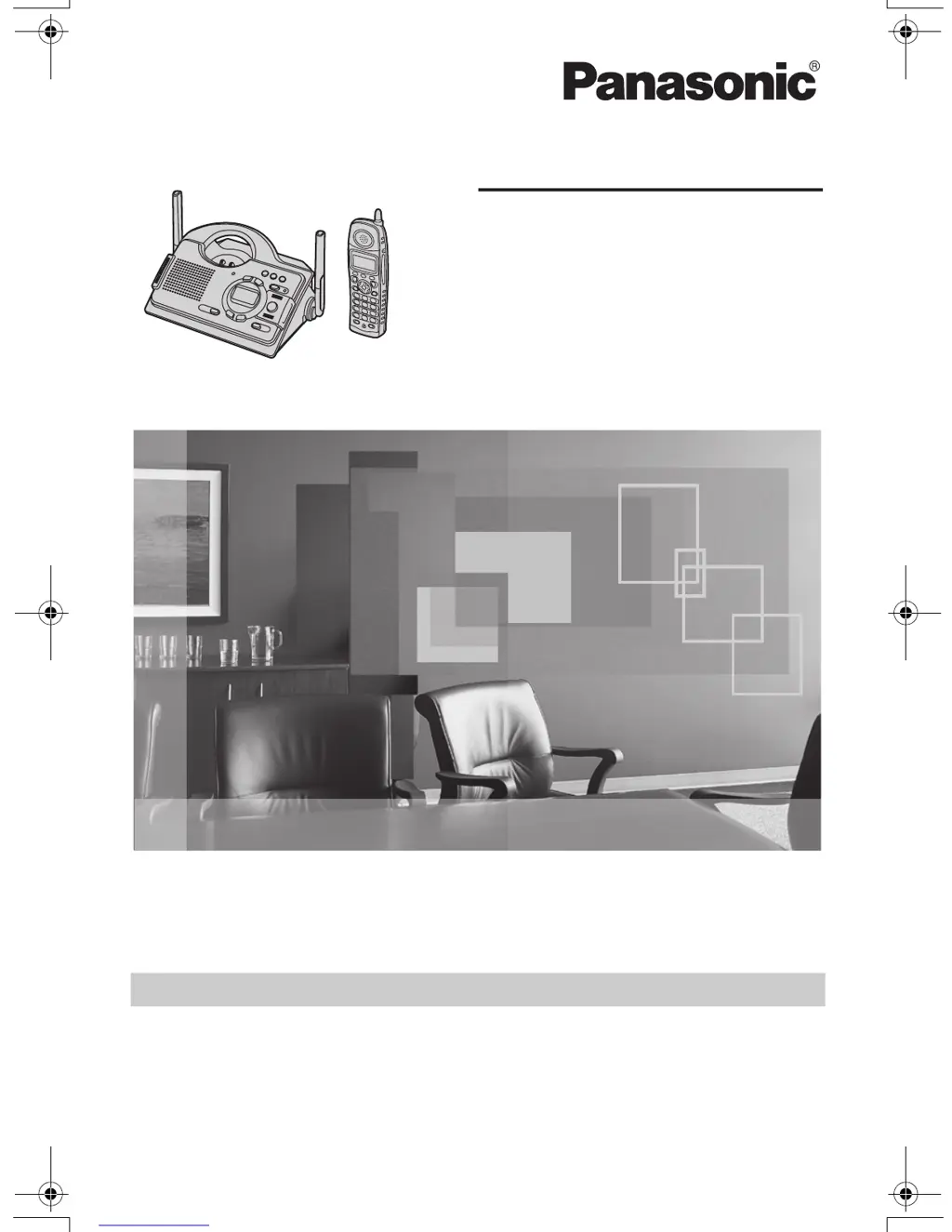
5.8 GHz Digital Cordless Answering System
Model No.
KX-TG5438
Operating Instructions
5.8 GHz Digital Cordless Answering System
with Dual Handsets
Model No.
KX-TG5439
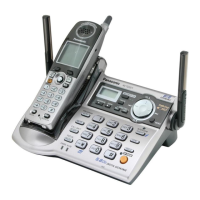
Model shown is KX-TG5438.
TG5438_5439.book Page 1 Friday, August 25, 2006 9:35 AM

Table of Contents

Questions and Answers

  • J
    Jesse AdamsSep 14, 2025
    What to do if phonebook copying stops on my Panasonic KX-TG5438S Answering Machine?
    • L
      Louis CaseSep 14, 2025
      If copying stopped with an item displayed on your Panasonic Answering Machine, the destination handset may have lost communication with the base unit, or the destination handset user may have pressed {C} or {s}. The displayed phonebook item was not copied to the handset. Press {OFF}. Confirm that the destination handset is in standby mode (i.e., not in use) and try again.
  • M
    Michael HerreraAug 25, 2025
    How to troubleshoot a Panasonic KX-TG5438S Answering Machine that does not work?
    • C
      christina24Aug 25, 2025
      If your Panasonic Answering Machine isn't working, try the following: ensure the battery is correctly installed, check all connections, fully charge the battery, and clean the charging contacts before recharging. If it still fails, unplug the base unit’s AC adapter to reset the unit, then reconnect and try again. As a last resort, re-install the battery and fully charge it.
  • K
    kbrownAug 25, 2025
    Why is there static on my Panasonic KX-TG5438S Answering Machine?
    • T
      Terry ButlerAug 26, 2025
      If you're experiencing static or sound cutting in and out on your Panasonic Answering Machine, it could be due to interference from other electrical units. Try moving the handset and base unit away from other appliances. You can also try moving closer to the base unit, raising the base unit antennas, or turning on the clarity booster feature. If you have xDSL service, consider connecting a noise filter between the base unit and the telephone line jack.
  • T
    Travis JohnsonAug 26, 2025
    Why doesn't my Panasonic KX-TG5438S display caller ID?
    • J
      John McguireAug 27, 2025
      If your Panasonic Answering Machine handset isn't displaying the caller's name or number, it could be due to several reasons. First, you may not have subscribed to Caller ID service, so contact your telephone company. If you have additional telephone equipment connected, disconnect the unit and plug it directly into the wall jack. If you have xDSL service, use a noise filter. The name display service may not be available in your area. Other telephone equipment may be interfering. The caller may have requested not to send caller information or if a call is being transferred. Generally caller information is displayed from the 2nd ring.
  • J
    Jessica WilliamsSep 14, 2025
    Why does my Panasonic KX-TG5438S Answering Machine exit the phonebook while searching?
    • J
      James DavidSep 15, 2025
      If the display exits the phonebook while searching on your Panasonic Answering Machine, the handset automatically exits after 1 minute of inactivity.
  • E
    Eric JacksonSep 23, 2025
    Why doesn't the charge indicator turn off on my Panasonic KX-TG5438S Answering Machine?
    • E
      emilyritterSep 23, 2025
      This is normal for Panasonic Answering Machine.
  • T
    Thomas JacksonSep 7, 2025
    Why does my Panasonic KX-TG5438S announce the wrong date and time?
    • A
      Amanda CookSep 7, 2025
      If your Panasonic Answering Machine announces the wrong day and time during message playback or when turning on the answering system, set the date and time again.
  • R
    Ryan JenkinsSep 7, 2025
    Why can't I join a call on my Panasonic KX-TG5438S Answering Machine?
    • B
      Brian HodgesSep 8, 2025
      You cannot join the call on your Panasonic Answering Machine if the other handset is using voice changer. To join the call, have that handset cancel the voice changer.
  • B
    barajastracySep 23, 2025
    Why is the screen blank on my Panasonic Answering Machine?
    • K
      karinaevansSep 23, 2025
      If the handset display is blank on your Panasonic Answering Machine, confirm that the battery is properly installed and fully charge the battery.
  • T
    Tiffany AustinAug 31, 2025
    Why can't people leave voice messages on my Panasonic KX-TG5438S Answering Machine?
    • B
      Billy ThompsonAug 31, 2025
      If others can't leave voice messages on your Panasonic Answering Machine, the recording time might be set to “Greeting only”. Change it to “1min”, “2min”, or “3min”. Also, the memory may be full, so erase unnecessary messages.

Panasonic KX-TG5438S Specifications

General IconGeneral
BrandPanasonic
ModelKX-TG5438S
CategoryAnswering Machine
LanguageEnglish

Related product manuals