EasyManua.ls Logo

Panasonic KX-TGC220NZ - User Manual

Panasonic KX-TGC220NZ
44 pages
Print Icon
To Next Page IconTo Next Page
Loading...
Operating Instructions
Digital Cordless Phone
Model No.
KX-TGC210NZ
KX-TGC212NZ
Digital Cordless Answering System
Model No.
KX-TGC220NZ
KX-TGC222NZ
KX-TGC223NZ
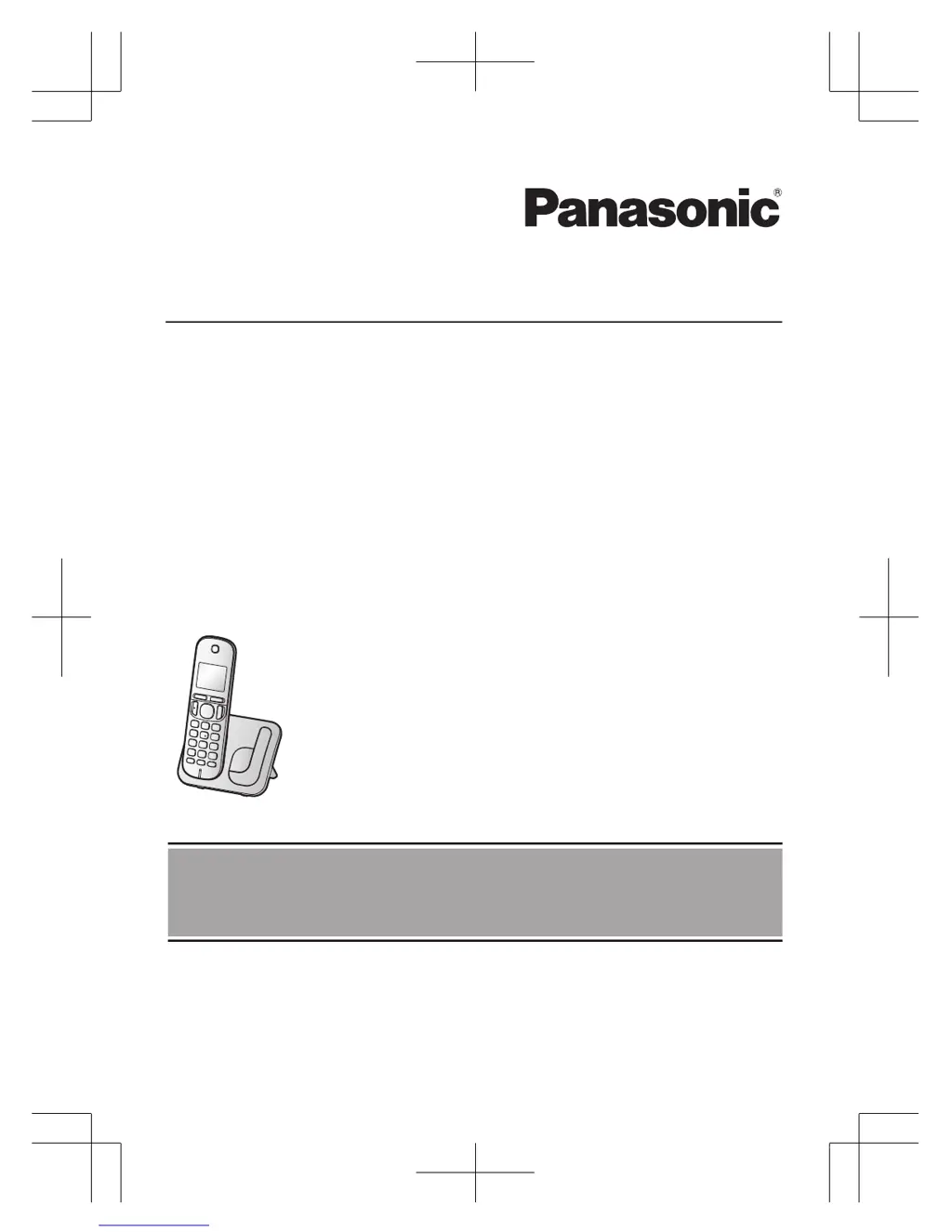
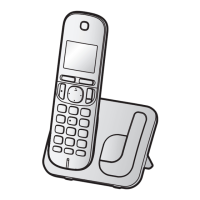
Model shown is KX-TGC210.
Before initial use, see “Getting Started”
on page 9.
Thank you for purchasing a Panasonic product.
Please read these operating instructions before using the unit and save them for
future reference.
TGC21x_22xNZ_OI_(en-en)_0513_ver.002.pdf 1 2014/05/13 12:05:45

Other manuals for Panasonic KX-TGC220NZ

Questions and Answers

Summary

Operating Instructions

Important Information

For your safety

Essential safety precautions to prevent injury and property loss during operation.

Power connection

Guidelines for safe and correct connection of the power source.

Important safety instructions

Battery precautions

Instructions and precautions for using and handling batteries.

Performance and Care

Best performance guidelines

Guidance on placing the base unit for optimal coverage and noise-free communication.

Disposal and Specifications

Specifications

Technical specifications for the product including frequency, power, and operating conditions.

Getting Started

Setting up connections

Step-by-step guide to connecting the base unit, charger, and telephone line.

Battery installation

Instructions on how to install the correct type of rechargeable batteries.

Getting Started - Continued

Battery charging procedures

Procedure and indicators for charging the handset batteries.

Controls Overview

Handset controls

Details the buttons and their functions on the telephone handset.

Base unit controls

Identifies the components and functions of the telephone base unit.

Basic Setup

Turning power on;off

Instructions on how to turn the telephone unit on and off.

Making and Answering Calls

Making calls

How to initiate a phone call.

Answering calls

How to receive and respond to incoming calls.

Advanced Call Features

Transferring and conference calls

Procedures for transferring calls and setting up conference calls.

Intercom and Security

Key lock operation

How to lock and unlock the handset keypad to prevent accidental use.

Phonebook Management

Adding phonebook entries

Instructions for entering new names and phone numbers into the phonebook.

Finding and calling from phonebook

Steps to search for and make calls to entries stored in the phonebook.

Editing phonebook entries

Modifying existing names and numbers in the phonebook.

Erasing phonebook entries

Removing entries from the phonebook.

Speed Dial and Chain Dial

Speed dial setup

Assigning phone numbers to speed dial keys and managing them.

Programming Menu

Programming - System Settings

Answering system settings

Configuring settings for the answering system, including ringers and alarms.

Programming - Feature Settings

Ringer and Call Block Details

Alarm and Call Blocking

Alarm settings

Programming up to three alarm times with options for once, daily, or weekly.

Caller ID Service

Answering System

Answering System Features

Message playback and control

Listening to new/all messages, erasing messages, and controlling playback.

Remote Answering System Access

Remote operation setup

Setting a remote access code and deactivating remote access.

Remote call access

Procedures for accessing messages and settings remotely via phone.

Answering System Settings

Call screening and rings

Configuring call screening and the number of rings before answering.

Answering System - Advanced

Error Messages and Troubleshooting

Error messages

Common error messages and their solutions.

Troubleshooting guide

Steps to resolve common operational difficulties with the unit.

Caller ID and Answering System Troubleshooting

Answering system troubleshooting

Solutions for problems with message recording, remote operation, and ring counts.

Warranty Information

Panasonic KX-TGC220NZ Specifications

General IconGeneral
TypeCordless Telephone
Frequency1.9 GHz
DECTYes
GAP compatibleYes
Number of Handsets1
Maximum Number of Handsets Supported6
Call BlockYes
Answering MachineNo
Standby TimeUp to 170 hours
Phonebook Capacity50 entries
DisplayLCD
Caller IDYes
Call WaitingYes
SpeakerphoneYes
IntercomYes
Weight (Handset)120 g
Range50 meters indoors, 300 meters outdoors

Related product manuals