Programming
20
Helpline Tel. No.: U.K. 0844 844 3898 R.O.I. 01289 8333
Programmable settings
You can customise the unit by programming the following features using the handset.
Programming by scrolling through the display menus
1
{j/OK}
2 Press {V} or {^} to select the desired main menu. i {j/OK}
3 Press {V} or {^} to select the desired item in sub-menu 1. i {j/OK}
L In some cases, you may need to select from sub-menu 2. i {j /OK}
4 Press {V} or {^} to select the desired setting. i {j/OK}
L This step may vary depending on the feature being programmed.
L To exit the operation, press {ic}.
Note:
L In the following table, < > indicates the default settings.
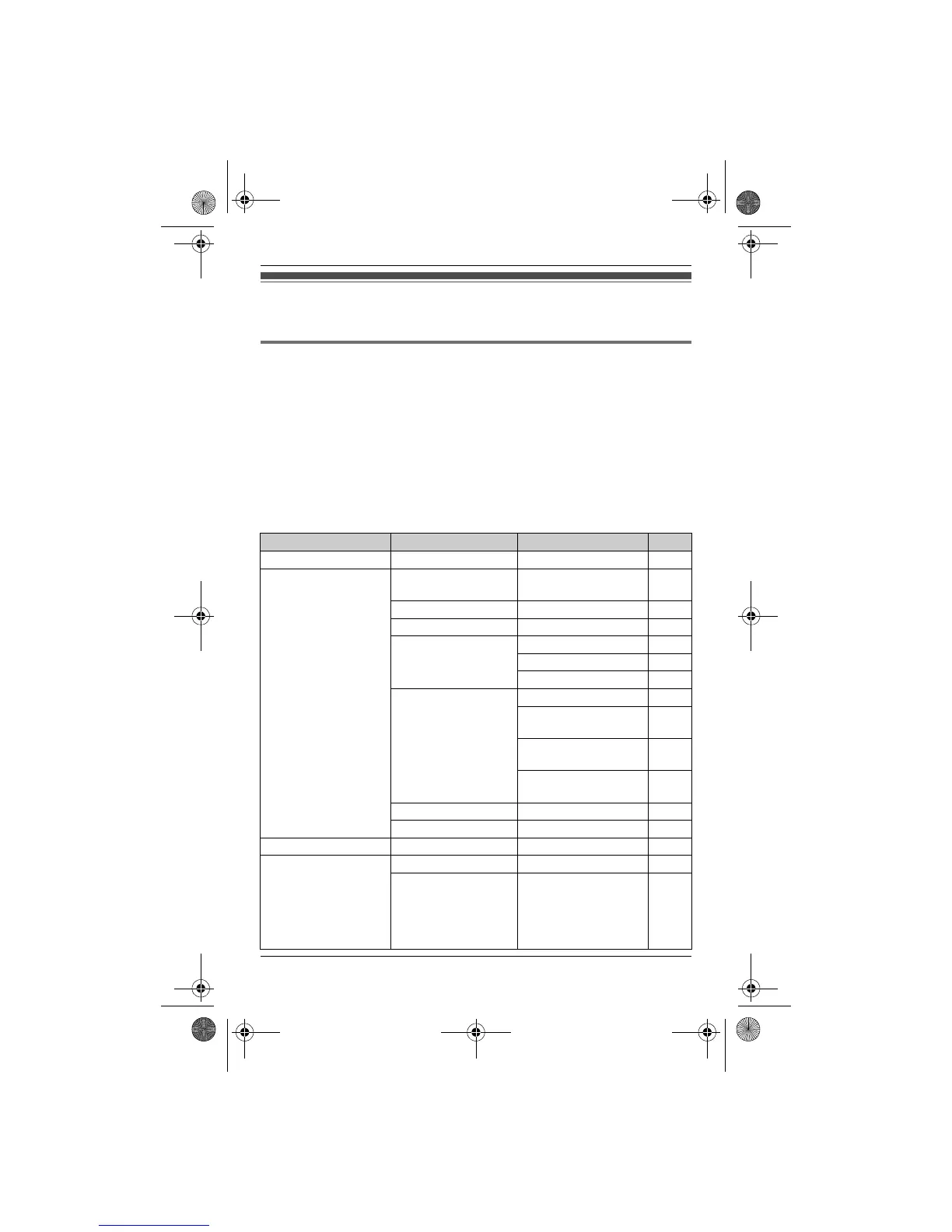
Main menu Sub-menu 1 Sub-menu 2 Page
Caller List ––23
Answer System
(KX-TG2521/
KX-TG2522/
KX-TG2523/
KX-TG2524)
Play New Msg.
(Msg:message)
–26
Play All Msg. –26
Erase All Msg.
*1
–27
Greeting Start REC
*1
26
Play Greeting 26
Default
*1
26
Settings Remote Code
*1
28
Number of Rings
*1
<4 Rings>
29
Recording Time
*1
<3 Minutes>
30
Call Screening
<On>
25
Answer On
*1
–25
Answer Off
*1
–25
Intercom
*2
––32
Ph.Book Setup
(Ph.Book:phonebook)
New Entry –18
Copy All
*2
(KX-TG2521/
KX-TG2522/
KX-TG2523/
KX-TG2524)
–19
TG251x_2xE(e).book Page 20 Monday, January 25, 2010 3:09 PM












 To Next Page