Advanced (Recording pictures)
- 66 -
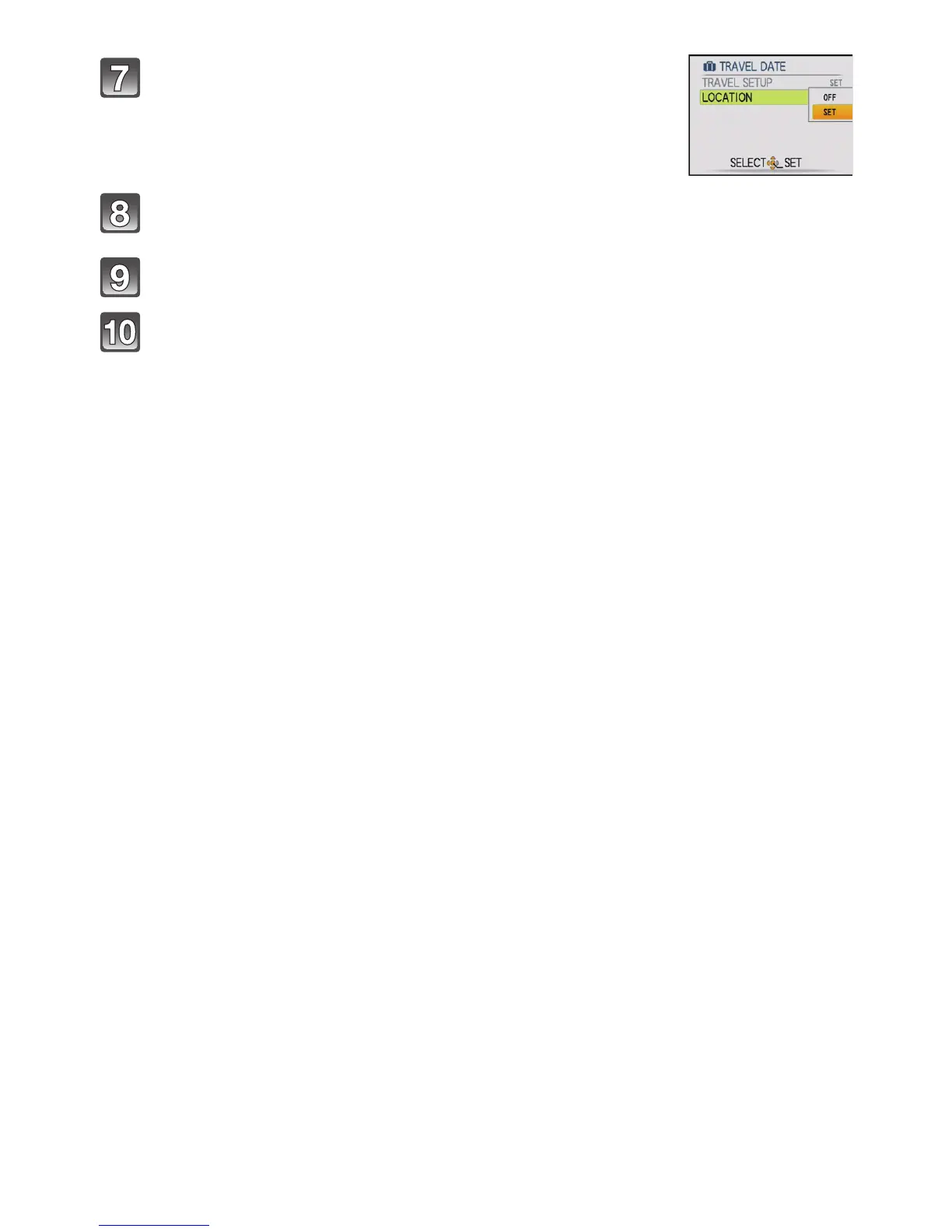
Press 4 to select [SET] and then press [MENU/
SET].
Enter the location.
• For details on how to enter characters, refer to “Entering Text” on P79.
Press [MENU/SET] twice to close the menu.
Take a picture.
• The number of days that have passed since the departure date is displayed for about
5 seconds if this unit is turned on etc. after setting the Travel Date or when the Travel
Date is set.
• When the Travel Date is set, [—] appears on the lower right of the screen.


 To Next Page
 Loading...