Recording
- 52 -
[Rec] Mode: ñ· ¿
Taking Pictures with the Self-timer
Press 2 [ë].
Press 3/4 to select a mode and then press [MENU/SET].
Note
• When you press the shutter button once fully, the subject is automatically focused just before
recording. In dark places, the Self-timer indicator will blink and then may turn on brightly
operating as an AF Assist Lamp to allow the camera to focus on the subject.
• We recommend using a tripod when recording with the Self-timer.
• Self-timer cannot be used while in [Hi-Speed Burst] in Scene Mode.
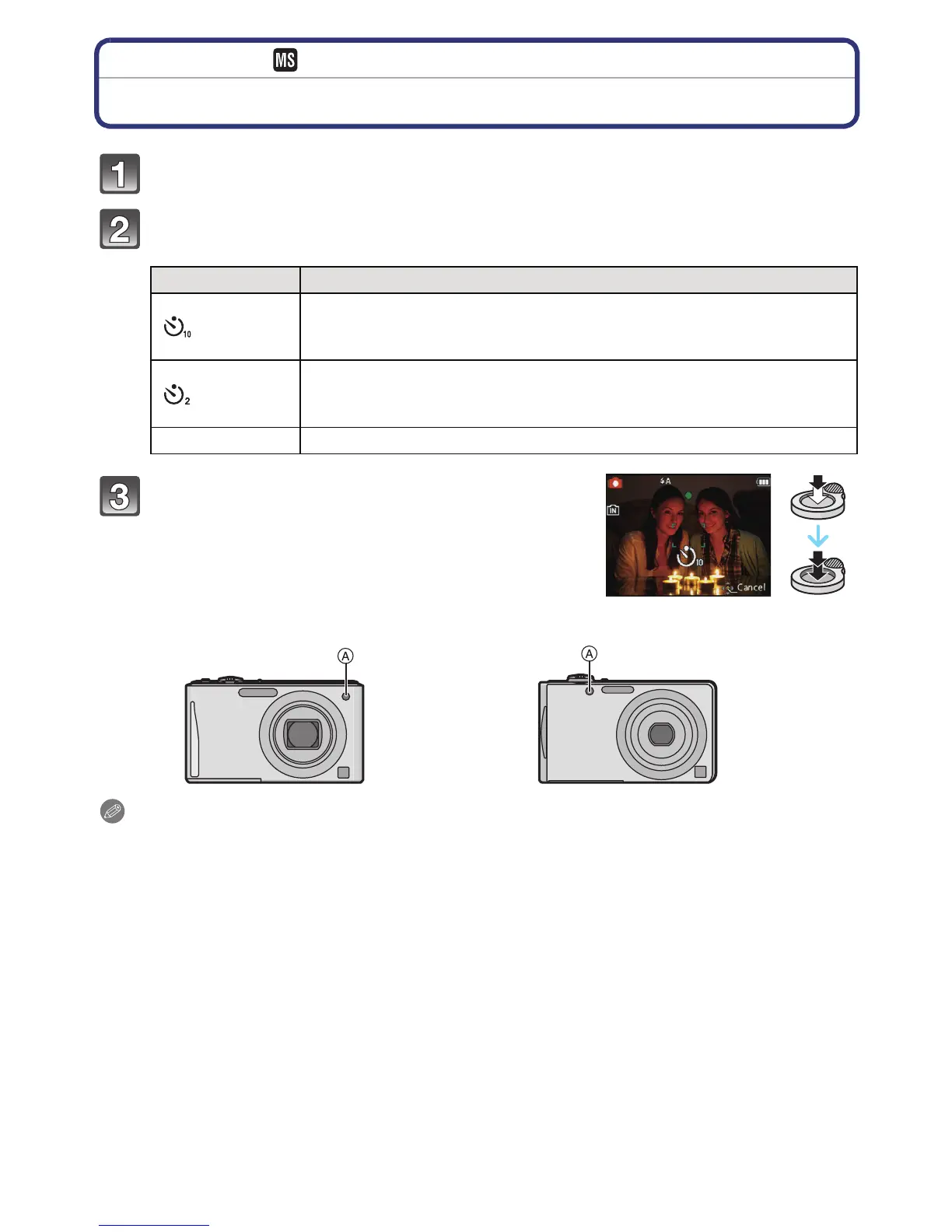
Item Description of settings
[]
Picture is taken after 10 seconds.
• Self-timer cannot be set to 10 seconds in [Self Portrait] in Scene
Mode.
[]
Picture is taken after 2 seconds.
• When using a tripod etc., this setting is a convenient way to avoid
the jitter caused by pressing the shutter button.
[OFF]
j
Press the shutter button half way to focus
and then press it fully to take the picture.
• The self-timer indicator A blinks and the shutter is
activated after 10 seconds (or 2 seconds).
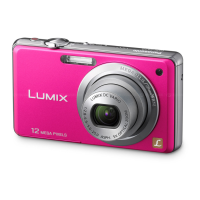
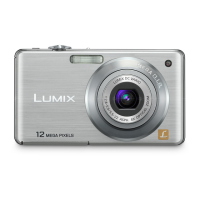
(DMC-FS35) (DMC-FS18) (DMC-FS16) (DMC-FS14)



 To Next Page
 Loading...