EasyManua.ls Logo

Panasonic MC-BL480 - User Manual

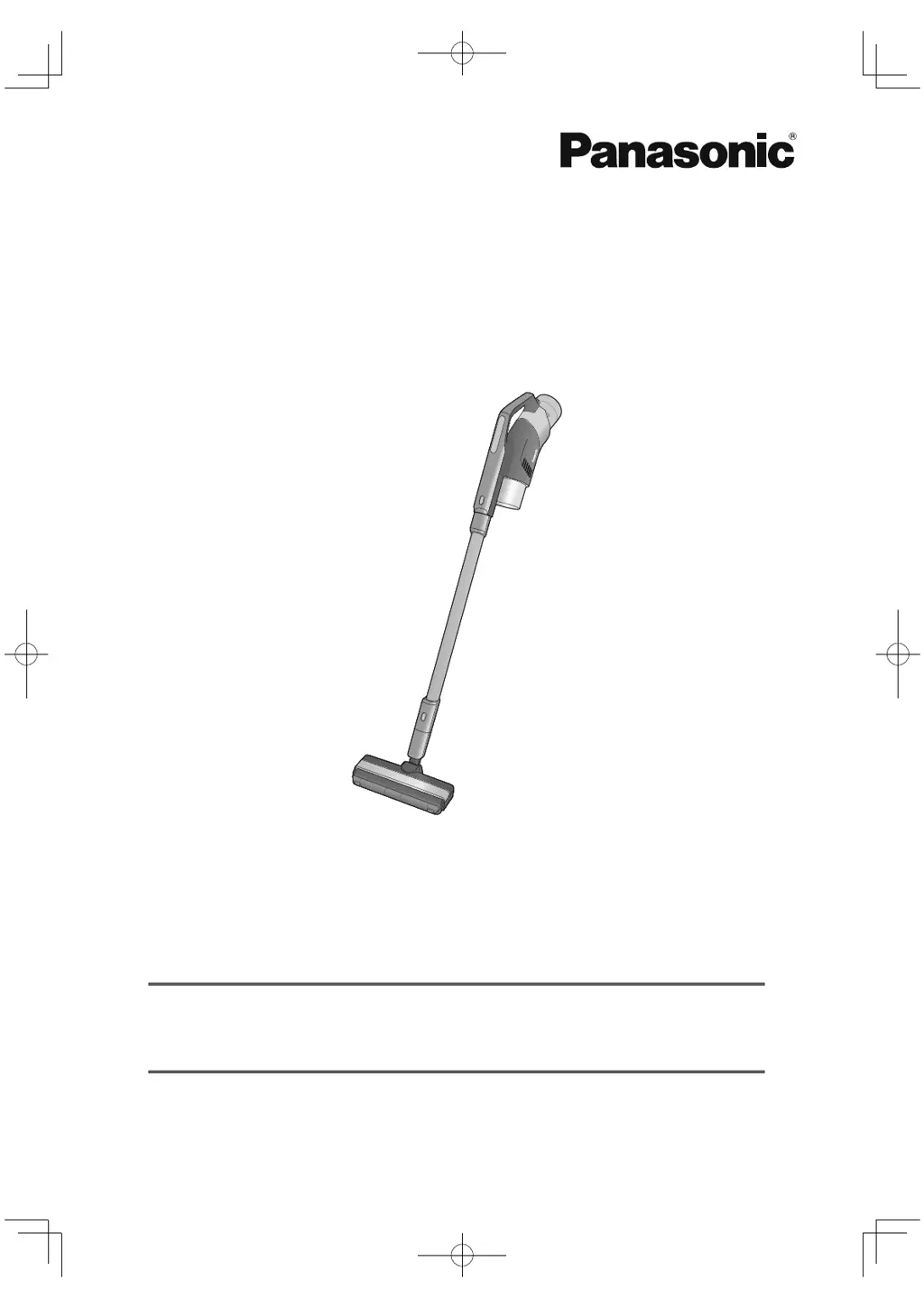
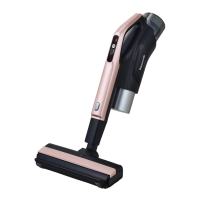
Panasonic MC-BL480
36 pages
Print Icon
To Next Page IconTo Next Page
Loading...
MC-BL480
型號
Model No.
充電式吸塵機
充電式吸塵機
(家用型)
使用說明書
使用說明書
Operating Instructions
Rechargeable Vacuum Cleaner
(Domestic use)

Questions and Answers

  • J
    Jacob SmithAug 3, 2025
    Why is my Panasonic Vacuum Cleaner not running?
    • J
      Jeffery DillonAug 3, 2025
      If the Panasonic Vacuum Cleaner isn't running, several factors could be at play. First, ensure the battery isn't depleted by charging it. If that's not the issue, the motor or battery might be overheating, triggering a protection device. In this case, switch off the vacuum cleaner, allow it to cool for 5 to 30 minutes, and then check the cause of overheating. Also, check if the dust bin is full or if the suction inlet, nozzle, or air passageway are blocked. Additionally, verify that the rotating brush of the floor nozzle isn't tangled with foreign objects. Make sure the dust bin is installed correctly, and try switching the vacuum cleaner off and on again.
  • S
    Savannah RobertsAug 13, 2025
    What to do if lamps light even though no dust has been sucked (lamps do not go off) on Panasonic MC-BL480?
    • B
      Brianna FowlerAug 14, 2025
      If the lamps on your Panasonic Vacuum Cleaner light up even when no dust has been sucked, ensure that there is no dust on the dust sensor lamp. If there is, wipe it with a soft, dry cloth. In certain situations, such as when vacuuming a new carpet or bedding, the dust sensor lamp may remain lit due to loose fuzz, keratin, dander, or mites. This is not abnormal, and the lamp should extinguish as these debris decrease.
  • R
    Ronnie GonzalezAug 18, 2025
    What to do if dust sensor lamp and battery status indicator lamp flashing at the same time in Panasonic Vacuum Cleaner?
    • J
      jessica09Aug 19, 2025
      If the dust sensor lamp and battery status indicator lamp on your Panasonic Vacuum Cleaner are flashing simultaneously, it often indicates an abnormal temperature. Allow the device to rest for 5 to 30 minutes to see if the protection device is activated. This issue may also arise if the dust bin, nozzle, extension wand, or air passageway is blocked. Clear any obstructions to resolve the problem. If the lamps are flashing quickly, consult the steps outlined on Page 7 of the manual. If problems persist, contact your dealer for repair.
  • C
    clarktommyAug 23, 2025
    Why does my Panasonic MC-BL480 Vacuum Cleaner exhaust smell of rubbish?
    • M
      Mr. Tyler Jones IIAug 23, 2025
      If your Panasonic Vacuum Cleaner's exhaust smells like rubbish, it's likely because the cleaner hasn't been cleaned after vacuuming smelly rubbish. To address this, remove the rubbish and maintain the filters inside the dust bin. This should help eliminate the odor during subsequent uses.
  • A
    April VelasquezAug 28, 2025
    Why a click sound is heard when shaking the nozzle of Panasonic MC-BL480?
    • J
      Joel HolmesAug 28, 2025
      The clicking sound you hear when shaking the nozzle of your Panasonic Vacuum Cleaner is typically produced by the internal parts, such as rollers and levers, of the rolling switch. This sound is normal and not indicative of a problem. Ensure the dust bin is correctly installed. In automatic mode, the vacuum cleaner adjusts suction power based on the amount of rubbish, which can cause operating sound fluctuations, which is also normal. Check for blockages in the extension wand, nozzle, dust bin (including filters), and pre-filter, and perform maintenance as needed. If issues persist, try running the vacuum again.
  • C
    Christine MathewsNov 7, 2025
    How to fix the battery status indicator lamp if it does not light (blue) on Panasonic Vacuum Cleaner?
    • S
      samantha57Nov 8, 2025
      If the battery status indicator lamp on your Panasonic Vacuum Cleaner doesn't light up blue, ensure the AC adapter is properly inserted into both the socket and the port. If the lamp remains off after charging for more than 6.5 hours, the vacuum cleaner may have failed, or the battery life may be up, consider consulting with the original dealer. Try unplugging the device, waiting 10 minutes, and then plugging it back in. If it still flashes quickly, contact your dealer. Also, verify that you are charging the device within a temperature range of 5 to 35 degrees. If the product is charged immediately after it is used in a high temperature environment such as in the summer, charging may be suspended due to excessively high battery temperature and the product may standby for cooling. The batte...

Summary

Safety Precautions

General Hazard Classification

Explains hazard levels and associated risks for safe operation.

Prevention of Fire, Burns, and Electric Shock

Lists specific warnings to prevent fire, burns, and electric shock hazards.

General Injury Prevention

Provides guidance on preventing injuries during use and handling of the vacuum cleaner.

Notes on Use

Extending Appliance Lifespan

Provides advice on proper usage to ensure the longevity of the appliance.

Prohibited Suction Items

Specifies items that must not be sucked to prevent damage or malfunction.

Motor Overheating Protection

Details the function of the protection device that prevents motor overheating.

Parts and Accessories

Main Unit Components

Illustrates and names the primary components of the vacuum cleaner.

Included Accessories

Shows and lists all the accessories that come with the vacuum cleaner.

Battery Charging

Tips for Battery Longevity

Offers recommendations to extend the usable life of the rechargeable battery.

Charging Notes and Requests

Provides key notes and user requests for proper and efficient battery charging.

Preparation and Storage

Power Adapter Connection

Guides users on how to properly connect the AC adapter to the appliance.

Vertical Storage Method

Explains the recommended method for storing the vacuum cleaner vertically.

Vacuum Cleaner Operation

Starting and Suction Modes

Explains how to turn on the vacuum and switch between different suction power modes.

Vacuuming Techniques and Tips

Offers guidance on efficient vacuuming methods and general usage tips.

Nozzle Selection for Different Areas

Recommends specific nozzles for various cleaning locations and surfaces.

Dust Disposal and Maintenance

Emptying and Cleaning the Dust Bin

Provides instructions for removing, emptying, and cleaning the dust bin for optimal suction.

Filter Maintenance

Details the process for cleaning and maintaining the filters in the dust bin.

Appliance Part Maintenance

Cleaning Sensors and Air Passages

Guides on cleaning sensors and air passageways to ensure proper operation.

Nozzle and Component Cleaning

Explains how to clean specific nozzles and other components of the vacuum cleaner.

Troubleshooting Guide

Charging and Power Issues

Addresses common problems with battery charging and the unit not turning on.

Operation and Suction Problems

Provides solutions for issues like reduced suction power or automatic shutdown.

Brush and Sensor Lamp Issues

Offers fixes for problems related to the rotating brush and the dust sensor indicator lamp.

Battery Management

Battery Replacement Procedure

Provides guidance on when and how to replace the rechargeable battery.

Battery Disposal Procedures

Explains the environmentally responsible method for disposing of the battery.

Product Specifications

Technical Specifications

Details technical parameters such as model number, capacity, noise, and dimensions.

Performance and Accessories

Outlines performance data like service time and lists the included accessories.

Panasonic MC-BL480 Specifications

General IconGeneral
TypeStick Vacuum Cleaner
Cord LengthCordless
FiltrationHEPA Filter
Power SourceBattery
Operating Time30 minutes
AccessoriesCrevice tool, Dusting brush

Related product manuals