EasyManua.ls Logo

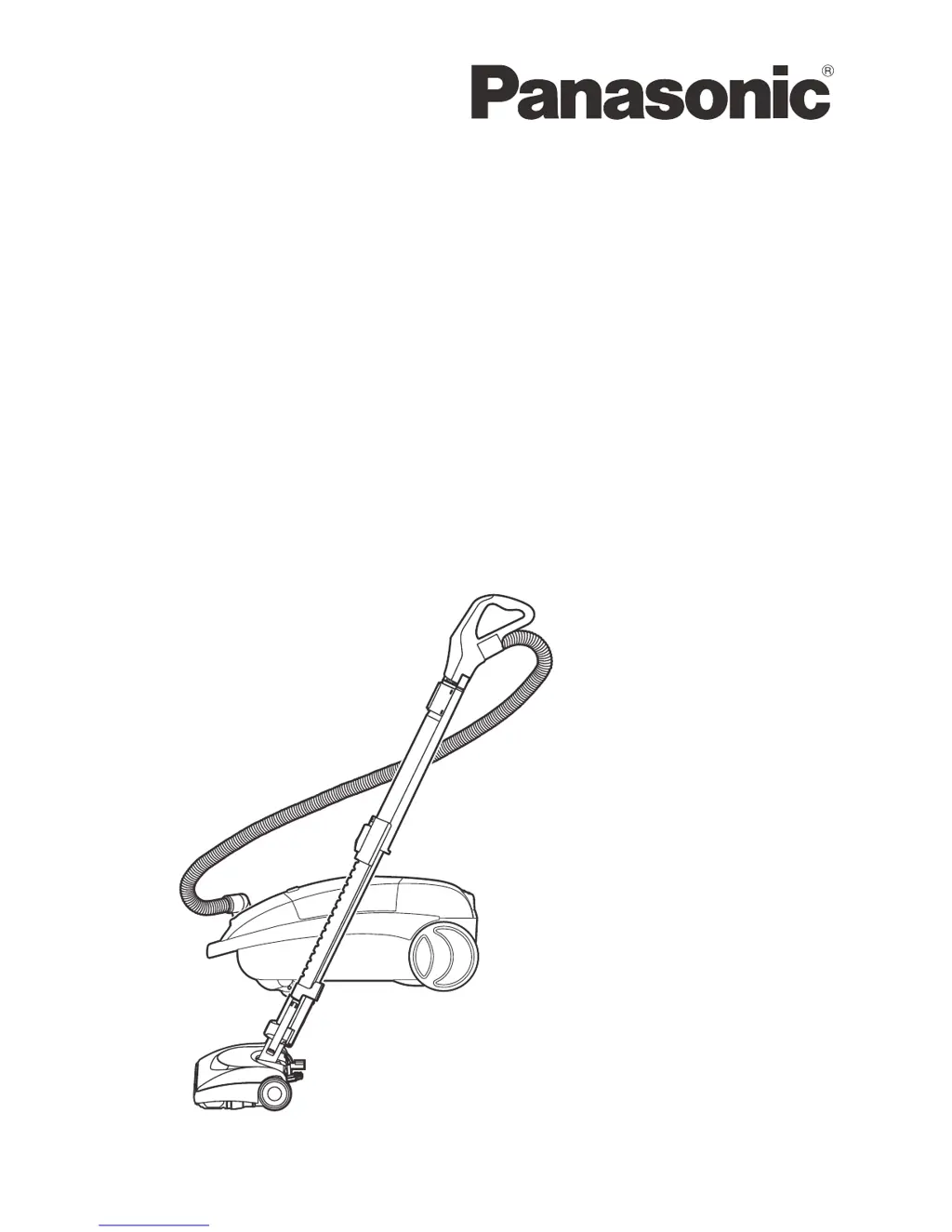
Panasonic MC-CG917 - User Manual

Panasonic MC-CG917
64 pages
Print Icon
To Next Page IconTo Next Page
Loading...
Before operating your vacuum
cleaner, please read these
instructions completely.
Avant d’utiliser l’appareil, il est
recommandé de lire attentivement
ce manuel.
Antes de usar su aspiradora, por
favor lea completamente estas
instrucciones.
VACUUM CLEANER (HOUSEHOLD)
Aspirateur (Domestique)
Aspiradora (Domestico)
Model No./No de modè le/No. de modelo MC-CG917
Operating Instructions
Manuel d’utilisation
Instrucciones de operación

Table of Contents

Questions and Answers

  • C
    Christine GrahamJul 26, 2025
    What to do if my Panasonic MC-CG917 starts but cuts off?
    • P
      Patrick ScottJul 26, 2025
      If your Panasonic Vacuum Cleaner starts and then cuts off, it could be due to a few reasons. Check the hose or hood electrical connections and reconnect the hose ends if necessary. Another possibility is a tripped overload protector in the POWER NOZZLE; if this happens, remove any jammed items and reset it. If the issue persists, clean the agitator and end caps, then reset. Lastly, it could be a tripped thermal protector in the canister. If so, change the dust bag and clear any airflow blockages. Then, wait 30 minutes for the motor to cool down and automatically reset.
  • B
    briancunninghamJul 30, 2025
    How to improve dirt pick-up on a Panasonic MC-CG917?
    • M
      Mark PerkinsJul 31, 2025
      If your Panasonic Vacuum Cleaner isn't picking up dirt well, there are several things to check: 1. Replace the dust bag if it's full or clogged. 2. Clear any blockages in the airflow passages. 3. Replace the safety filter if it's dirty. 4. Adjust the pile height setting. 5. Adjust the suction control. 6. Replace the hose if there's a hole in it. 7. Replace the agitator if the POWER NOZZLE brushes are worn.
  • K
    Kenneth RomeroAug 5, 2025
    How to fix a Panasonic Vacuum Cleaner cord that won’t rewind?
    • J
      Jacob MitchellAug 5, 2025
      If the cord on your Panasonic Vacuum Cleaner won’t rewind, try cleaning the power cord. If that doesn’t work, pull the cord out and try rewinding it again.
  • T
    Timothy LarsonAug 10, 2025
    Why my Panasonic MC-CG917 Vacuum Cleaner won’t start?
    • M
      Matthew RamirezAug 10, 2025
      If your Panasonic Vacuum Cleaner won't start, there are a few potential causes. First, make sure it's firmly plugged into the wall outlet and the ON/OFF switch is set to ON. Also, check your household service panel for a tripped circuit breaker or blown fuse and reset or replace it if necessary. Finally, ensure that the hose electrical connections are securely reconnected.
  • H
    hubbardmelissaAug 15, 2025
    What to do if Power Nozzle will not run when attached to my Panasonic Vacuum Cleaner?
    • A
      Amy RiveraAug 15, 2025
      If the Power Nozzle on your Panasonic Vacuum Cleaner won't run when attached, ensure it is firmly plugged in. If that doesn't work, consult the sections on REMOVING BELT and REPLACING BELT for worn or broken belts, or dirty agitator and end caps. Also, check for a tripped overload protector in the POWER NOZZLE and reset it after removing any obstructions. If vacuum cleaner starts and stops again, clean agitator and end caps, then reset.
  • D
    daniel24Aug 20, 2025
    Why Panasonic Vacuum Cleaner picks up moveable rugs?
    • S
      Sandra HaleAug 20, 2025
      If your Panasonic Vacuum Cleaner picks up moveable rugs or the Power Nozzle pushes too hard, adjust the pile height setting. Also, you can open the suction control to reduce the suction. If the light isn’t working, replace the burned-out light bulb.

Summary

Consumer Information and Safety

Important Safety Instructions

Crucial safety precautions for operating the vacuum cleaner, covering electrical shock and accident prevention.

Parts Identification

Assembly and Setup

Operating the Vacuum Cleaner

Power Cord Management

Instructions on plugging in, extending, and rewinding the power cord.

Switch and Wand Adjustments

How to use the on-off switch and adjust the telescopic wand length.

Using Accessories and Tools

Vacuuming Techniques and Tips

Routine Care and Maintenance

Changing Dust Bag

Step-by-step guide for replacing the dust bag.

Filter Maintenance

Instructions for changing the motor safety and exhaust filters.

Power Nozzle Maintenance

Troubleshooting and Problem Solving

Removing Clogs

Explains how clogs form and how to check airflow passages.

Before Requesting Service Guide

A troubleshooting guide to resolve common performance problems.

Panasonic MC-CG917 Specifications

General IconGeneral
Suction power- AW
Power requirements120 V, 60 Hz
Maximum input power1400 W
Proper useHome
Vacuum air filteringHEPA
Dirt separating methodFiltering
TypeCylinder vacuum
CordlessNo
Cleaning typeDry
Dust bag typeMicron
Product colorBlack, Green
Tube material-
Dust container typeDust bag
Cord length7.3 m
On/off switchYes
Vacuum brushes includedHard floor brush
Weight and Dimensions IconWeight and Dimensions
Weight- g

Related product manuals