EasyManua.ls Logo

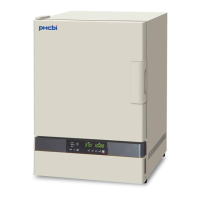
Panasonic MCO-230AICUVH - User Manual

Panasonic MCO-230AICUVH
100 pages
Print Icon
To Next Page IconTo Next Page
Loading...
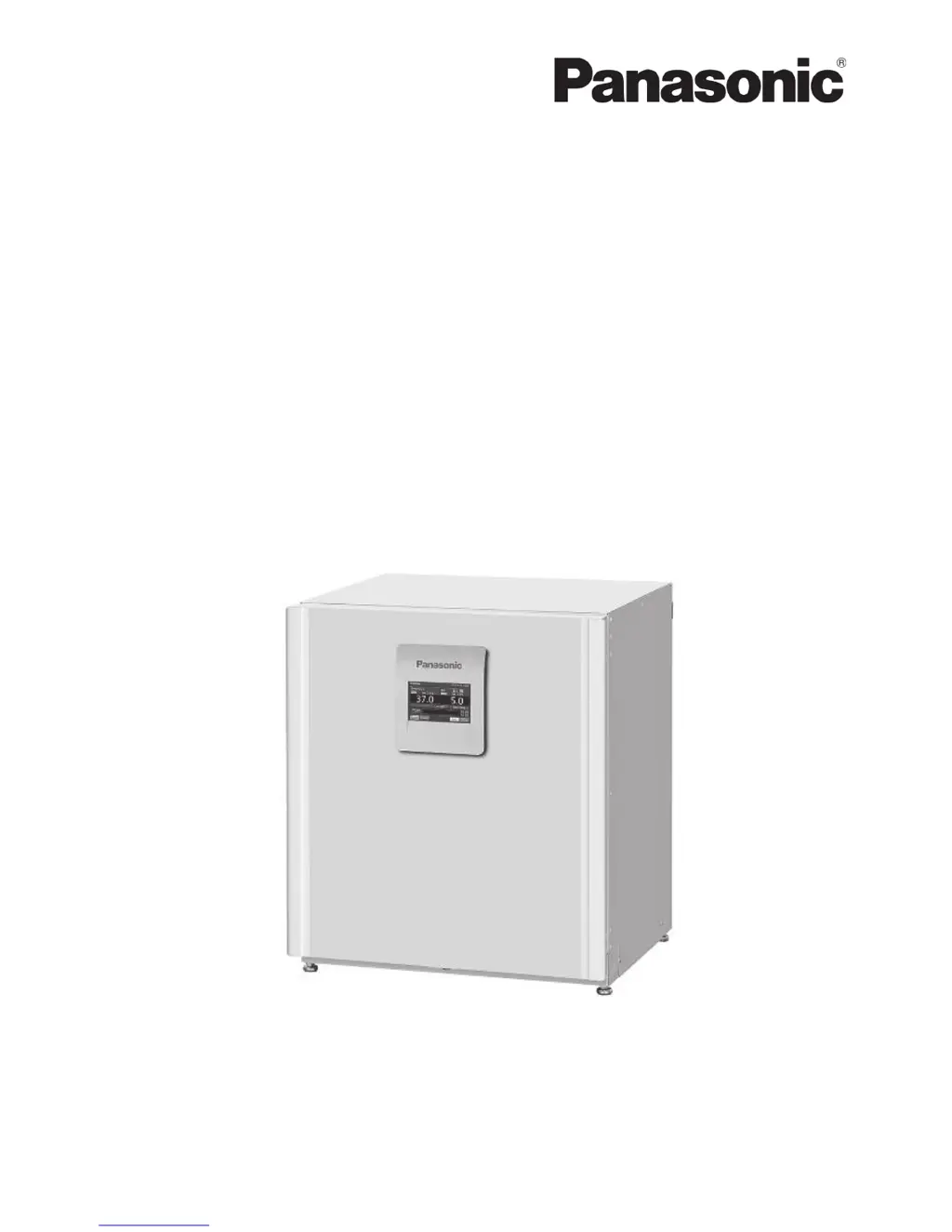
Please read the operating instructions carefully before using this product, and save the operating
instructions for future use.
See page 96 for all model numbers.
MCO-230AIC
MCO-230AICUV
MCO-230AICUVH
Series
CO
2
Incubator
Operatin
g
Instructions
MCO-230AIC
MCO-230AICUV
MCO-230AICUVH

Questions and Answers

  • A
    Alejandro Guzman MDAug 19, 2025
    What to do if the outer door of my Panasonic MCO-230AICUVH incubator does not open?
    • C
      charlesbennettAug 19, 2025
      When the power switch is OFF, the electric lock is activated, preventing the outer door from opening. To resolve this, either turn the power switch ON or use the accessory unlock key to override the electric lock. Also, the outer door is electrically locked during decontamination and cannot be opened.
  • L
    lkimAug 21, 2025
    Why is CO gas not being injected into my Panasonic MCO-230AICUVH Accessories incubator?
    • A
      Andrew GatesAug 21, 2025
      The CO control method for the incubator is the ON-OFF method. CO gas is intermittently injected as the gas density in the chamber approaches the set value. Also, the gas is not injected until the temperature of the CO sensor becomes stable enough, approximately 1 hour, after turning ON the power switch or recovering from power failure.
  • C
    Clifford GutierrezAug 26, 2025
    Why is the CO gas density slow to recover in my Panasonic MCO-230AICUVH Accessories incubator?
    • D
      Dawn WoodAug 26, 2025
      The CO gas density may be slow to recover due to the following reasons: * A HEPA filter is used for the incubator CO gas piping. If gas density is slow to recover when the CO gas pressure is normal, it is possible that the HEPA filter may be clogged. * There is little gas remaining in the CO gas cylinder. * The secondary pressure for the gas regulator is not at the specified value of 0.03 MPa(G) (0.3 kgf/cm2(G), 4.4 psi(G)). * The gas tube is blocked. * The duct is not securely attached. Attach the duct properly to the 4 points hooks. * The fan is not attached properly. Confirm if the fan is pushed all the way to the motor shaft.
  • F
    Frederick KimAug 28, 2025
    What causes the chamber temperature to not match the set value in my Panasonic MCO-230AICUVH incubator?
    • D
      David ReynoldsAug 28, 2025
      The chamber temperature may not match the set value if the ambient temperature is less than 5 °C different from the set value, the outer door is closed but the inner door is left open, or the incubator is operating beside an appliance that generates electromagnetic waves.
  • V
    Vanessa WhiteAug 30, 2025
    Why is a large quantity of CO gas being consumed by my Panasonic Accessories incubator?
    • V
      Vincent ConwayAug 30, 2025
      A large quantity of CO gas may be consumed if the outer and inner doors are being frequently opened and closed, gas is leaking from connectors due to deterioration of the gas tube or pinhole leaks, the packing seal for the inner door is defective, or the access hole is open.
  • B
    brucesophiaSep 2, 2025
    Why H O decontamination cannot be performed in my Panasonic Accessories incubator?
    • A
      allisonkristySep 2, 2025
      If the MCO-230AICUVH is being used, check if the optional MCO-HP is installed. If the MCO-230AICUV is being used, check if the optional MCO-HP, the optional MCO-170HB and the MCO-170EL are installed. If the MCO-230AIC is being used, check if the optional MCO-170UVS, the MCO-HP, the optional MCO-170HB and the MCO-170EL are installed. Ensure the UV lamp is not burned out. Verify the H O generator cable is properly connected and that the entire bottle of the H O reagent has not been used.
  • B
    butlerpaulaSep 4, 2025
    What to do if the chamber humidity does not rise in Panasonic MCO-230AICUVH Accessories?
    • A
      Alex SmithSep 4, 2025
      The chamber humidity may not rise if there is not enough water in the humidifying pan. Be sure to use sterile distilled water.
  • E
    emooreSep 6, 2025
    What to do if the CO gas density does not match the set value in Panasonic MCO-230AICUVH?
    • C
      Charles FischerSep 6, 2025
      The CO gas density may not match the set value if the secondary pressure for the gas regulator is not at the specified value of 0.03 MPa(G) (0.3 kgf/cm2(G), 4.4 psi(G)), the gas tube is blocked, the duct is not securely attached, the fan is not attached properly, or the incubator is operating beside an appliance that generates electromagnetic waves. Attach the duct properly to the 4 points hooks and confirm if the fan is pushed all the way to the motor shaft.
  • S
    susanroseSep 8, 2025
    What causes “Err34: H2O2 Volume” to be activated in Panasonic MCO-230AICUVH Accessories during H O decontamination cycle?
    • M
      Michael ChapmanSep 9, 2025
      If the duct is not securely attached, attach it properly to the 4 points hooks. Ensure the fan is attached properly by confirming it is pushed all the way to the motor shaft. Also, check if the H O generator is securely installed by setting the 2 pins of the generator in the holes at the left bottom of the duct. If the total operating time of the H O generator exceeds 5,000 hours, it may be the end-of-life, and you should replace it.
  • R
    richardcampbellSep 12, 2025
    Why are normal cultures not possible, and the CO gas density is suspect in my Panasonic Accessories incubator?
    • J
      James WattsSep 12, 2025
      Normal cultures may not be possible, and the CO gas density may be suspect if the ambient air environment around the incubator is not normal, or if there is a source of polluted gas in the vicinity.

Summary

Introduction and Intended Use

Intended Use and Precautions

Specifies the intended applications and crucial safety advice for using the incubator.

Safety Precautions and Symbols

Safety Warning and Caution Symbols

Explains the meaning of warning and caution symbols to ensure safe operation and prevent hazards.

Installation Procedures

Selecting the Installation Site

Provides guidelines for choosing a suitable location to install the incubator, ensuring safety and performance.

Connecting CO2 Gas Cylinder

Guides on connecting the CO2 gas cylinder, ensuring proper gas supply and pressure.

Pre-Operation Procedures

Initial Cleaning Procedure

Outlines the steps for cleaning the incubator and its attachments before first-time use.

Cultivation and Operation Guidelines

Preventing Contamination in the Chamber

Provides methods and location considerations to prevent microbial contamination within the incubator chamber.

Basic Operation and Parameters

Navigating the Menu and Screens

Explains how to navigate through the incubator's menu structure and various operational screens.

Setting Temperature and CO2 Parameters

Guides users on setting the chamber temperature, CO2 density, and high limit temperature alarm.

Alarm Parameters Configuration

Configuring Alarm Settings

Describes how to set automatic temperature and CO2 density alarms, including delays and ring back.

UV Lamp Parameters and Usage

Using the UV Lamp Feature

Explains how to use the UV lamp for disinfecting the chamber and humidifying pan.

H2 O2 Decontamination Procedures

H2 O2 Decontamination Process Overview

Introduces the H2O2 decontamination function and necessary conditions for its operation.

Executing the H2 O2 Decontamination Cycle

Details the step-by-step process for initiating and running the H2O2 decontamination cycle.

Handling H2 O2 Reagent Precautions

Outlines essential safety precautions and handling guidelines for the H2O2 reagent.

Gas Auto Changer Options

Standard Gas Calibration Kit

Alarms, Safety, and Self-Diagnosis

Incubator Alarms and Safety Functions

Lists and explains various alarms, safety functions, and self-diagnostic features of the incubator.

Troubleshooting Common Issues

General Troubleshooting Guide

Provides a comprehensive list of common symptoms and their corresponding checks and countermeasures.

Unit Disposal Procedures

Panasonic MCO-230AICUVH Specifications

General IconGeneral
BrandPanasonic
ModelMCO-230AICUVH
CategoryAccessories
LanguageEnglish

Related product manuals