EasyManua.ls Logo

Panasonic NV-RX1A - Page 41

Panasonic NV-RX1A
60 pages
Print Icon
To Next Page IconTo Next Page
To Previous Page IconTo Previous Page
Loading...
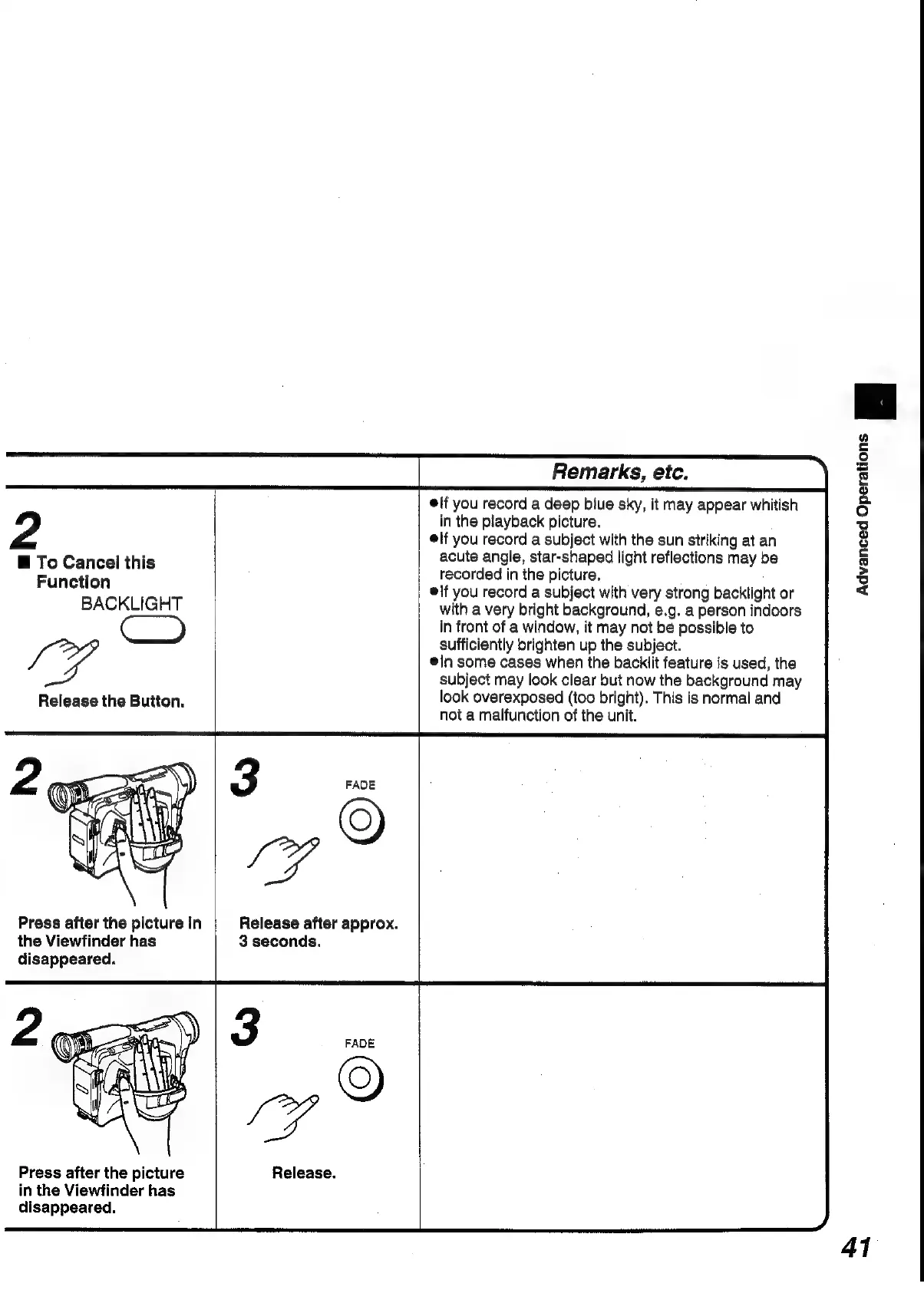
2
@
To
Cancel
this
Function
BACKLIGHT
ay
Release
the
Button.
Press
after
the
picture
in
the
Viewfinder
has
disappeared.
Press
after
the
picture
in
the
Viewfinder
has
disappeared.
3
FADE
pz
®
Release
after
approx.
3
seconds.
6
LG
Release.
Remarks,
etc.
lf
you
record
a
deep
biue
sky,
it
may
appear
whitish
in
the
playback
picture.
elf
you
record
a
subject
with
the
sun
striking
at
an
acute
angle,
star-shaped
light
reflections
may
be
recorded
in
the
picture.
lf
you
record
a
subject
with
very
strong
backlight
or
with
a
very
bright
background,
e.g.
a
person
indoors
in
front
of
a
window,
it
may
not
be
possible
to
sufficiently
brighten
up
the
subject.
@In
some
cases
when
the
backlit
feature
is
used,
the
subject
may
look
clear
but
now
the
background
may
look
overexposed
(too
bright).
This
is
normal
and
not
a
maifunction
of
the
unit.
Advanced
Operations
=
41

Table of Contents

Related product manuals