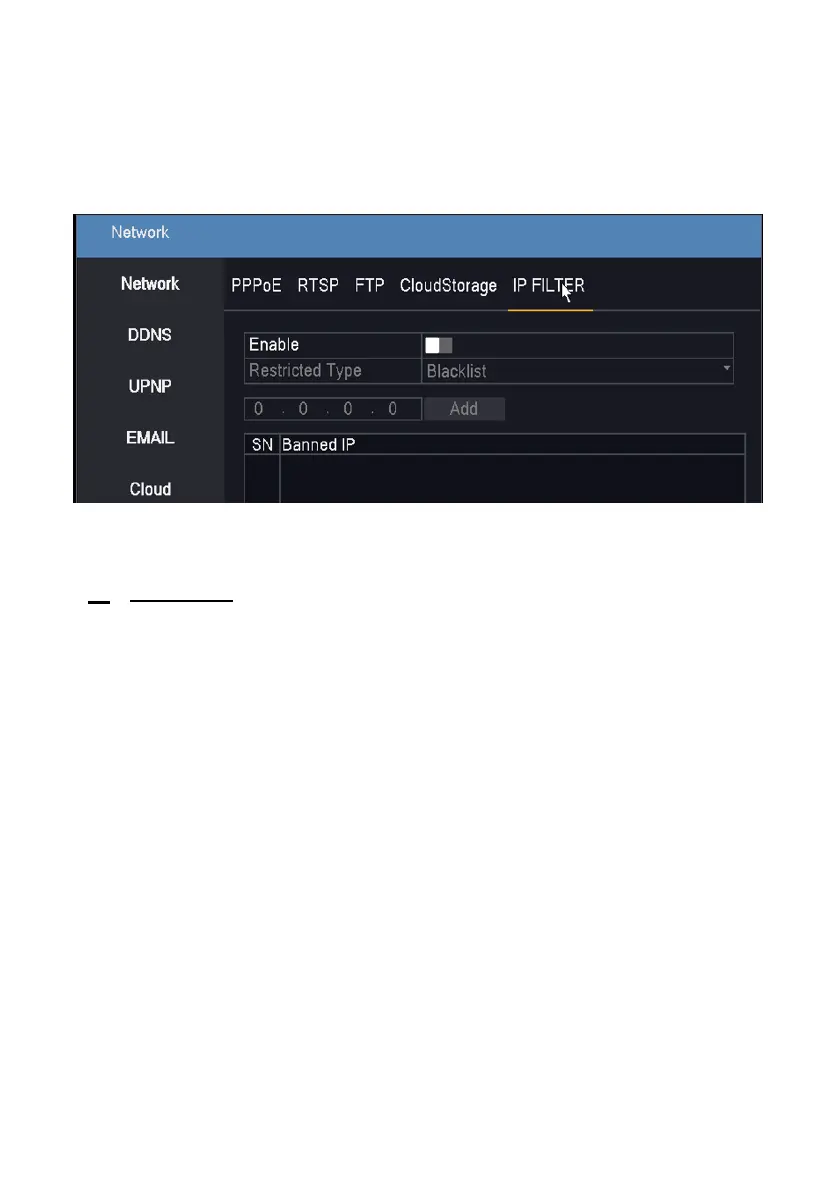
5. IP Filter
Provide option to secure connectivity and provide access to authorized
users using blacklist and whitelist IP address table.
7 Camera
Camera Manage
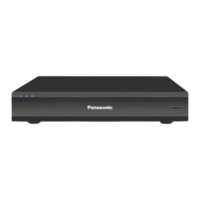
This provides an option to add and manage IP camera in the NVR, make
sure IP cameras are connected to the NVR using network switch.
Adding an IP Camera:
Step 1. Click on the Search button.
Step 2. If the user is using a new camera with default IP address, then select all
displayed cameras and click on quick Add button. NVR will automatically assign
different IP addresses to each camera and will add camera automatically for live
display.
Step 3. If user is having 3
rd
party cameras, then please select Onvif protocol and
click on search button, select the displayed camera, and click on add button.








 To Next Page