13
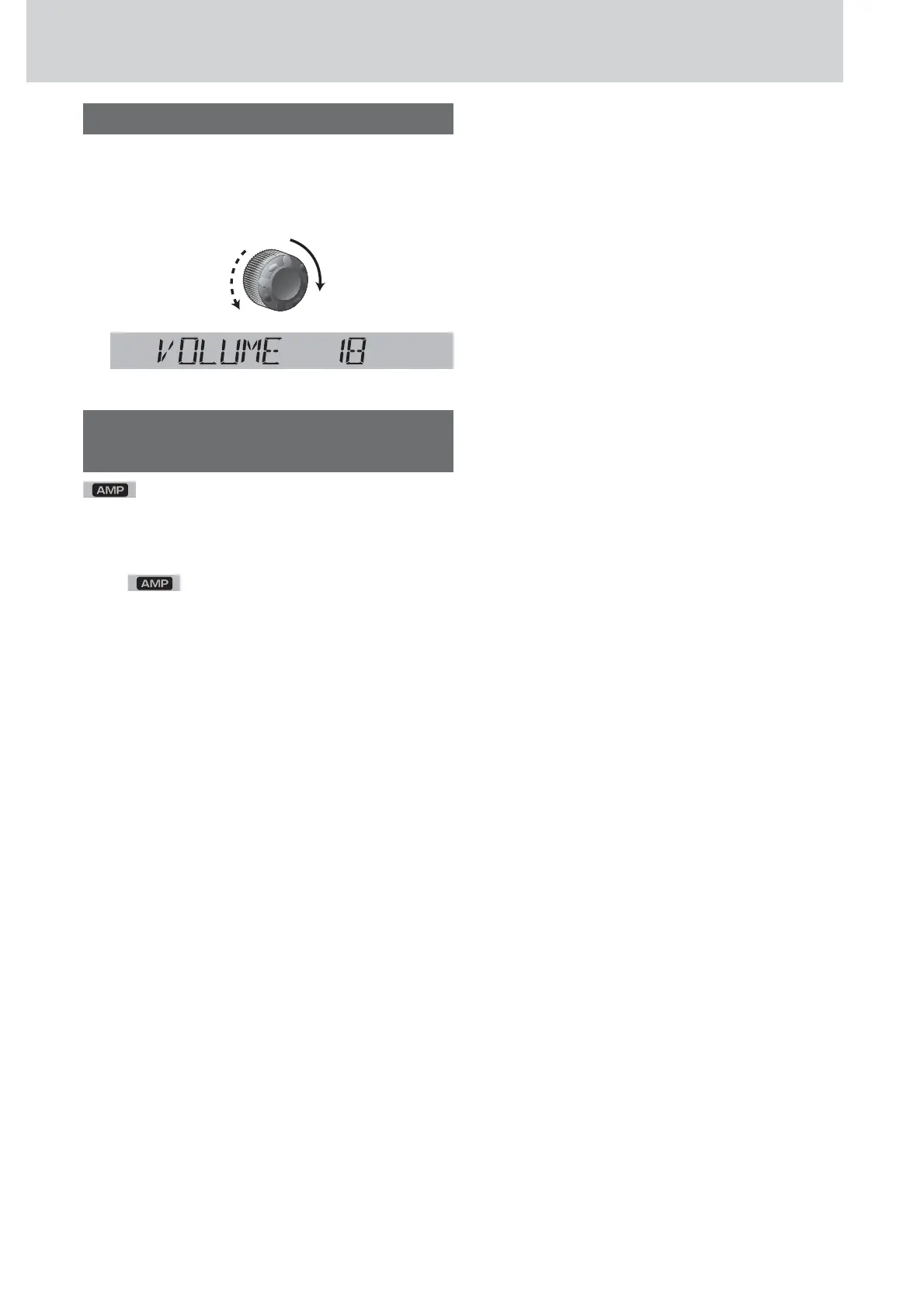
Volume Adjustment
(Setting Range: 0 to 40, Default: 18)
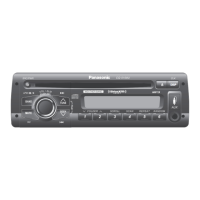
Turn [VOL] clockwise to increase the vol-
ume, and counterclockwise to decrease
the volume.
Indication at connecting external
amplifier
lights when an external amplifier is con-
nected.
Note: When an anomaly of the external amplifier is
detected, “AMP FAULT” appears (the sound will be
mute/
blinks repeatedly) and the power of
this unit is turned off after 6 seconds.
When an external amplifier is connected, the adjust-
able volume level: 0 to 33 (Maximum).
Up
Down






 To Next Page