24/80
2.63. LINEARITY
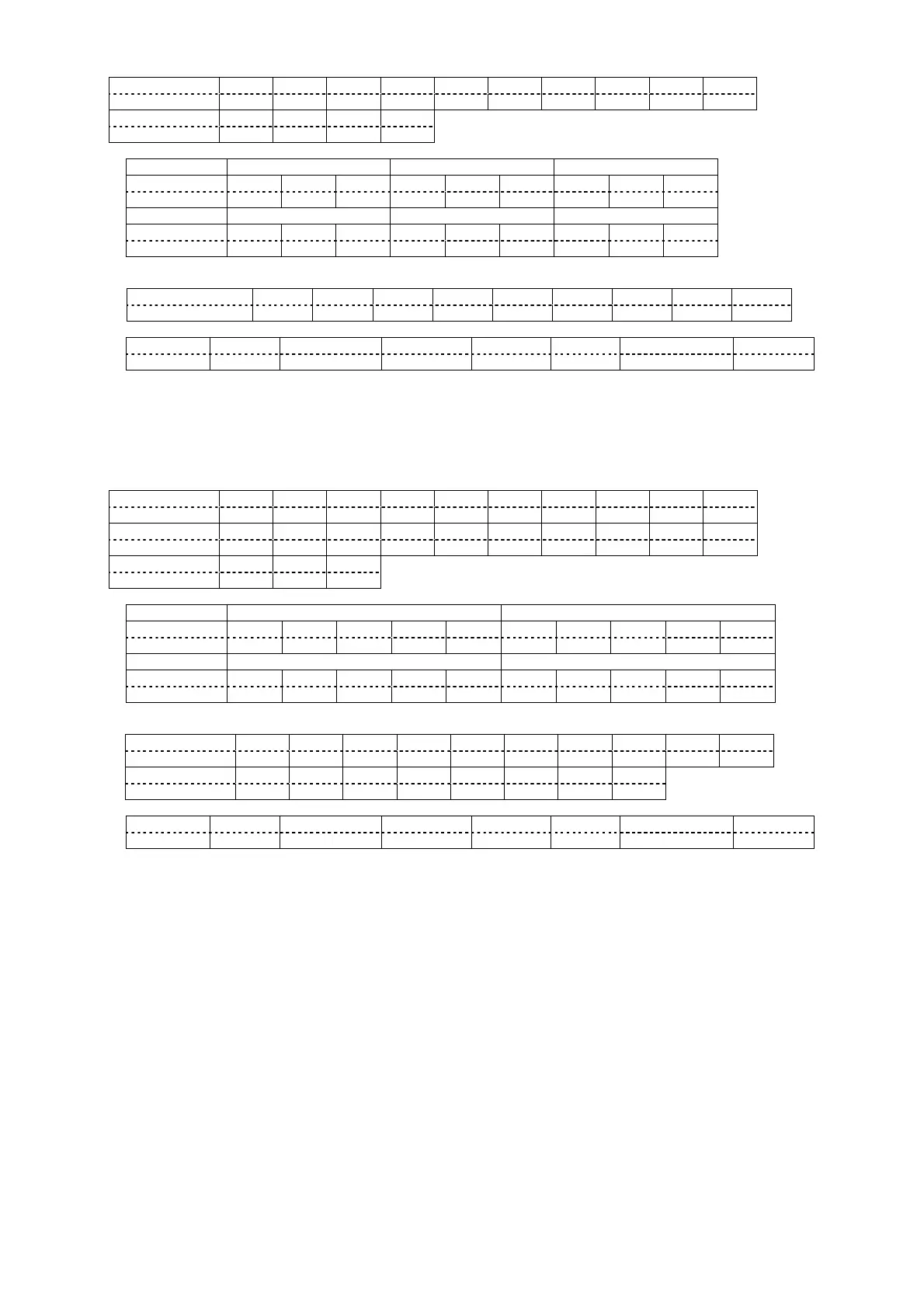
Hexadecimal 02h 41h 44h 5Ah 5Ah 3Bh 56h 4Ch 49h 3Ah
Character A D Z Z ; V L I :
Hexadecimal *1 *3 *5 03h
Character *2 *4 *6
Parameters (*1, *2, *3, *4, *5, *6)
-127 -126 -125
Hexadecimal 30h 30h 30h 30h 30h 31h 30h 30h 32h
Character 0 0 0 0 0 1 0 0 2
+125 +126 +127
Hexadecimal 32h 35h 32h 32h 35h 33h 32h 35h 34h
Character 2 5 2 2 5 3 2 5 4
Response (Callback)
In the period when the command can be accepted
Hexadecimal 02h 56h 4Ch 49h 3Ah *1 *3 *5 03h
Character V L I : *2 *4 *6
Acceptability
SECURITY STNDBY ECO STNDBY NO SIGNAL SHUTTER FREEZE TEST PATTERN REMOTE2
No Ye s No Yes Yes No Yes Yes
Notes:
- For PT-DZ6710*, ER401 is returned.
- When "0" is set to KEYSTONE, ER401 is returned.
- According to KEYSTONE settings, there is a case that does not operate even if the LINEARITY value is
changed.
2.64. GEOMETRY
Hexadecimal 02h 41h 44h 5Ah 5Ah 3Bh 56h 58h 58h 3Ah
Character A D Z Z ; V X X :
Hexadecimal 47h 4Dh 4Dh 49h 30h 3Dh 2Bh *1 *3 *5
Character G M M I 0 = + *2 *4 *6
Hexadecimal *7 *9 03h
Character *8 *10
Parameters (*1, *2, *3, *4, *5, *6, *7, *8, *9, *10)
OFF KEYSTONE
Hexadecimal 30h 30h 30h 30h 30h 30h 30h 30h 30h 31h
Character 0 0 0 0 0 0 0 0 0 1
CURVED PC
Hexadecimal 30h 30h 30h 30h 32h 30h 30h 30h 30h 33h
Character 0 0 0 0 2 0 0 0 0 3
Response (Callback)
In the period when the command can be accepted
Hexadecimal 02h 56h 58h 58h 3Ah 47h 4Dh 4Dh 49h 30h
Character V X X : G M M I 0
Hexadecimal 3Dh 2Bh *1 *3 *5 *7 *9 03h
Character = + *2 *4 *6 *8 *10
Acceptability
SECURITY STNDBY ECO STNDBY NO SIGNAL SHUTTER FREEZE TEST PATTERN REMOTE2
No Ye s No Yes Yes No Yes Yes
Note:
- For PT-DZ6700*/DW6300*/D6000*, ER401 is returned.







 To Next Page