EasyManua.ls Logo

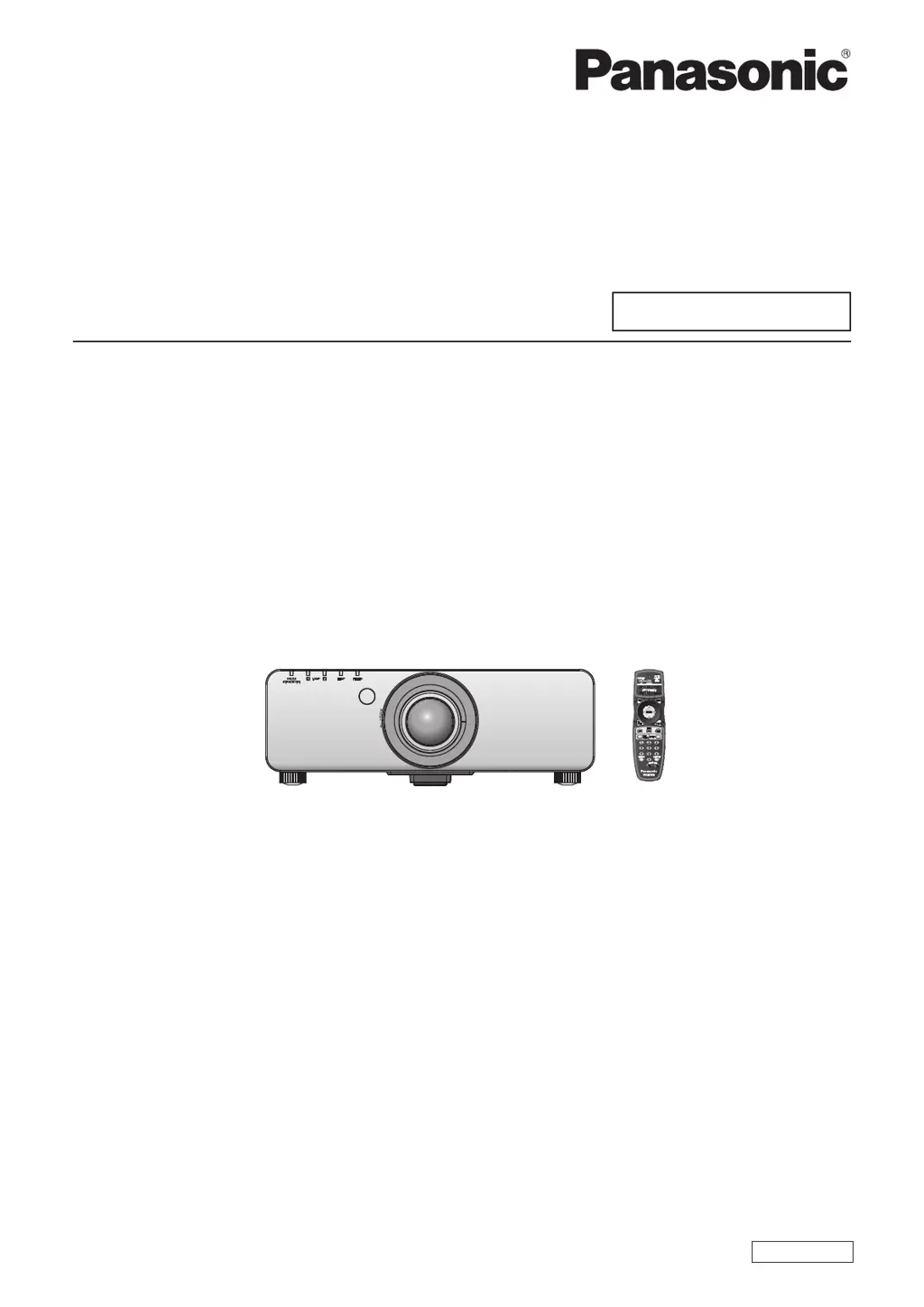
Panasonic PT-DW740E - User Manual

Panasonic PT-DW740E
133 pages
Print Icon
To Next Page IconTo Next Page
Loading...
Thank you for purchasing this Panasonic product.
This manual is common to all the models regardless of sufxes of the Model No.
z
S: Silver model, the standard zoom lens supplied LS: Silver model, the lens sold separately
K: Black model, the standard zoom lens supplied LK: Black model, the lens sold separately
Before operating this product, please read the instructions carefully and save this manual
for future use.
Before using your projector, be sure to read “Read this rst!” (
x
pages 2 to 8).
Model No.
PT-DW740E
PT-DW740EL
PT-DX810E
PT-DX810EL
TQBJ0446
DLP
TM
Projector
Commercial Use
Operating Instructions
Functional Manual
ENGLISH

Table of Contents

Questions and Answers

  • J
    Jonathan HeathAug 15, 2025
    What to do if my Panasonic Projector shows no image?
    • B
      Blake FergusonAug 16, 2025
      If no image appears on your Panasonic Projector, check that all connections to external devices are correctly connected and the input selection setting is correct. Ensure the brightness adjustment isn't at its minimum and that the connected external device is working properly. Also, verify if the shutter function is in use. If the power indicator is flashing red, consult your dealer.
  • M
    Mindy JensenAug 19, 2025
    Why is my Panasonic PT-DW740E Projector remote not working?
    • J
      James WilsonAug 19, 2025
      If the remote control for your Panasonic Projector isn't responding, first, check the batteries to ensure they aren't depleted and are inserted with the correct polarity. Make sure there are no obstructions between the remote and the projector's signal receiver, and that you're within the remote's effective range. Also, consider whether other light sources are interfering with the signal. Check if the remote control setting in the control device setup is not set to disable, and if the remote 2 IN terminal is used for contact control. Finally, verify that the ID number setting operation is correct.
  • D
    Dominique TranAug 22, 2025
    What to do if the image doesn't display correctly on Panasonic PT-DW740E Projector?
    • M
      Molly ChristensenAug 22, 2025
      If the image on your Panasonic Projector isn't displaying correctly, check if the system selector is set correctly. Also, verify if there's a problem with the video tape or other image source, and ensure that a signal compatible with the projector is being input.
  • L
    Lisa CherryAug 25, 2025
    How to fix a fuzzy picture on a Panasonic PT-DW740E Projector?
    • B
      Brian PalmerAug 26, 2025
      If the picture on your Panasonic Projector is fuzzy, ensure the lens focus is set correctly and the projection distance is appropriate. Check if the lens is dirty and verify that the projector is installed perpendicular to the screen.
  • E
    Elizabeth PerryAug 27, 2025
    Why does HDMI video not appear correctly on my Panasonic PT-DW740E Projector?
    • T
      Tiffany HarrisonAug 28, 2025
      If video from an HDMI compatible device does not appear or appears jumbled on your Panasonic Projector, first, ensure the HDMI cable is securely connected. Try turning the power of both the projector and the external device off and on. Also, check if the signal being input is compatible with the projector.
  • C
    Colleen WarrenAug 30, 2025
    Why doesn't my computer image show on the Panasonic Projector?
    • D
      Dale FowlerAug 31, 2025
      If the image from a computer does not appear on your Panasonic Projector, ensure that the cable isn't too long (use D-Sub cables that are 10 m (32'10") or shorter). Also, verify that the external video output of the laptop computer is set correctly. The external output settings may be switched by pressing the “Fn”+“F3” or “Fn”+“F10” keys simultaneously. Since the method varies depending on the computer type, refer to the user manual provided with your computer.
  • T
    Thomas AdamsSep 2, 2025
    Why doesn't the DVI-D output from my computer appear on the Panasonic Projector?
    • D
      Daniel ShawSep 3, 2025
      If the image from a computer’s DVI-D output does not appear on your Panasonic Projector, ensure that the DVI-D IN setting is set to EDID3/EDID2:PC. The graphics accelerator driver of the computer may need to be updated to the latest version. The computer may need to be restarted after performing DVI-D IN settings.
  • S
    Sarah PadillaSep 6, 2025
    Why is the color pale on my Panasonic PT-DW740E Projector?
    • R
      Ryan AndersonSep 6, 2025
      If the color on your Panasonic Projector appears pale or grayish, check if the color or tint settings are adjusted correctly. Also, ensure the external device connected to the projector is adjusted correctly and that the RGB cable is not damaged.
  • H
    hsmithSep 8, 2025
    What to do if the control panel buttons on my Panasonic PT-DW740E don't work?
    • K
      Kimberly RodriguezSep 8, 2025
      If the buttons on the control panel of your Panasonic Projector do not operate, check if the control panel setting in control device setup is set to disable. Also, verify if the terminal is used for contact control.
  • J
    Jacob RobinsonSep 12, 2025
    How to display the menu screen on a Panasonic Projector?
    • M
      Marc DanielsSep 12, 2025
      If the menu screen does not appear on your Panasonic Projector, check if the on-screen display function is turned off (hidden).

Panasonic PT-DW740E Specifications

General IconGeneral
Brightness7000 ANSI Lumens
Display Technology3LCD
Lamp Life2000 hours (Normal) / 3000 hours (Eco)
ANSI Lumens7000 ANSI Lumens
Image Size40 - 400 inch
Input ConnectorsHDMI, DVI-D, VGA
Noise Level39 dB (normal)
Power Consumption400 W (eco)
Native Resolution1920x1200 (WUXGA)

Related product manuals