44 - ENGLISH
When using the control panel
The input for projection can be selected by displaying the input guide with the control panel.
1) Press the <INPUT> button on the control panel.
f The input guide is displayed.
2) Press the <INPUT> button or the asqw buttons to switch the input.
f When the simple input guide is displayed, the input will switch each time you press the <INPUT> button.
f When the detailed input guide is displayed, press the asqw buttons to select the input.
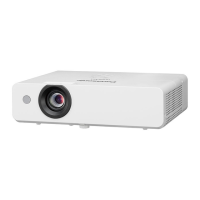
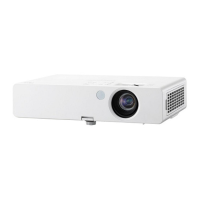
g For PT-LW376, PT-LW336, PT-LB426, PT-LB386 and PT-LB356
MEMORY VIEWER
COMPUTER 1 IN
COMPUTER 2 IN
NETWORK
VIDEO IN
COMPUTER1
HDMI IN
Detailed input guide example
Simple input guide example
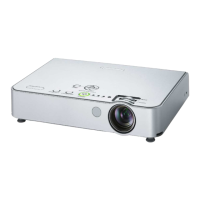
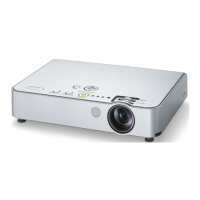
g For PT-LB306
COMPUTER
COMPUTER INVIDEO IN
HDMI IN
Detailed input guide example Simple input guide example
Note
f You can switch the detailed/simple input guide by setting the [DISPLAY OPTION] menu → [ON-SCREEN DISPLAY] → [INPUT GUIDE]
(x page 68).
f When the [DISPLAY OPTION] menu → [ON-SCREEN DISPLAY] → [INPUT GUIDE] is set to [OFF], the input guide is not displayed.
Chapter 3 Basic Operations - Projecting




 To Next Page