54-ENGLISH
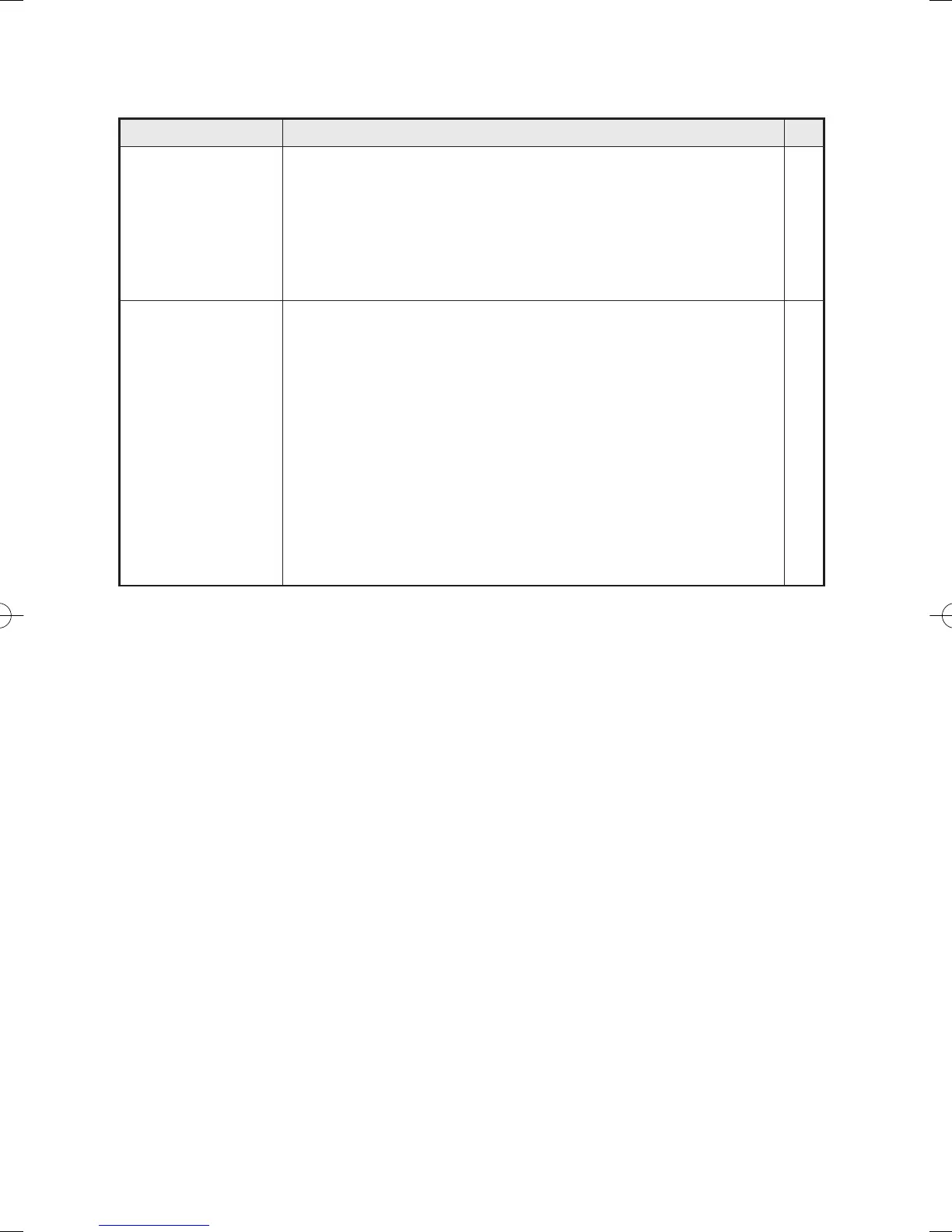
The picture does
not display
correctly.
Picture from
computer does
not appear.
Problem Possible cause
B The signal format (“TV-SYSTEM”) may not be set
correctly.
B There may be a problem with the video tape or
other signal source.
B A signal which is not compatible with the projector
may be being input.
B The cable may be too long.
B The external video output for the laptop computer
may not be set correctly.
(You may be able to change the external output
settings by pressing the [Fn]+[F3] or [Fn]+[F10]
keys simultaneously. The actual method varies
depending on the type of computer, so refer to the
documentation provided with your computer for
further details.)
B If an RGB INPUT indicator is turned off, the video
signals may not be output from the computer.
Page
36
–
58
–
–
14
p040-060(PT-LM2E)en04.12.259:28ページ54



 To Next Page