EasyManua.ls Logo

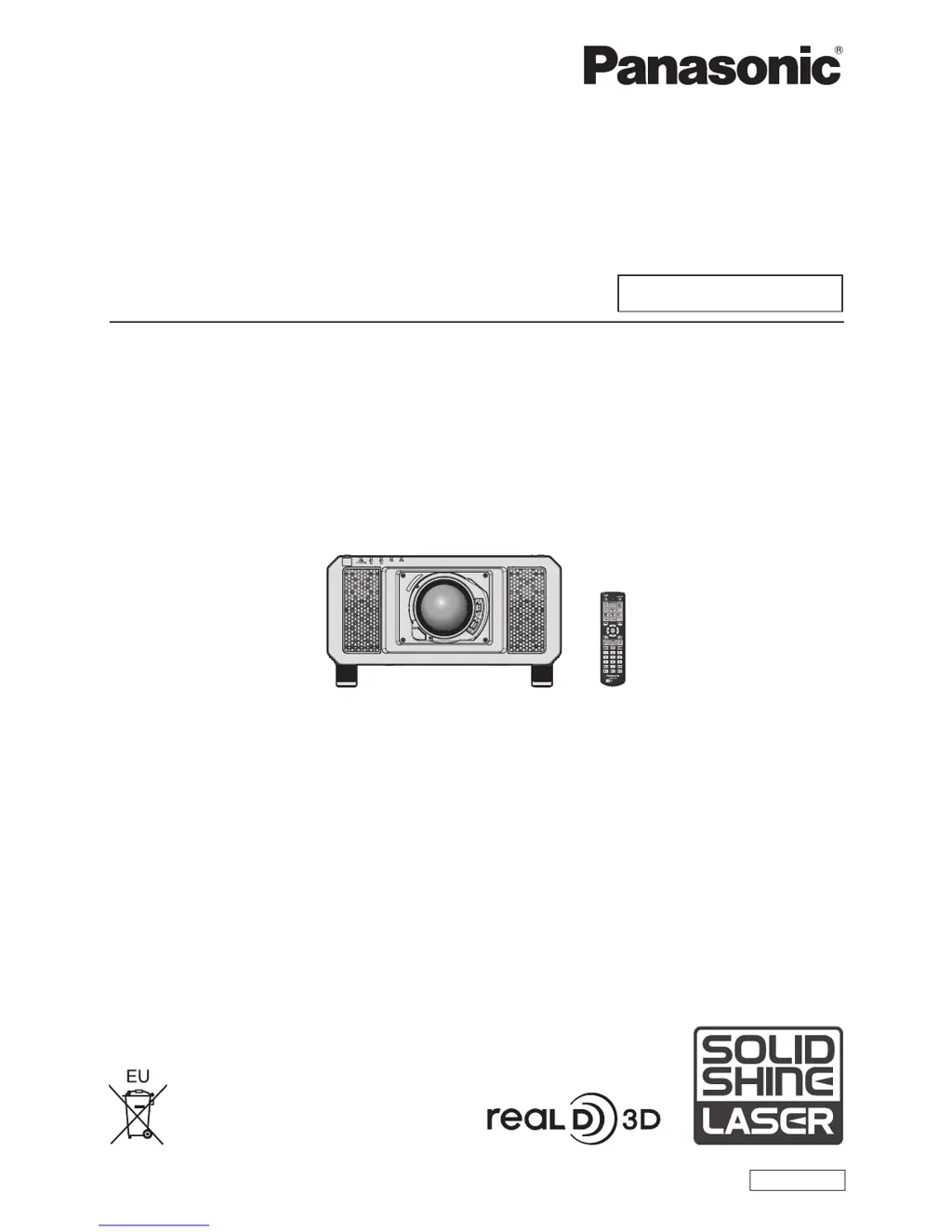
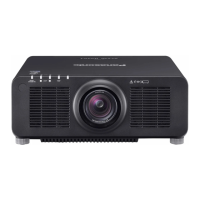
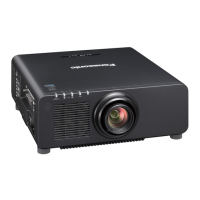
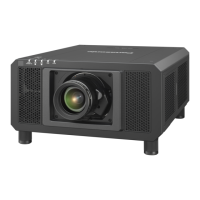
Panasonic PT-RS11K - User Manual

Panasonic PT-RS11K
219 pages
Print Icon
To Next Page IconTo Next Page
Loading...
Thank you for purchasing this Panasonic product.
This manual is common to all the models regardless of sufxes of the Model No.
z
for India
PT-RZ12KD / PT-RS11KD
z
for other countries or regions
PT-RZ12K
/
PT- RS11K
Before operating this product, please read the instructions carefully and save this manual
for future use.
Before using this product, be sure to read “Read this rst!” (
x
pages 5 to 14).
TQBJ0904
DLP™ Projector
Commercial Use
Operating Instructions
Functional Manual
ENGLISH
Model No.
PT-RZ12K
PT-RS11K
The projection lens is sold separately.

Table of Contents

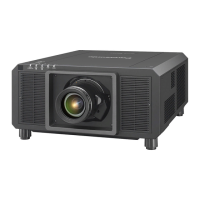
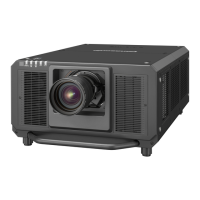
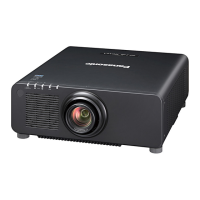
Other manuals for Panasonic PT-RS11K

Questions and Answers

  • D
    Debra PooleSep 18, 2025
    Why are left and right images reversed on Panasonic PT-RS11K?
    • J
      Jason CookSep 18, 2025
      If the left and right images are reversed or not showing properly on your Panasonic Projector: * Check the 3D eyewear settings for synchronization. * Change the [LEFT/RIGHT SWAP] setting in [3D SETTINGS].
  • L
    Lisa WilliamsAug 25, 2025
    How to fix Panasonic PT-RS11K when power does not turn on?
    • I
      imichaelAug 25, 2025
      If your Panasonic Projector isn't powering on, check these potential solutions: * Ensure the power plug is securely inserted into the outlet. * Verify that the MAIN POWER switch is set to the ON position. * Confirm the wall outlet is supplying electricity. * Check if the circuit breakers have tripped. * Examine the light source indicators LIGHT1/LIGHT2 and the temperature indicator TEMP to see if they are lit or blinking.
  • S
    Sarah AlexanderAug 25, 2025
    What to do if Panasonic PT-RS11K Projector remote control does not respond?
    • T
      Taylor ReyesAug 26, 2025
      If the remote control for your Panasonic Projector isn't responding, first ensure that the batteries aren't depleted and are inserted with the correct polarity. Check for obstructions between the remote and the projector's signal receiver, and make sure you're within the remote's effective range. Also, check if other light sources are interfering with the signal. Verify that the [REMOTE CONTROL] setting in [CONTROL DEVICE SETUP] is not set to [DISABLE] and confirm that the terminal is not being used for contact control. Ensure the ID number setting operation is correct.
  • L
    lopezcolinAug 27, 2025
    Why no image appears on my Panasonic Projector?
    • W
      wjonesAug 27, 2025
      If no image is appearing on your Panasonic Projector, check that all connections to external devices are correctly made and the input selection setting is correct. Ensure the [BRIGHTNESS] adjustment isn't at its minimum. Verify the external device connected to the projector is working properly and that the shutter function isn't in use. If the power indicator is blinking red, consult your dealer. Also, make sure the lens cover is removed from the lens.
  • M
    Mrs. Patricia Soto MDSep 22, 2025
    Why lens shift cannot be adjusted on Panasonic Projector?
    • J
      Jeremy LeSep 22, 2025
      If the lens shift cannot be adjusted on your Panasonic Projector: * Perform [LENS CALIBRATION]. * Check if the Fixed-focus Lens (Model No.: ET?D75LE50) is attached.
  • J
    Jerry CoxSep 23, 2025
    Why is 3D eyewear not functioning with Panasonic Projector?
    • T
      tphillipsSep 23, 2025
      If your 3D eyewear is not functioning with the Panasonic Projector: * Check if the battery is dead. Charge the battery for rechargeable eyewear, or replace the battery for battery-type eyewear. * Ensure the [3D SETTINGS] are correct.
  • R
    robert63Sep 9, 2025
    Why is Panasonic PT-RS11K Projector 3D eyewear not functioning?
    • A
      Angel SinghSep 10, 2025
      If your 3D eyewear isn't functioning with the Panasonic Projector, first check if the battery is dead. If you have rechargeable eyewear, charge the battery; if it's a battery type, replace the battery. Also, ensure that the [3D SETTINGS] are correct.
  • S
    Stephanie NormanSep 12, 2025
    How to fix Panasonic PT-RS11K lens shift that cannot be adjusted?
    • M
      maria00Sep 12, 2025
      If the lens shift on your Panasonic Projector cannot be adjusted, perform [LENS CALIBRATION]. Also, verify that the Fixed-focus Lens (Model No.: ET?D75LE50) is not attached.
  • M
    Margaret BaileySep 3, 2025
    Why video from HDMI device does not appear on Panasonic PT-RS11K Projector?
    • E
      Edwin KennedySep 3, 2025
      If video from an HDMI compatible device doesn't appear or appears jumbled on your Panasonic Projector: * Check that the HDMI cable is securely connected. * Try turning the power of both the projector and the external device off and on again. * Ensure that the input signal is compatible with the projector.
  • P
    psimpsonSep 1, 2025
    What to do if no image appears on Panasonic PT-RS11K Projector?
    • T
      tara66Sep 1, 2025
      If your Panasonic Projector is not displaying an image, here are some things to check: * Make sure all connections to external devices are correctly connected. * Verify the input selection setting is correct. * Check that the BRIGHTNESS adjustment isn't at its minimum setting. * Confirm that the external device connected to the projector is working properly. * Ensure the shutter function is not in use. * Check if the lens cover is still attached to the lens. If the power indicator is blinking red, it is recommended to consult your dealer.

Panasonic PT-RS11K Specifications

General IconGeneral
Contrast Ratio20, 000:1
Light SourceLaser
Light Source Life20, 000 hours
Resolution1920 x 1200 (WUXGA)
Input TerminalsHDMI, DVI-D

Related product manuals