EasyManua.ls Logo

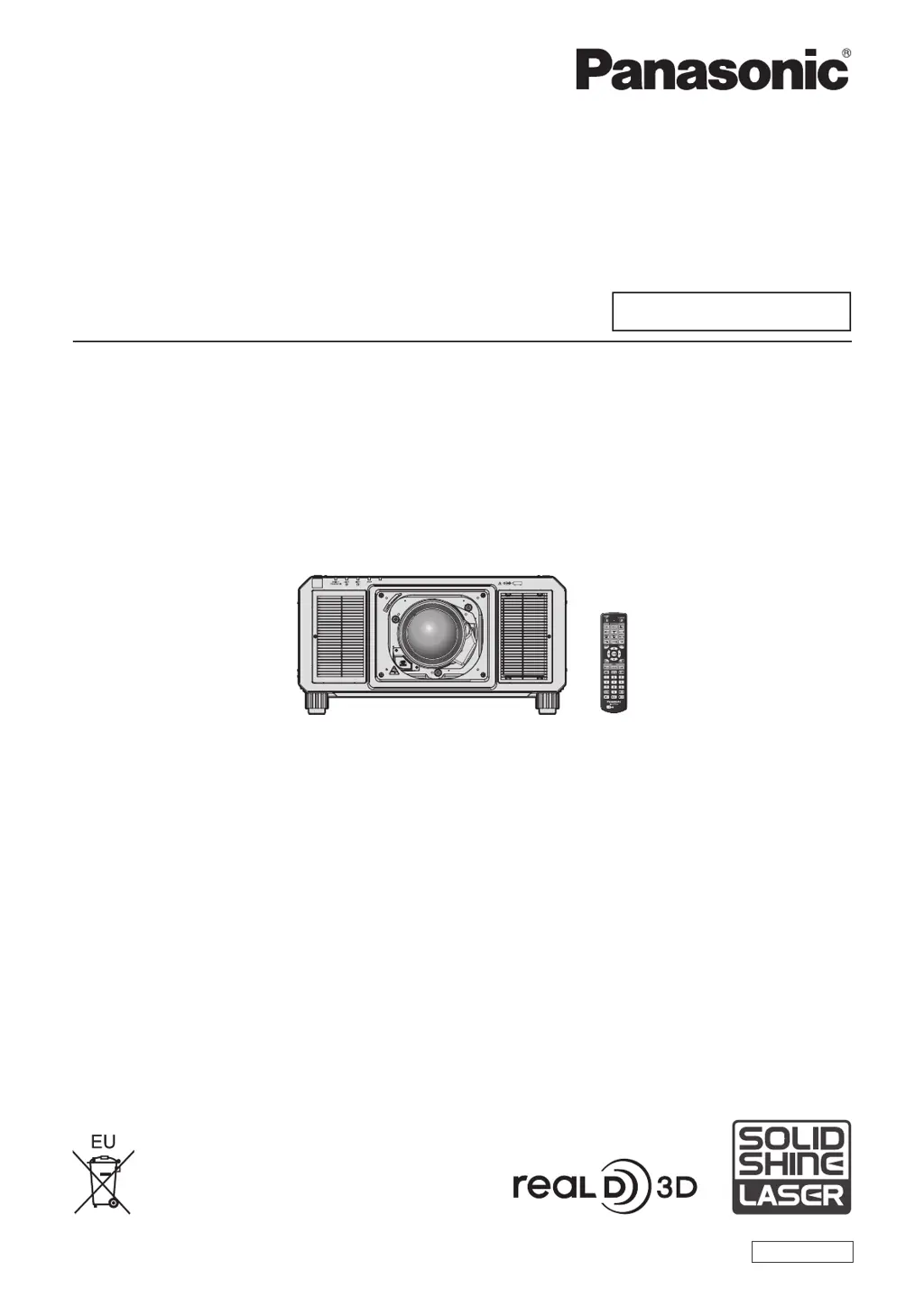
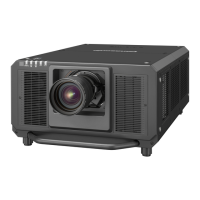
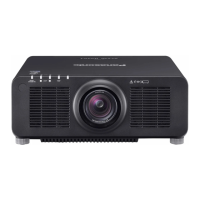
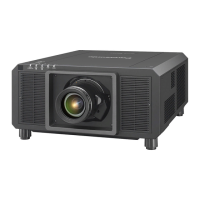
Panasonic PT-RS20K - User Manual

Panasonic PT-RS20K
253 pages
Print Icon
To Next Page IconTo Next Page
Loading...
Thank you for purchasing this Panasonic product.
This manual is common to all the models.
z
for India
PT-RZ21KD
z
for Taiwan
PT-RZ21K
z
for other countries or regions
PT-RZ21K
/
PT-RS20K
Before operating this product, please read the instructions carefully and save this manual
for future use.
Before using this product, be sure to read “Read this rst!” (
x
pages 5 to 15).
DPQP1195ZA
DLP™ Projector
Commercial Use
Operating Instructions
Functional Manual
ENGLISH
Model No.
PT-RZ21K
PT-RS20K
The projection lens is sold separately.

Table of Contents

Other manuals for Panasonic PT-RS20K

Questions and Answers

  • C
    Christina Henry MDSep 15, 2025
    How to troubleshoot Panasonic PT-RS20K Projector image display issues?
    • K
      Kimberly BeckSep 16, 2025
      If the image on your Panasonic Projector does not display correctly, ensure the [SYSTEM SELECTOR] selection is set correctly and that the [RGB1 INPUT SETTING] is also correctly configured. Check for any problems with the external device outputting images and ensure that a signal compatible with the projector is being input.
  • P
    Patrick WarrenAug 25, 2025
    Why does my Panasonic PT-RS20K show no image?
    • D
      Dr. Robert Ho MDAug 25, 2025
      If you see no image on your Panasonic Projector, verify that all connections to external devices are correctly performed, the image input is selected correctly, the [BRIGHTNESS] adjustment is not at a minimum, the connected external device is working properly, the shutter function is not in use, the projection lens is correctly attached, the lens cover is removed, and the power indicator is not blinking red. If the power indicator is blinking in red, consult your dealer.
  • M
    Monique LeAug 25, 2025
    Why is Panasonic PT-RS20K Projector remote control not responding?
    • R
      rpatelAug 26, 2025
      If the remote control for your Panasonic Projector isn't responding, check if the batteries are depleted or if the polarity is set incorrectly. Ensure the button operation isn't disabled by the button, there are no obstructions between the remote and the projector, the remote is within its effective range, other light sources aren't interfering, the [REMOTE CONTROL] setting is not set to [DISABLE], the terminal is not in use for contact control, and the ID number setting is correct.
  • J
    Jeremy WilliamsAug 26, 2025
    How to fix Panasonic PT-RS20K Projector when image from computer does not appear?
    • J
      Jamie DudleyAug 26, 2025
      If the image from a computer does not appear on your Panasonic Projector, ensure that the cable is not too long (if using D-Sub cables, the length should be 10 m (32'10") or shorter). Also, verify that the external video output on the laptop is set correctly. For example, you may need to press “Fn” + “F3” or “Fn” + “F10” simultaneously, but the method varies depending on the computer type.
  • R
    Robin JensenSep 16, 2025
    How to display DVI-D image on Panasonic Projector?
    • L
      lturnerSep 17, 2025
      If the image output from DVI-D of the computer does not appear on your Panasonic Projector, check if [EDID SELECT] in [DVI-D IN] is set to [EDID3] or [EDID2:PC]. Consider updating the graphics accelerator driver of the computer to the latest version, or try making the [EDID SELECT] setting in [DVI-D IN] and then restarting the computer.
  • W
    williamharveySep 23, 2025
    What to do if Panasonic PT-RS20K 3D eyewear is not working?
    • C
      Chad MartinSep 23, 2025
      If the 3D eyewear is not functioning with your Panasonic Projector, check if the battery is dead. Charge the rechargeable 3D eyewear or replace the battery for the battery type. Also, verify that the [3D SETTINGS] are correct.
  • M
    Ms. Amy MooreSep 8, 2025
    Why is the color pale on my Panasonic PT-RS20K Projector?
    • B
      Brandon SmithSep 8, 2025
      If the color on your Panasonic Projector appears pale or grayish, ensure that the [COLOR] and [TINT] are adjusted correctly. Also, verify that the external device connected to the projector is adjusted correctly, and check if the RGB cable is damaged.
  • K
    Kevin SimsSep 9, 2025
    Why is the 3D function not working on my Panasonic PT-RS20K?
    • R
      Robert McbrideSep 9, 2025
      If the 3D function is not working on your Panasonic Projector, ensure that the [3D INPUT FORMAT] setting in [3D SETTINGS] is correct. Also, check the 3D eyewear settings and confirm that a supported signal is being input to the projector.
  • K
    Kelly WilliamsSep 2, 2025
    Why is my Panasonic PT-RS20K Projector remote control not working?
    • D
      Devon SchmidtSep 2, 2025
      If the remote control for your Panasonic Projector isn't responding, check if the batteries are depleted and ensure their polarity is correct. Verify that the button operation isn't disabled by the button and that there are no obstructions between the remote and the projector's receiver. Ensure the remote is within its effective range and that other light sources aren't interfering. Check if the [REMOTE CONTROL] setting in [CONTROL DEVICE SETUP] is set to [DISABLE], or if the terminal is used for contact control. Finally, verify the ID number setting operation is correct.
  • E
    Elizabeth ButlerAug 31, 2025
    What to do if my Panasonic PT-RS20K Projector has no image?
    • S
      Stuart WalterSep 1, 2025
      If your Panasonic Projector displays no image, first check if the connections to external devices are correctly performed. Ensure the correct image input is selected and that the [BRIGHTNESS] adjustment isn't at its minimum. Verify the external device connected to the projector is working properly and that the shutter function is not in use. Confirm the projection lens is attached correctly and the lens cover is removed. If the power indicator is blinking red, consult your dealer.

Panasonic PT-RS20K Specifications

General IconGeneral
Brightness20, 000 lumens
Resolution1920 x 1200 (WUXGA)
Light SourceLaser
Contrast Ratio20, 000:1
Light Source Life20, 000 hours
Lens ShiftHorizontal: ±30%
Input TerminalsHDMI, DVI-D, 3G-SDI

Related product manuals