Step 8 Push the open/close button1, so the disc tray will be
close.
When opening the disc tray manually
Step 1 Off the unit.
Step 2 Insert the gear for servicing into the bottom hole of
mechanism unit cover, and then rotate the hexagonal wrench
clockwise so the disc tray will be open.
Step 3 Release 2 claws, and then remove the disc tray
ornament.
Step 4 Push the disc tray.
15
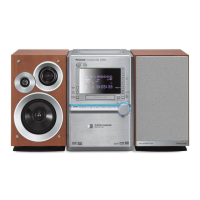
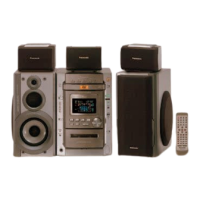
SA-DK10



 To Next Page