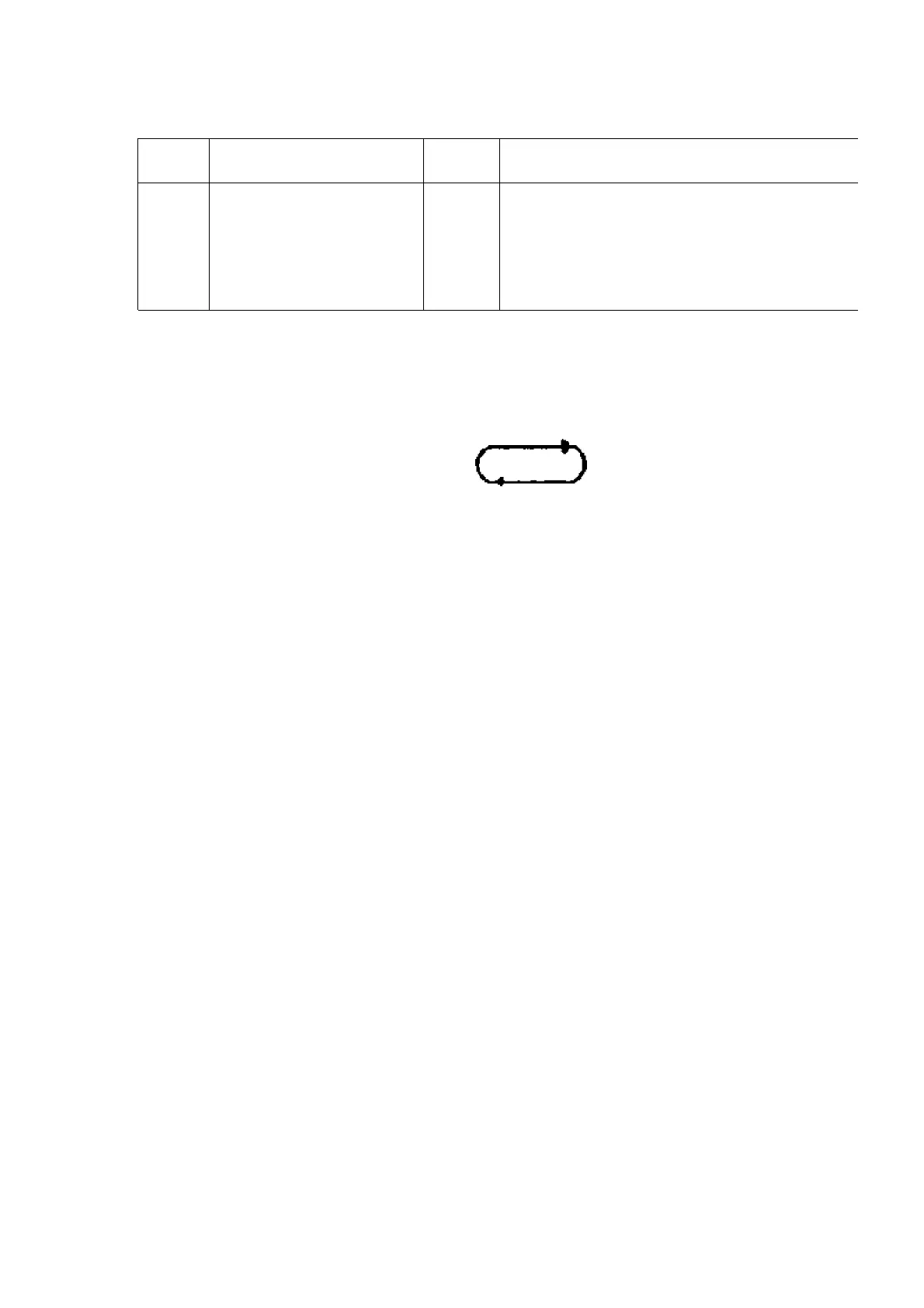
No. Error Error
Display
Problem condition
1 POWER AMP
output abnormal
F61 When POWER is switched on, power become
automatically.
During normal operation, if DC DET become L,
shall become
L and the error display on the left shall be
(IC501)
11. Measurements and Adjustments
11.1. Cassette Deck Section
- Measurement Condition
- Reverse-mode selector switch:
- Tape edit: NORMAL
- Record timer: OFF
- Make sure head, capstan and press roller are clean.
- Judgeable room temperature 20 ± 5 °C (68 ± 9°F)
- Measuring instrument
- EVM (Electronic Volmeter)
- Digital quency counter
- Test Tape
- Head azimuth adjustment (8 kHz, -20 dB); QZZCFM
- Tape speed gain adjustment (3 kHz, -10 dB); QZZCWAT
- Playback gain adjustment (315 Hz, 0 dB); QZZCFM
- CrO2 tape, QZZCRX
11.1.1. Head Azimuth Adjustment
Note :
If you wish to readjust the head azimuth, be sure to adjust with adhering the casette tape closely
to the mechanism by pushing the cebter of cassette tape with your finger. (Shown in Fig. 1)
1. Connect the measuring instrument as shown in Fig. 2.
2. Replace azimuth screws for both forward and reverse direction
after removing the screw-locking bond left on the head base.
3. Playback the azimuth adjustment portion(8kHz, -20dB) of test
tape(QZZCFM). Adjust the azimuth adjusting screw until the
outputs of the L/Rch are maximized. (Refer to Fig. 3)
Make sure that the difference in the peak level between the left and
28









 To Next Page