Getting started
13
VQT2Q55
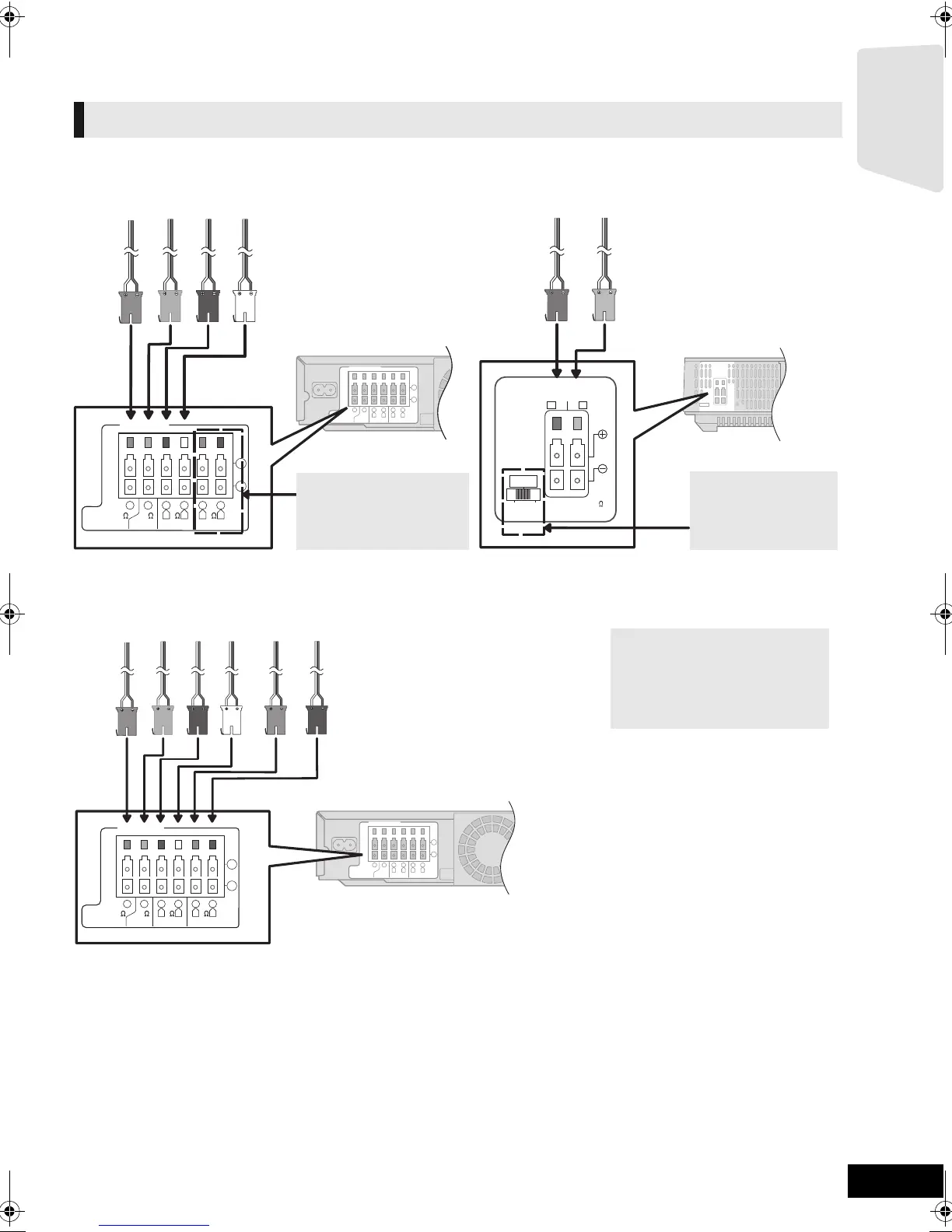
STEP 3: Connections
Turn off all equipment before connection and read the appropriate operating instructions.
Do not connect the AC mains lead until all other connections are complete.
Connect to the terminals of the same colour.
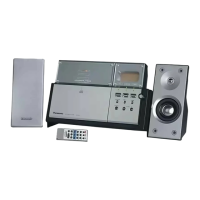
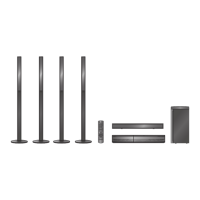
[BT737]
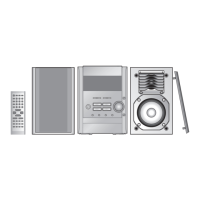
[BT337]
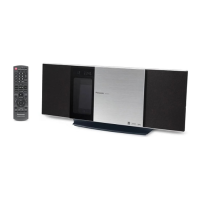
[BT230]
Speaker cable connection
LS / RB LB / RS
SPEAKERS
ENCEINTES
SURROUND (3 - 6
)
AMBIOPHONIQUES
SURR
L
SIDE
R
SIDE
5
2
1
366
FRONT
CENTERSUBWOOFER
R L
4
3
3
SURROUND
R L
6
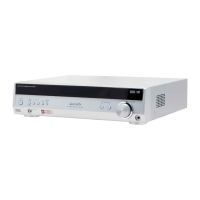
Main unit
Surround selector
The surround selector
switch must be set in
the centre position.
6 PURPLE Subwoofer
5 GREEN Centre speaker
2 RED Front speaker (Rch)
1 WHITE Front speaker (Lch)
Wireless system
3 BLUE Surround speaker (Lch)
4 GREY Surround speaker (Rch)
Do not connect the
surround speaker cables
to the main unit when
using the wireless system.
5
2
1
366
FRONT
CENTERSUBWOOFER
R L
4
3
3
SURROUND
R L
6
Main unit
6 PURPLE Subwoofer
5 GREEN Centre speaker
2 RED Front speaker (Rch)
1 WHITE Front speaker (Lch)
4 GREY Surround speaker (Rch)
3 BLUE Surround speaker (Lch)
When using the optional wireless
system, do not attempt to connect
any extra surround or surround
back speakers to the main unit.
SCBT737_337_230GN_VQT2Q55.book 13 ページ 2010年2月23日 火曜日 午後5時22分


 To Next Page