4
VQT2Q55
Getting star ted
Indicates features applicable to:
[BT737]:
SC-BT737only
[BT337]
: SC-BT337 only
[BT230]:
SC-BT230 only
≥Some models may not be on sale in certain regions.
≥Some accessories and external devices mentioned in these operating instructions that are not included with this
product may not be on sale in certain regions.
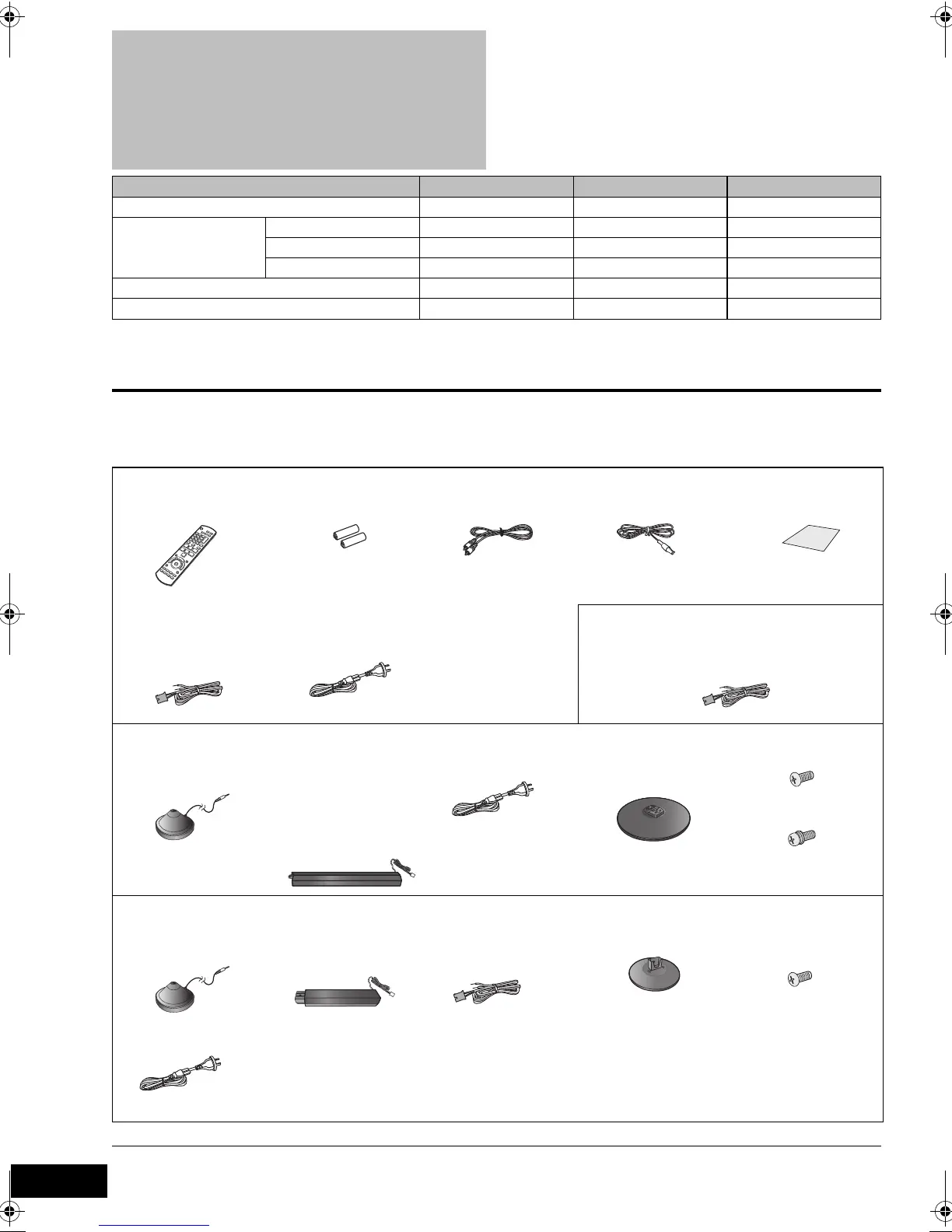
Accessory
Check the supplied accessories before using this unit.
≥ Product numbers correct as of February 2010. These may be subject to change.
≥ Do not use AC mains lead with other equipment.
≥ These operating instructions are applicable to models
SC-BT737, SC-BT337 and SC-BT230. Unless otherwise
indicated, illustrations in these operating instructions
are of SC-BT737.
≥ Operations in these instructions are described mainly
with the remote control, but you can perform the
operations on the main unit if the controls are the
same.
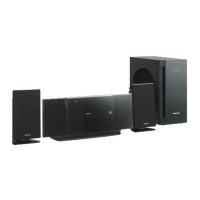
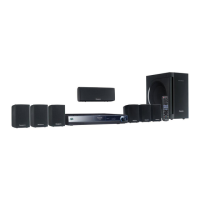
System SC-BT737 SC-BT337 SC-BT230
Main unit SA-BT737 SA-BT337 SA-BT230
Speaker system Front speakers SB-HF730 SB-HF330 SB-HF230
Centre speaker SB-HC730 SB-HC230 SB-HC230
Surround speakers SB-HS735 SB-HS230 SB-HS230
Subwoofer SB-HW330 SB-HW330 SB-HW480
Wireless system (with a digital transmitter) SH-FX71 SH-FX71 —
[BT737] [BT337] [BT230]
∏ 1 Remote control
(N2QAKB000090)
∏ 2Batteries for
remote control
∏ 1 Video cable ∏ 1 FM indoor antenna ∏ 1 Sheet of speaker
cable stickers
∏ Speaker cable
≥ with green
connector(centre)
∏ 1 AC mains lead
[BT230]
∏ Speaker cables
≥ with red/white connector (front)
≥ with grey/blue connector (surround)
[BT737]
∏ 1 Auto speaker setup
microphone
∏ 4 Speaker stands
(with cable)
≥ with red/white
connector (front)
≥ with grey/blue
connector
(surround)
∏ 1 AC mains lead
For the wireless system
∏ 4 Bases ∏ 8 Screws
4 Screws
[BT337]
∏ 1 Auto speaker setup
microphone
∏ 2 Speaker stands
(with cable)
≥ with red/white
connector (front)
∏ Speaker cables
≥
with grey/blue
connector (surround)
∏ 2 Bases ∏ 8 Screws
∏ 1 AC mains lead
For the wireless system
SCBT737_337_230GN_VQT2Q55.book 4 ページ 2010年2月23日 火曜日 午後5時22分


 To Next Page