RQTV0211
7
Note
• This unit can play MP3 fi les and CD-DA format audio CD-R/RWs
that have been fi nalized.
• It may not be able to play some CD-R/RWs depending on the
condition of the recording.
• Do not use irregularly shaped discs.
• Do not use discs with labels and stickers that are coming off or with
adhesive exuding from under labels and stickers.
• Do not attach extra labels or stickers on the disc.
• Do not write anything on the disc.
CD
• This unit can access up to 99 tracks.
• Choose a CD with this mark:
Using DualDiscs
The “CD” sides of DualDiscs do not meet the CD-DA standard so it
may not be possible to play them on this unit.
MP3
• Files are treated as tracks and folders are treated as albums.
• This unit can access up to 999 tracks, 255 albums and 20
sessions.
• Disc must conform to ISO9660 level 1 or 2 (except for extended
formats).
• To play in a certain order, prefi x the folder and fi le names with the
3-digit numbers in the order you want to play them.
Radio
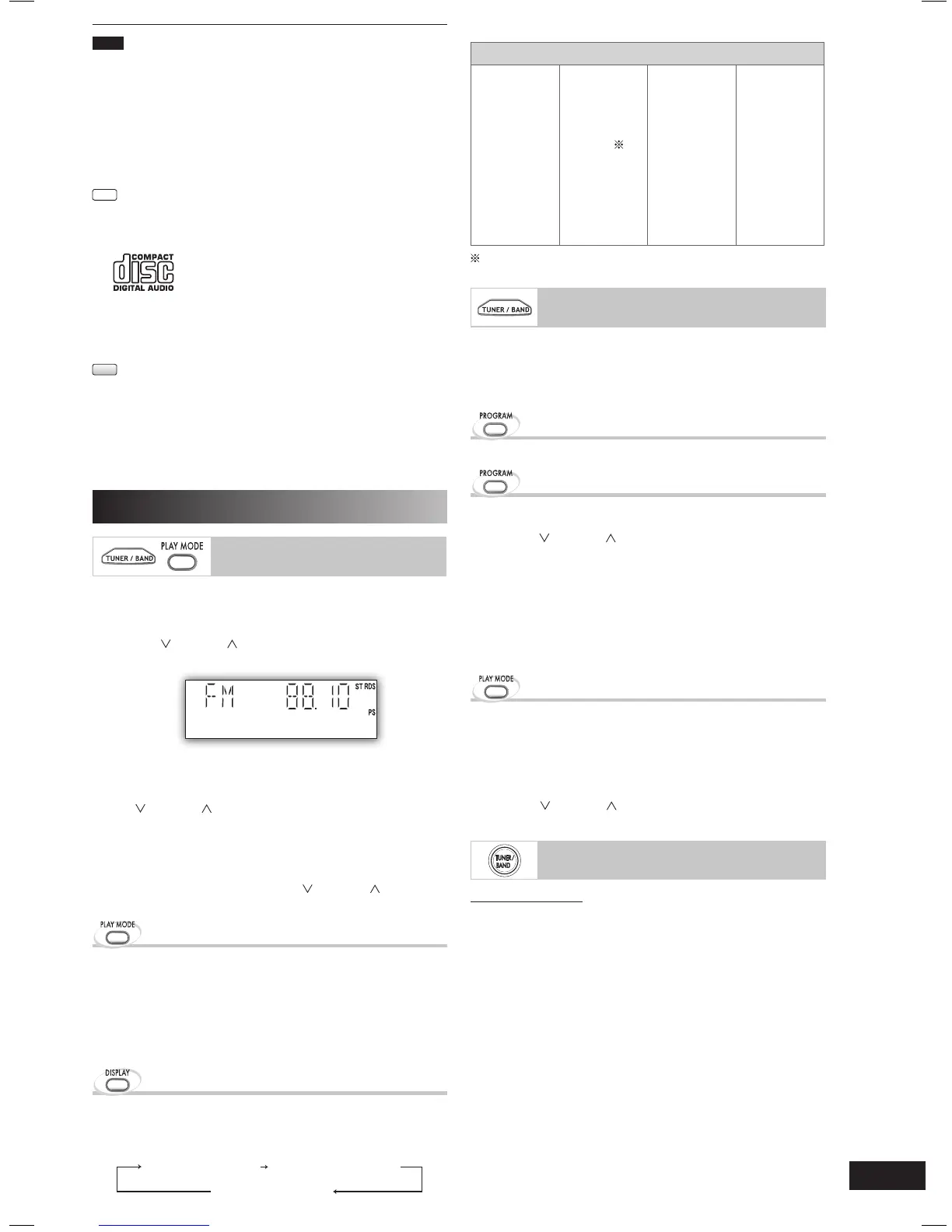
Manual tuning
1
Press [TUNER/BAND] to select “FM” or “AM”.
2
Press [PLAY MODE] to select “MANUAL”.
3
Press [ /4] or [ /¢] to select the frequency of
the required station.
“ ST ” is displayed when a stereo FM broadcast is being
received.
To tune automatically
Press [ /4] or [ /¢] for a moment until the frequency
starts changing rapidly. The unit begins auto tuning, stopping
when it fi nds a station.
• Auto tuning may not function when there is excessive
interference.
• To cancel auto tuning, press
[ 4] or [ /¢] once
again.
To improve FM sound quality
To improve FM sound quality
Press and hold [PLAY MODE] to display “MONO”.
To cancel
Press and hold [PLAY MODE] again until “MONO”
disappears.
• MONO is also cancelled if the frequency is changed.
• Turn off “MONO” for normal listening.
RDS broadcasting
Enable you to display the name of a broadcasting station or
a program type.
Press [DISPLAY] to display:
Station Name (PS)
Program Type (PTY)
Frequency display
RDS displays may not be available if reception is poor.
Program type displays
NEWS VARIED FINANCE COUNTRY
AFFAIRS POP M CHILDREN NATIONAL
INFO ROCK M SOCIAL A OLDIES
SPORT M.O.R.M
RELIGION FOLK M
EDUCATE LIGHT M PHONE IN DOCUMENT
DRAMA CLASSICS TRAVEL TEST
CULTURE OTHER M LEISURE ALARM
SCIENCE WEATHER JAZZ
M.O.R.M = “Middle of the road music”
Memory preset
Up to 20 stations can be set in the FM and 15 stations in the
AM bands.
Preparation
Press [TUNER/BAND] to select “FM” or “AM”.
Automatic presetting
Press and hold [PROGRAM] to start presetting.
Manual presetting
1
Press [PLAY MODE] to select “MANUAL”.
2
Press [ /4] or [ /¢] to tune to the required
station.
3
Press [PROGRAM].
4
Press numeric buttons to select a channel.
The station occupying a channel is erased if another
station is preset in that channel.
5
Repeat steps 2 to 4 to preset more stations.
Selecting a preset station
Selecting a preset station
Press numeric buttons to select the channel.
For channels 10 to 20 press [
h
10], then the two digits.
OR
1
Press [PLAY MODE] to select “PRESET”.
2
Press [ /4] or [ /¢] to select the channel.
AM allocation setting
By main unit only
This system can also receive AM broadcasts allocated in
10 kHz steps.
To change the step from 9 kHz to 10 kHz.
1
Press and hold [TUNER/BAND].
After a few seconds the display changes to a fl ashing
display of the current minimum frequency.
2
Continue to hold down [TUNER/BAND].
• When the minimum frequency changes, release the
button. To return to the original step, repeat the above
steps.
• After the setting is changed, any previously preset
frequency will be cleared.
PM4_EB_En.indd 7PM4_EB_En.indd 7 1/31/07 2:41:50 PM1/31/07 2:41:50 PM












 To Next Page