RQT8052
3
Table of contents
Accessories . . . . . . . . . . . . . . . . . . . . . . . . . . . . . . . . 2
Listening caution (For Canada) . . . . . . . . . . . . . . . . 4
Caution for AC Mains Lead . . . . . . . . . . . . . . . . . . . 4
IMPORTANT SAFETY INSTRUCTIONS
(For Canada) . . . . . . . . . . . . . . . . . . . . . . . . . . . . . . 5
Safety precautions . . . . . . . . . . . . . . . . . . . . . . . . . . 5
Disc/Card information. . . . . . . . . . . . . . . . . . . . . . . . 6
Inserting/Removing the discs and cards . . . . . . . . 8
Setup . . . . . . . . . . . . . . . . . . . . . . . . . . . . . . . . . . . . . 9
The remote control . . . . . . . . . . . . . . . . . . . . . . . . . . . . . . 9
Positioning the speakers. . . . . . . . . . . . . . . . . . . . . . . . . . 9
Connections . . . . . . . . . . . . . . . . . . . . . . . . . . . . . . . . . . 10
Control guide. . . . . . . . . . . . . . . . . . . . . . . . . . . . . . 12
Basic play . . . . . . . . . . . . . . . . . . . . . . . . . . . . . . . . 14
Playing discs . . . . . . . . . . . . . . . . . . . . . . . . . . . . . . . . . . 14
Playing SD cards . . . . . . . . . . . . . . . . . . . . . . . . . . . . . . 15
Other ways of playing discs/cards. . . . . . . . . . . . . . . . . . 16
Selecting a track. . . . . . . . . . . . . . . . . . . . . . . . . . . . . . 16
Selecting an album. . . . . . . . . . . . . . . . . . . . . . . . . . . . 16
Title search. . . . . . . . . . . . . . . . . . . . . . . . . . . . . . . . . . 16
Program play (up to 24 items) . . . . . . . . . . . . . . . . . . . 17
Random play . . . . . . . . . . . . . . . . . . . . . . . . . . . . . . . . 17
Repeat play . . . . . . . . . . . . . . . . . . . . . . . . . . . . . . . . . 17
Playing HighMAT discs. . . . . . . . . . . . . . . . . . . . . . . . . 18
Cassette tapes. . . . . . . . . . . . . . . . . . . . . . . . . . . . . 19
Sound field and sound quality. . . . . . . . . . . . . . . . 20
H.BASS. . . . . . . . . . . . . . . . . . . . . . . . . . . . . . . . . . . . . . 20
Re-master — Enjoying more natural sound . . . . . . . . . . 20
SURROUND . . . . . . . . . . . . . . . . . . . . . . . . . . . . . . . . . . 21
Changing sound field and quality . . . . . . . . . . . . . . . . . . 21
Muting the volume. . . . . . . . . . . . . . . . . . . . . . . . . . . . . . 21
The radio . . . . . . . . . . . . . . . . . . . . . . . . . . . . . . . . . 22
Approximate recording time on SD Memory Card . . . . . 23
High-speed recording . . . . . . . . . . . . . . . . . . . . . . . . . . . 23
Recording CDs . . . . . . . . . . . . . . . . . . . . . . . . . . . . 24
Recording to SD . . . . . . . . . . . . . . . . . . . . . . . . . . . . . . . 24
5CD auto recording (CD è SD) . . . . . . . . . . . . . . . . . . . 25
Program recording . . . . . . . . . . . . . . . . . . . . . . . . . . . . . 25
Recording to cassette tape . . . . . . . . . . . . . . . . . . . . . . . 25
Recording from cassette tape/the radio to SD . . . 26
Recording from SD/the radio to cassette tape . . . 27
Editing SDs . . . . . . . . . . . . . . . . . . . . . . . . . . . . . . . 28
Erasing tracks — TRACK ERASE/ALL ERASE . . . . . . 28
Moving tracks — MOVE . . . . . . . . . . . . . . . . . . . . . . . . 28
Formatting a card — CARD FORMAT. . . . . . . . . . . . . . 29
Editing playlists — PLAYLIST . . . . . . . . . . . . . . . . . . . . 29
Entering titles . . . . . . . . . . . . . . . . . . . . . . . . . . . . . 30
Convenient functions . . . . . . . . . . . . . . . . . . . . . . . 32
Setting the time. . . . . . . . . . . . . . . . . . . . . . . . . . . . . . . . 32
Auto-off function . . . . . . . . . . . . . . . . . . . . . . . . . . . . . . . 32
The sleep timer. . . . . . . . . . . . . . . . . . . . . . . . . . . . . . . . 32
The play/record timer . . . . . . . . . . . . . . . . . . . . . . . . . . . 33
Displaying information . . . . . . . . . . . . . . . . . . . . . . . . . . 33
Dimming the display . . . . . . . . . . . . . . . . . . . . . . . . . . . . 33
Using other equipment. . . . . . . . . . . . . . . . . . . . . . 34
Using an external unit. . . . . . . . . . . . . . . . . . . . . . . . . . . 34
Additional accessories . . . . . . . . . . . . . . . . . . . . . . . . . . 34
Other antenna connections . . . . . . . . . . . . . . . . . . . . . . 34
Recording from an external unit . . . . . . . . . . . . . . . . . . . 35
Even more fun with SD. . . . . . . . . . . . . . . . . . . . . . 36
Listening on portable equipment . . . . . . . . . . . . . . . . . . 36
Using a computer . . . . . . . . . . . . . . . . . . . . . . . . . . . . . . 36
SD-Jukebox . . . . . . . . . . . . . . . . . . . . . . . . . . . . . . . . . . 36
Troubleshooting guide. . . . . . . . . . . . . . . . . . . . . . 38
Maintenance . . . . . . . . . . . . . . . . . . . . . . . . . . . . . . 39
When moving the unit . . . . . . . . . . . . . . . . . . . . . . 39
Limited Warranty (Only for Canada) . . . . . . . . . . . 40
Specifications . . . . . . . . . . . . . . . . . . . . . . . . . . . . . 41
Product Service (Only for Canada) . . . . . . . . . . . . 42
(Except for Canada) . . . . . . . . . . . . . . . . . . . . . . . . 42
Index . . . . . . . . . . . . . . . . . . . . . . . . . . . . Back cover
Getting started
Playing back
Recording
Know at a glance what kind of recording to do!!
Recording sources and media. . . . . . . . . . . . . . . 23
Editing
Convenient functions
Reference
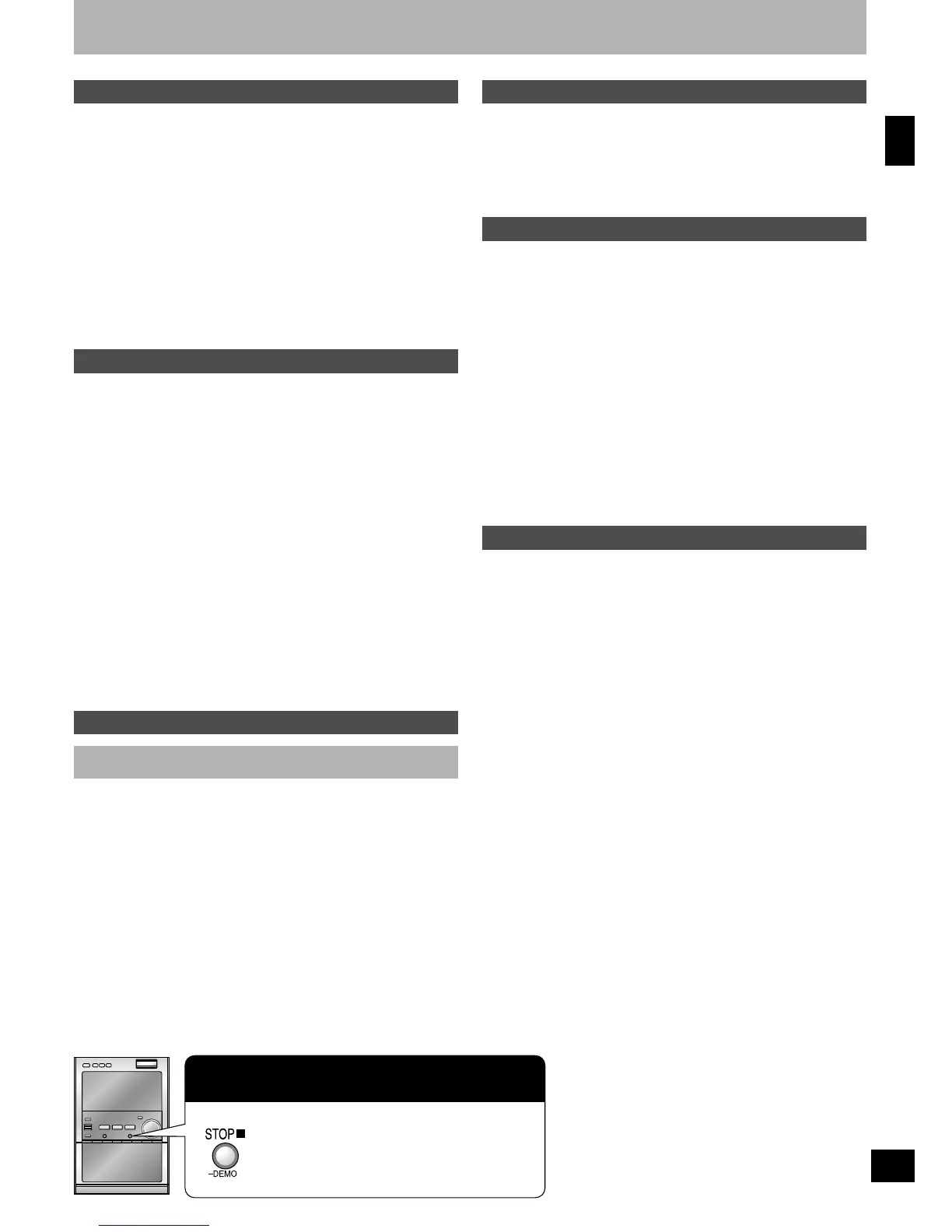
Press and hold until “DEMO OFF” is
displayed.
Every time you press the button:
DEMO OFF ↔ DEMO ON
If the display lights up when the unit is turned
off, the demo function is set to on.
Getting started










 To Next Page