Discs — Convenient functions
Discs — Convenient functions
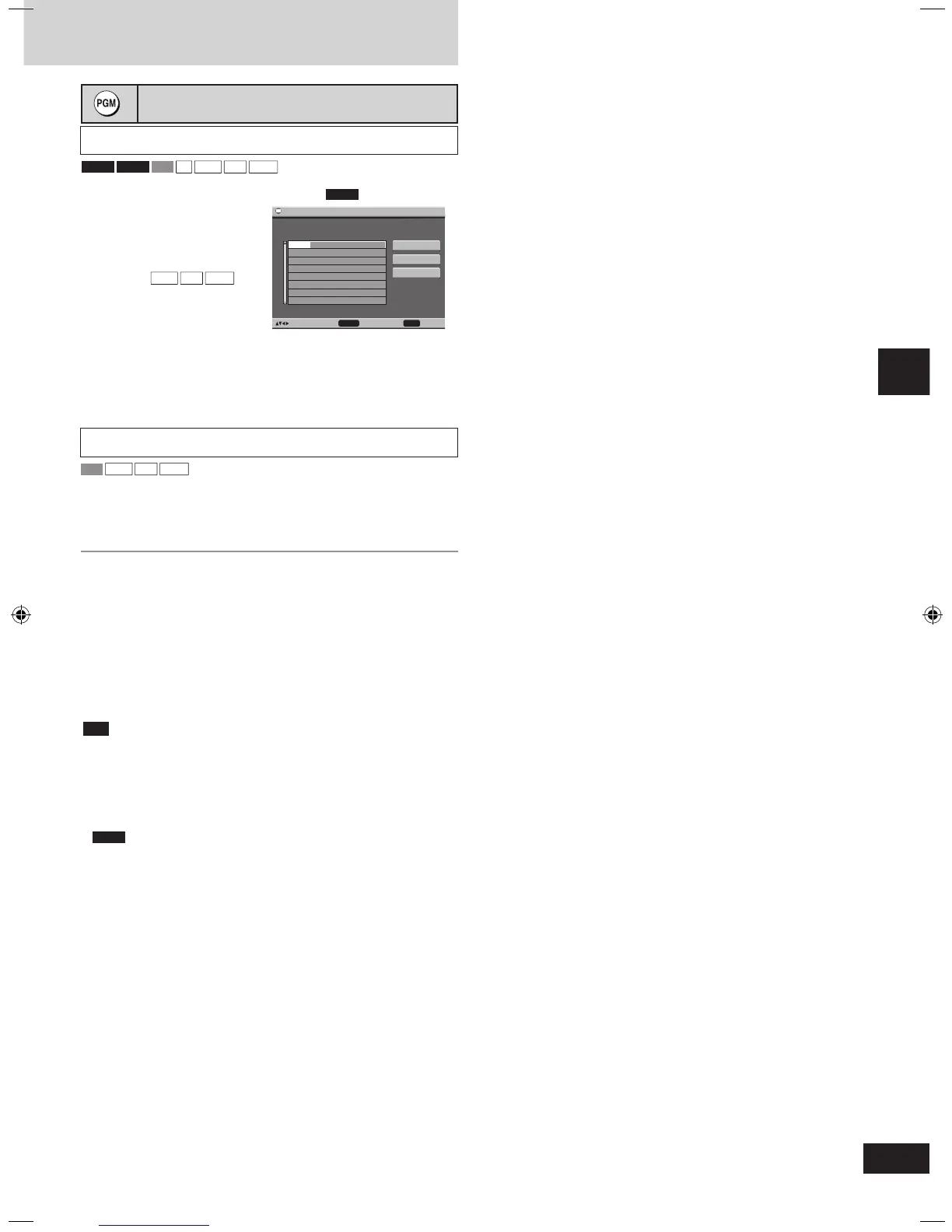
Program play (up to 32 items)
During stop
1 Press [PGM].
“PGM” appears.
2 Press the numbered
buttons to select the
items ( then
press [ENTER]).
• Repeat this step to program
other items.
• To select an item using the cursor buttons
Press [ENTER] and [
e, r] to select an item, then press [ENTER]
again to confirm the number.
3 Press [DVD/CD q] to play.
During stop
1 Select ALL DISC ON (➡ page 13).
2 Follow the steps above.
Select the discs in step 2.
• To exit the program mode
Press [PGM] so “PGM” goes out.
Press [PGM] again to go back to the program.
• To add or change the program
Press [
e, r] to select an available item, then repeat step 2.
• To clear the whole program
Select “Clear all” and press [ENTER].
• To clear an item
Press [SHIFT]+[CANCEL], or select “Clear” and press [ENTER].
• To skip a page
Press [SHIFT]+[ANGLE/PAGE].
• Clear the existing program before creating a new program.
• Times are not displayed while programming.
• Items the unit cannot find can be programmed but are canceled during
play. This is also the case if you program discs other than Video CD
and CD.
• The program is cleared when you switch the unit to standby, select
another source, or move the disc out of the play position.
• If you select bonus groups, you will have to enter a password.
• For HighMAT discs, select “Play as Data Disc” (➡ Other Menu, page 19)
to use program play.
Example:


 To Next Page