Using other equipment
Operating a Panasonic television
The remote control and main unit are factory-set to “REMOTE
1” mode.
If your remote control affects other equipment during operation,
you can switch to operate in “REMOTE 2” mode.
To switch to “REMOTE 2” mode
1 While pressing and holding [EXT-IN] on the main unit
Press and hold [2] on the remote control until “REMOTE 2”
appears on the main unit display.
2 Press and hold [OK] and [2] on the remote control for at
least 2 seconds.
The main unit and remote control are now set to operate in
“REMOTE 2” mode.
To return to “REMOTE 1” mode
Perform steps 1 and 2 but use [1] instead of [2] for both steps.
(“REMOTE 1” appears on the main unit during step 1.)
The remote control cannot work with the main unit if their
modes are different.
“REMOTE 1” or “REMOTE 2” appears on the main unit display
when you operate the remote control.
If “REMOTE 1” appears (The main unit is in “REMOTE 1”
mode.)
Press and hold [OK] and [1] on the remote control for at least
2 seconds.
If “REMOTE 2” appears (The main unit is in “REMOTE 2”
mode.)
Press and hold [OK] and [2] on the remote control for at least
2 seconds.
You can still operate a television using the remote control
( left) even after switching the mode.
Changing the main unit and
remote control mode
Some models cannot be operated by this remote control.
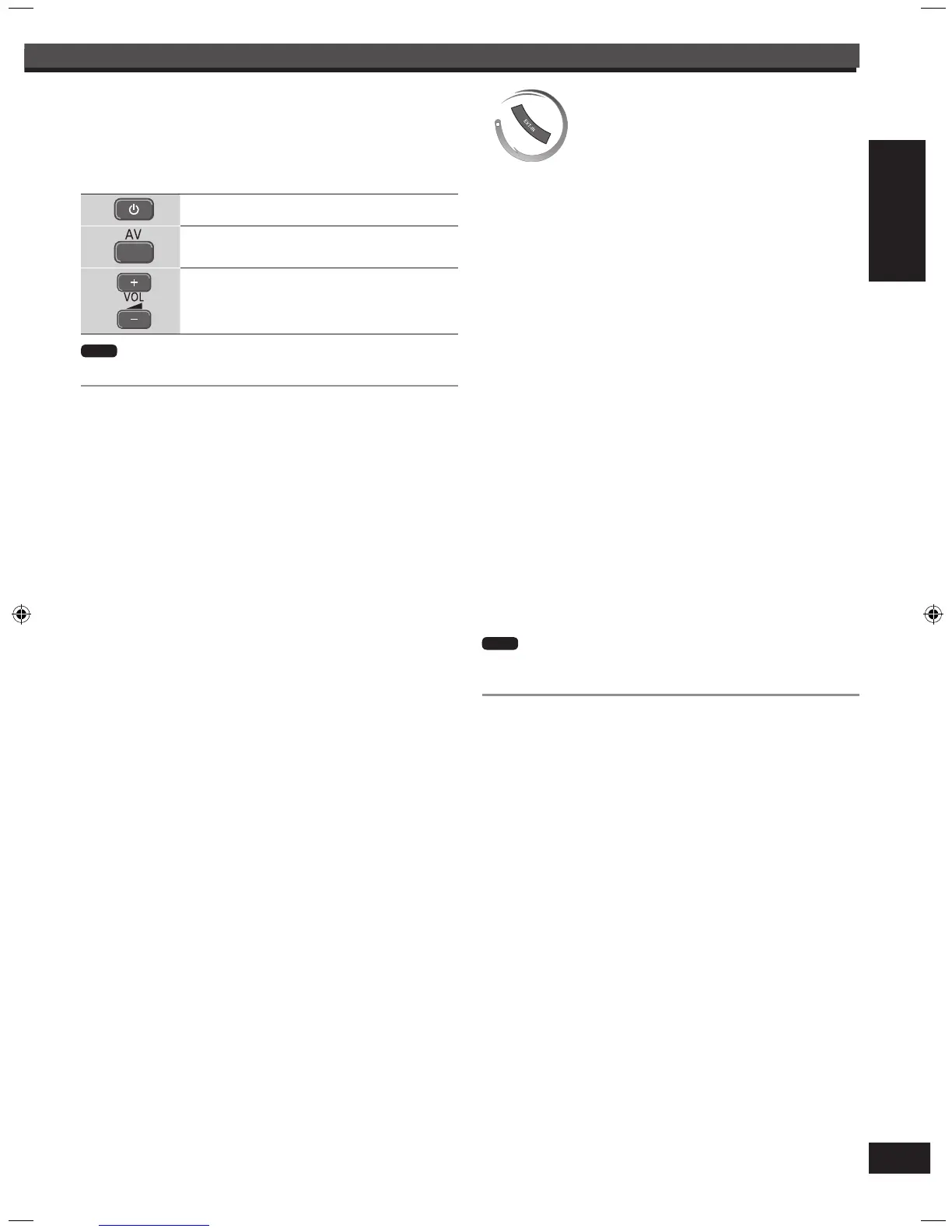
Aim the remote control at the television for the following
Note
Turning the television on/off
Switching the television’s video input mode
Adjusting the volume
Using other equipment (continued)
33
Note



 To Next Page