EasyManua.ls Logo

Panasonic TH-37PHD8UK - User Manual

Panasonic TH-37PHD8UK
48 pages
Print Icon
To Next Page IconTo Next Page
Loading...
Before connecting, operating or adjusting this product, please read these instructions completely. Please keep this manual
for future reference.
English
TQBC2026
TH-37PWD8
T
H
-
3
7
P
W
D
8
Model No.
Operating Instructions
Progressive Wide Plasma Display
TH-37PWD8UK
TH-42PWD8UK
Model No.
High De nition Plasma Display
TH-37PHD8UK
TH-42PHD8UK
TH-50PHD8UK
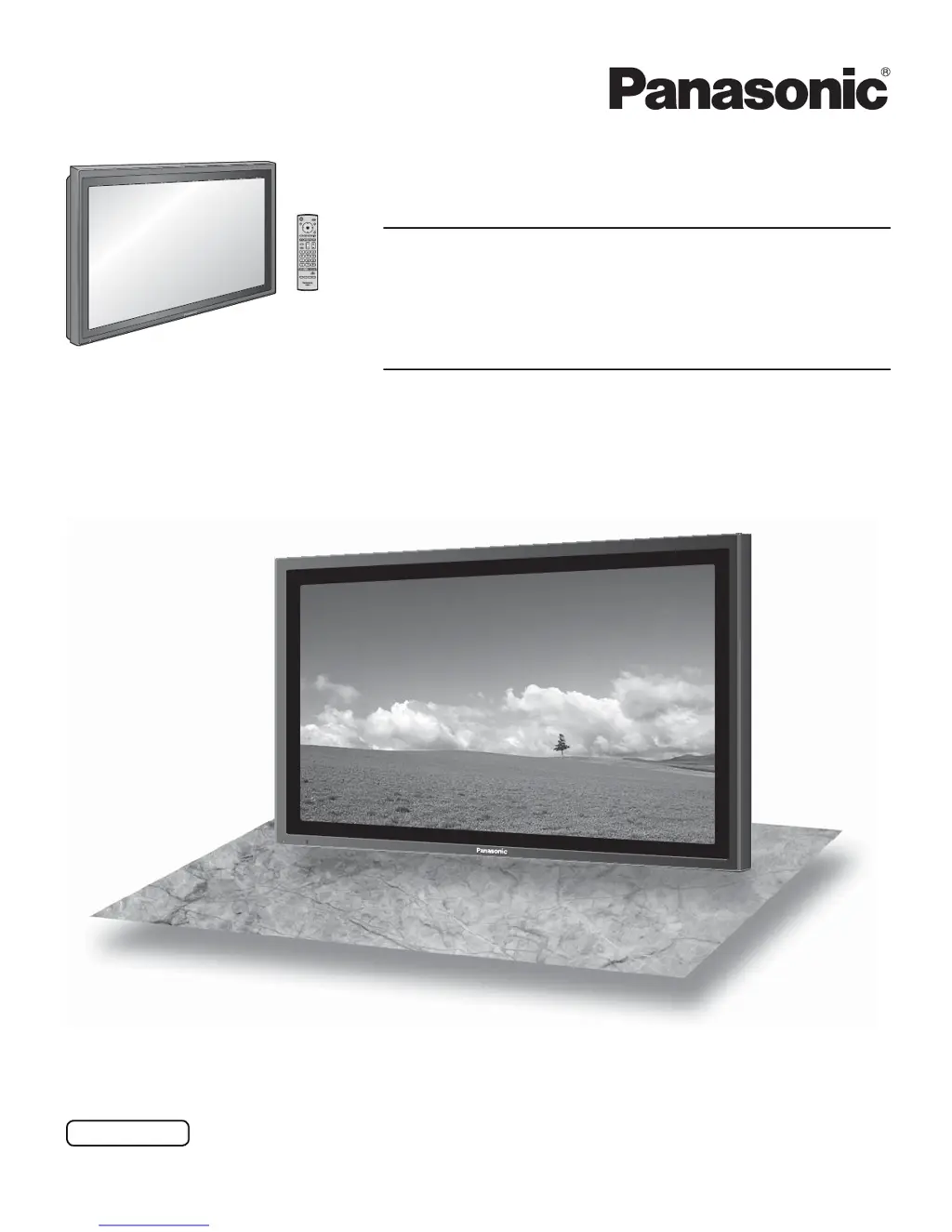
The illustration shown is an image.

Questions and Answers

  • J
    Joe CrawfordAug 8, 2025
    What to do if my Panasonic TH-37PHD8UK has no picture and no sound?
    • J
      Justin HoffmanAug 8, 2025
      If your Panasonic TV has no picture and no sound, first ensure it is properly plugged into the AC outlet and switched on. Also, check the PICTURE and BRIGHTNESS/Volume settings by pressing the power switch or stand-by button on the remote control.
  • A
    Angela ThomasAug 12, 2025
    Why is my Panasonic TH-37PHD8UK remote not working?
    • D
      Dana HuffAug 12, 2025
      If your Panasonic TV remote control isn't working, check if the batteries are discharged or inserted incorrectly. Also, ensure the remote control sensor isn't exposed to outdoor light or strong fluorescent light. Finally, confirm you are using the remote control specifically designed for this unit, as others will not work.
  • S
    Sean GuzmanAug 16, 2025
    How to prevent after-images on Panasonic TH-37PHD8UK TV?
    • R
      robertjonesAug 16, 2025
      To prevent after-images on your Panasonic TV, avoid displaying still pictures for extended periods. Still pictures include logos, video games, computer images, teletext, and images displayed in NORMAL mode. Note that permanent after-images resulting from fixed image use are not covered by the warranty.
  • T
    Timothy HensonAug 21, 2025
    What to do if the picture is cut off when I zoom on my Panasonic TH-37PHD8UK TV?
    • J
      Jerome WoodsAug 21, 2025
      If the top or bottom of the picture is cut off when using the zoom function on your Panasonic TV, adjust the position of the picture on the screen.
  • Y
    ywestAug 25, 2025
    Why does it take a while for the picture to appear on my Panasonic TH-37PHD8UK TV?
    • T
      Tina MartinAug 26, 2025
      It's normal for your Panasonic TV to take a few moments for the picture to appear when the power is turned on, the input is switched, or when images are swapped between the main and sub screens. This is because the unit digitally processes signals to reproduce aesthetically pleasing images.
  • M
    Michele JuarezAug 29, 2025
    Why do areas at the top and bottom of the screen where the image is missing appear when I use the zoom function on my Panasonic TH-37PHD8UK TV?
    • R
      Rodney FloresAug 29, 2025
      When using a video software program (such as a cinema size program) with a screen wider than one in the 16:9 mode, blank areas separate from the images are formed at the top and bottom of the screen on your Panasonic TV.
  • M
    Mary HughesSep 2, 2025
    Why can I hear sounds coming from inside my Panasonic TV?
    • L
      Lindsay PierceSep 3, 2025
      If you hear sounds coming from inside your Panasonic TV when the power is turned on, it may be the sound of the display panel being driven. This is normal and not indicative of malfunctioning.

Panasonic TH-37PHD8UK Specifications

General IconGeneral
Screen Size37 inches
Resolution1024 x 768
Display TypePlasma
Aspect Ratio16:9
Brightness1000 cd/m²
Weight55.1 lbs
Viewing Angle160 degrees
Inputs/OutputsComponent, Composite, S-Video
InputsComponent, Composite, S-Video

Related product manuals