TH-50FS600D
9
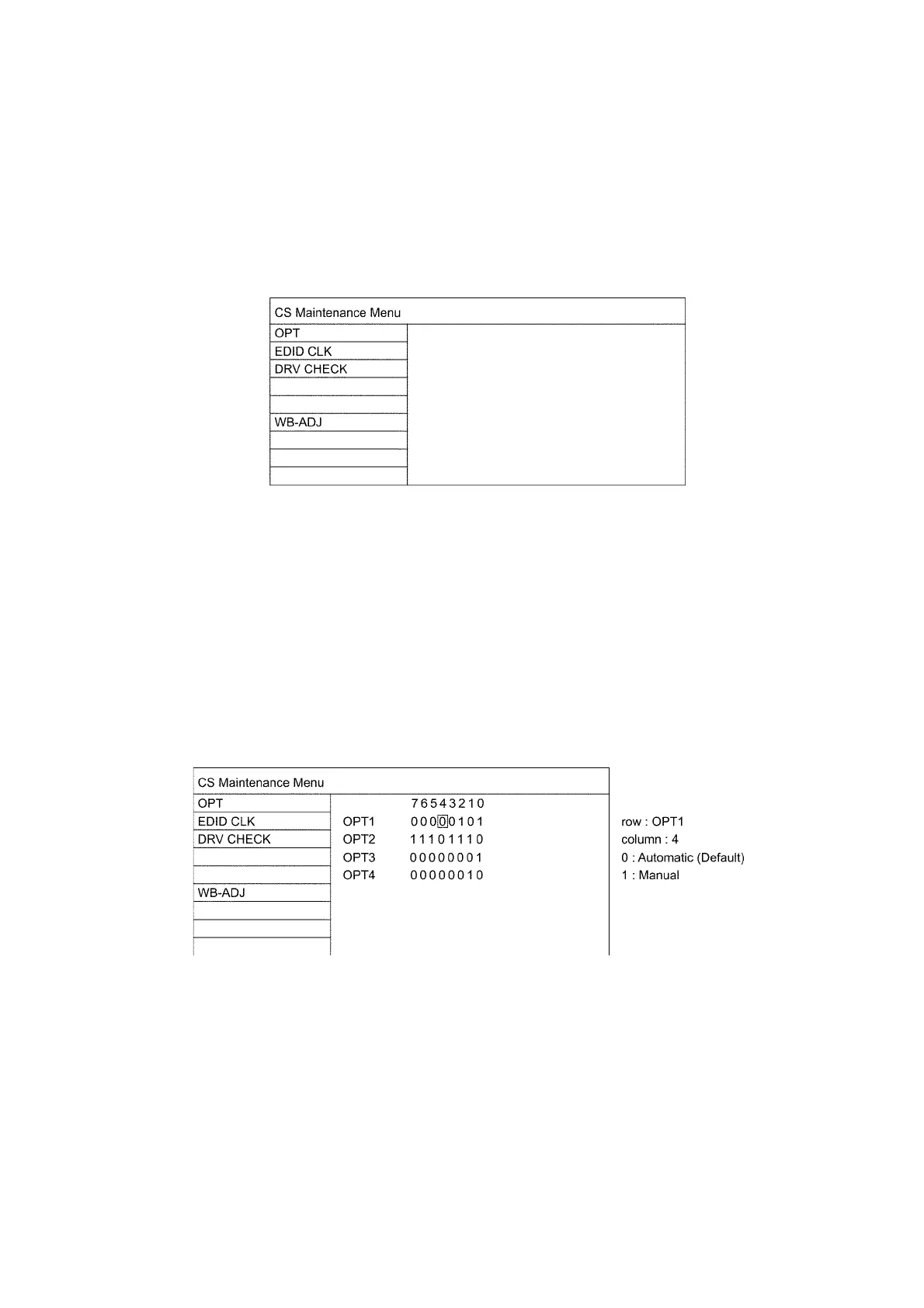
5 CS Maintenance Menu
5.1. How to enter into CS Maintenance Menu
5.1.1. Purpose
After exchange parts, check and adjust the contents of adjustment mode.
While pressing [VOLUME ( - )] button of the main unit, press [INFO] button of the remote control three times within 2 seconds.
Note:
CS Maintenance Menu can not be entered when 3D signal input.
Input 2D signal to enter CS Maintenance Menu.
5.1.2. Key command
Press the Cursor key [Up/Down] on the remote control to select the functions.
5.1.3. How to exit
Press the [EXIT] button on the remote control.
5.2. Repack
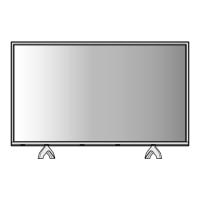
1. Select [OPT] in CS Maintenance Menu.
1. Press [OK] button or Cursor key [Right] on the remote control.
Note:
Press the [Exit] button or the [Return] button on the remote control.





 To Next Page