27
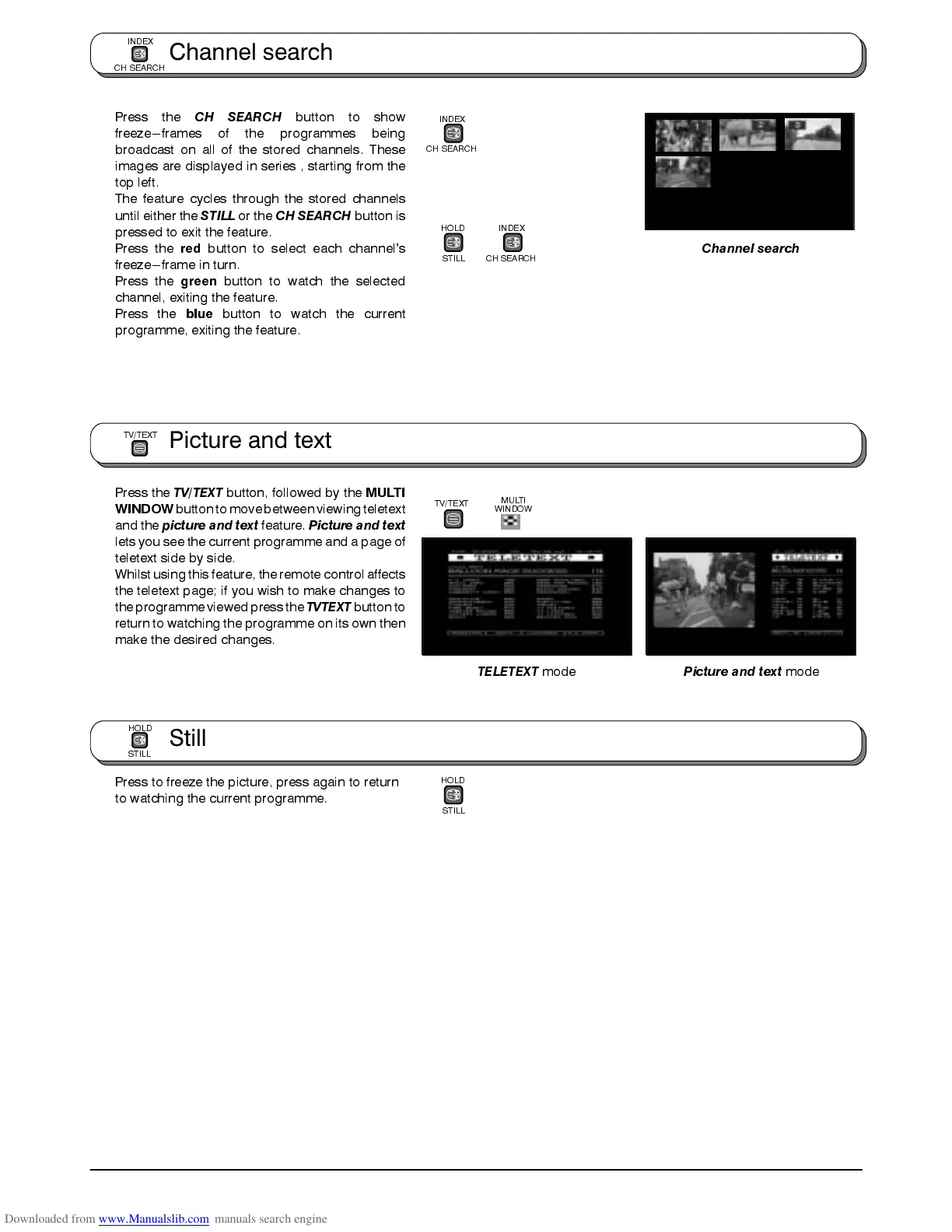
Press the
CH SEARCH
button to show
freeze---frames of the programmes being
broadcast on all of the stored channels. These
images are displayed in series , starting from the
top left.
The feature cycles through the stored channels
until either the
STILL
or the
CH SEARCH
button is
pressed to exit the feature.
Press the
red
button to select each channel’s
freeze---frame in turn.
Press the
green
button to watch the selected
channel, exiting the feature.
Press the
blue
button to watch the current
programme, exiting the feature.
Press the
TV/TEXT
button, followed by the
MULTI
WINDOW
buttonto movebetween viewingteletext
and the
picture and text
feature.
Picture and text
lets you see the current programme and a page of
teletext side by side.
Whilst using this feature, the remote controlaffects
the teletext page; if you wish to make changes to
the programmeviewed press the
TVTEXT
button to
return to watching the programme on its own then
make the desired changes.
Press to freeze the picture, press again to return
to watching the current programme.
INDEX
CH SEARCH
HOLD
STILL
TELETEXT
mode
Picture and text
mode
TV/TEXT
Channel search
HOLD
STILL
INDEX
CH SEARCH
MULTI
WINDOW
Channel search
INDEX
CH SEARCH
Picture and text
TV/TEXT
Still
HOLD
STILL









 To Next Page