EasyManua.ls Logo

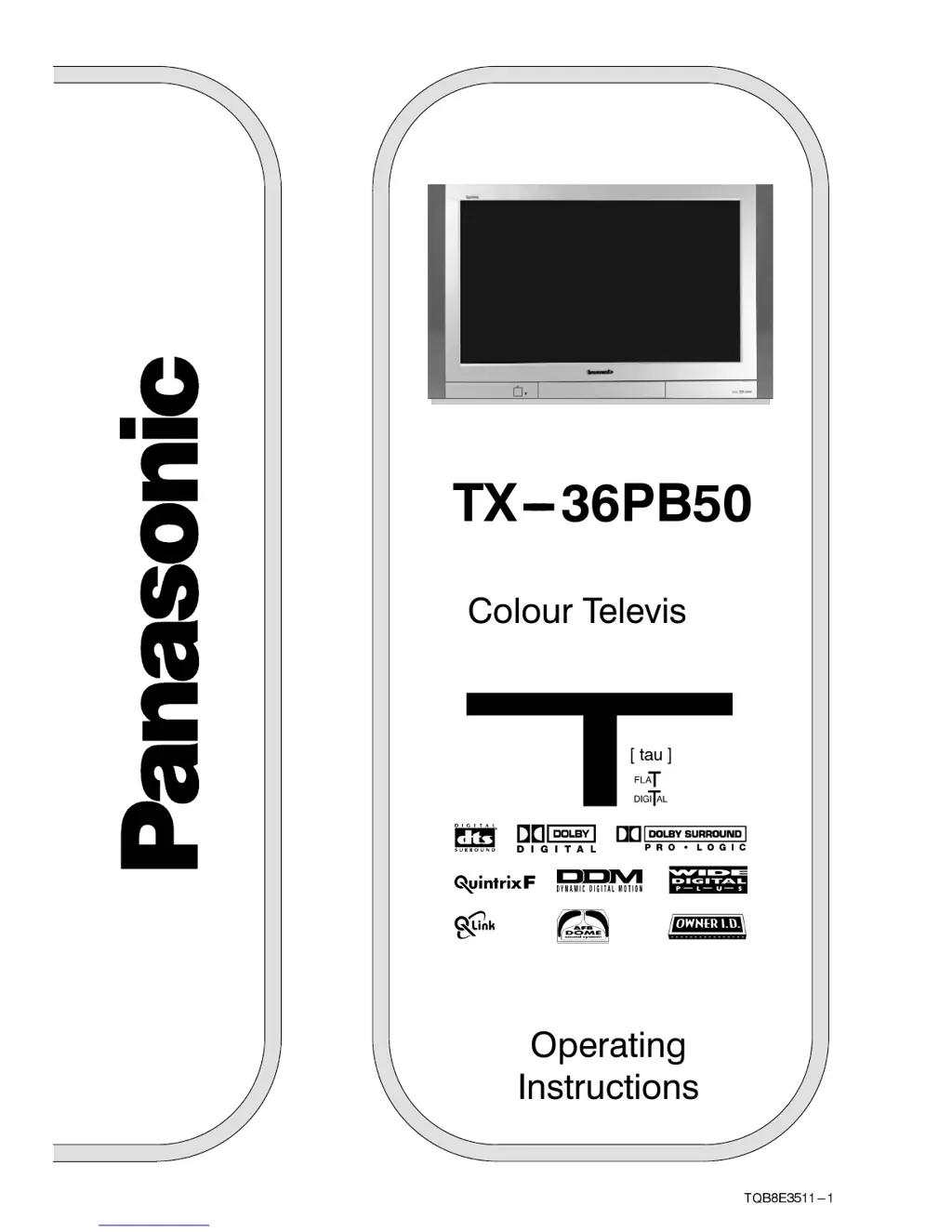
Panasonic TX-36PB50 - User Manual

Panasonic TX-36PB50
44 pages
Print Icon
To Next Page IconTo Next Page
Loading...
TQB8E3511---1
Operating
Instructions
T X --- 3 6 P B 5 0
Colour Television
(U.K. Standard)

Other manuals for Panasonic TX-36PB50

Questions and Answers

  • B
    bradleymariahAug 15, 2025
    What to do if my Panasonic TX-36PB50 TV has no picture?
    • M
      Molly JamesAug 15, 2025
      If your Panasonic TV shows no picture, there might be several reasons. * First, ensure that the TV is not set to AV mode; change it to the correct mode. * Check that the TV is properly plugged into the A.C. outlet. * Make sure the TV is switched on and not in standby mode. * Also, verify that the Picture / Sound controls are not set at minimum levels and adjust them accordingly.
  • E
    Erica SerranoAug 18, 2025
    Why is there normal picture but no sound on my Panasonic TX-36PB50?
    • R
      Robert HoldenAug 19, 2025
      If you have a normal picture but no sound on your Panasonic TV, ensure that the sound mute is switched off and check the volume level.
  • M
    matthew89Aug 22, 2025
    How to fix a snowy picture on Panasonic TX-36PB50 TV?
    • D
      Daniel NguyenAug 22, 2025
      If your Panasonic TV displays a snowy picture, check the aerial location, direction, and connection.
  • T
    Taylor CaseAug 26, 2025
    What to do if my Panasonic TV picture is poor or distorted?
    • A
      Aaron GatesAug 26, 2025
      If you are experiencing a poor or distorted picture on your Panasonic TV, retune the channels.
  • W
    William RodriguezAug 28, 2025
    How to reduce interference on my Panasonic TX-36PB50?
    • K
      Kathryn WilcoxAug 28, 2025
      If you are experiencing interference on your Panasonic TV, which may be caused by electrical appliances, cars, motorcycles, or fluorescent lights, switch on P---NR in the Picture menu to reduce picture noise.
  • W
    wardrobertAug 31, 2025
    What causes multiple images on my Panasonic TX-36PB50 TV?
    • R
      Rodney BrennanAug 31, 2025
      If your Panasonic TV is showing multiple images, check the aerial location, direction, and connection.
  • S
    Sarah WebbSep 4, 2025
    How to fix no color on my Panasonic TX-36PB50 TV?
    • M
      Matthew KelleySep 4, 2025
      If your Panasonic TV has no color, adjust the color controls, as they may be set at minimum levels.
  • B
    Brent MaxwellSep 8, 2025
    What causes coloured patches on my Panasonic TX-36PB50 screen?
    • M
      Mr. Kyle MorrowSep 8, 2025
      If your Panasonic TV displays colored patches, this could be due to magnetic interference from unshielded equipment or because the TV was moved while switched on. Try switching the TV off for 30 minutes. Alternatively, use the Geomagnetic Correction feature.
  • R
    Rachel WoodSep 12, 2025
    What to do if sound reception deteriorated on my Panasonic TX-36PB50 TV?
    • K
      Kathy HamiltonSep 12, 2025
      If you are experiencing deteriorated sound reception with a normal picture on your Panasonic TV, switch the NICAM setting (Sound menu) to Off until reception improves.

Panasonic TX-36PB50 Specifications

General IconGeneral
BrandPanasonic
ModelTX-36PB50
CategoryTV
LanguageEnglish

Related product manuals