16
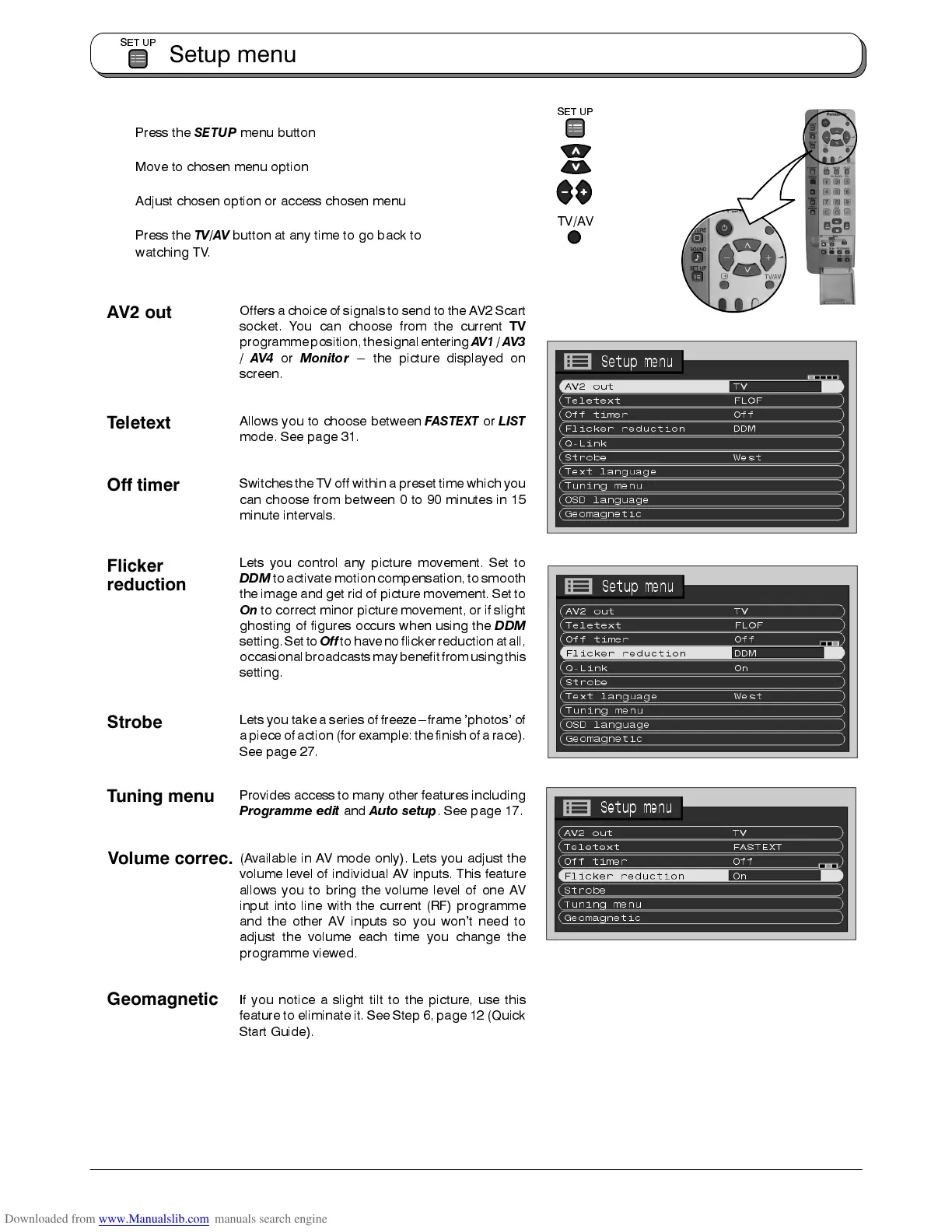
Press the
SETUP
menu button
Move to chosen menu option
Adjust chosen option or access chosen menu
Press the
TV/AV
button at any time to go back to
watching TV.
Offers a choice of signals to send to the AV2 Scart
socket. You can choose from the current
TV
programmeposition,the signalentering
AV1
/
AV3
/
AV4
or
Monitor
--- the picture displayed on
screen.
Allows you to choose between
FASTEXT
or
LIST
mode. See page 31.
Switches the TV off within a preset time which you
can choose from between 0 to 90 minutes in 15
minute intervals.
Lets you control any picture movement. Set to
DDM
to activatemotion compensation, tosmooth
the image and get rid of picture movement. Set to
On
to correct minor picture movement, or if slight
ghosting of figures occurs when using the
DDM
setting.Set to
Off
tohave noflickerreduction atall,
occasionalbroadcastsmay benefitfromusingthis
setting.
Lets you take a series of freeze---frame ’photos’ of
a piece ofaction (for example: thefinish of arace).
See page 27.
Provides access to many other features including
Programme edit
and
Auto setup
. See page 17.
(Available in AV mode only). Lets you adjust the
volume level of individual AV inputs. This feature
allows you to bring the volume level of one AV
input into line with the current (RF) programme
and the other AV inputs so you won’t need to
adjust the volume each time you change the
programme viewed.
If you notice a slight tilt to the picture, use this
feature to eliminate it. See Step 6, page 12 (Quick
Start Guide).
Setup menu
SET UP
SET UP
TV/AV
Teletext
Flicker
reduction
Off timer
Strobe
Tuning menu
Volume correc.
Geomagnetic
AV2 out











 To Next Page