29
Your new TV is supplied with programme position ‘0’ set to receive an RF signal from your VCR or DVD recorder, although a Scart
connection is preferable if the device is so equipped (see page 34 for suitable inputs to each of the Scart sockets on this TV).
However, ifforsomereason yourrecordingdevice istunedto adifferentRFchannel thenyouwill notreceiveany pictureorsoundfrom
your VCR on programme position ‘0’ of the TV. Either adjust the tuning of the TV’s programme position ‘0’ (follow the instructions
below) or adjustthe RF channel of your recording device (some devices allowadjustment of their RF channel via their remote control
unit) or both until the TV receives the RF output channel of your recording device.
It is intended that this advice is used in conjunction with the instruction books for your additional equipment.
Tuning your TV to the VCR
Switch on the VCR / DVD recorder, insert and play a
pre
--
recorded tape / disc with known content
Press the
SETUP
menu button
Move to
Tuning menu
option
Access
Tuning menu
Move to
Manual tuning
Access
Manual tuning
Select programme position ‘0’ VCR
Start searching for the playback
of the known content tape or disc
When the playback is found,
press
STR
to store
Press the
TV/AV
button to exit
Notes:
D
If picture patterning occurs on programme position
‘0’ it may be necessary to adjust the RF output
channel of the recording device, refer to the device’s
instruction book.
D
If a Satellite Receiver and a recording device are
going to be used with RF cable connections it is
important to avoid both units being set on the same
channel.
Refer to theSatellite Receiver andrecording device’s
instruction books for precise tuning information.
Tuning your VCR, DVD recorder and satellite receiver
VCR
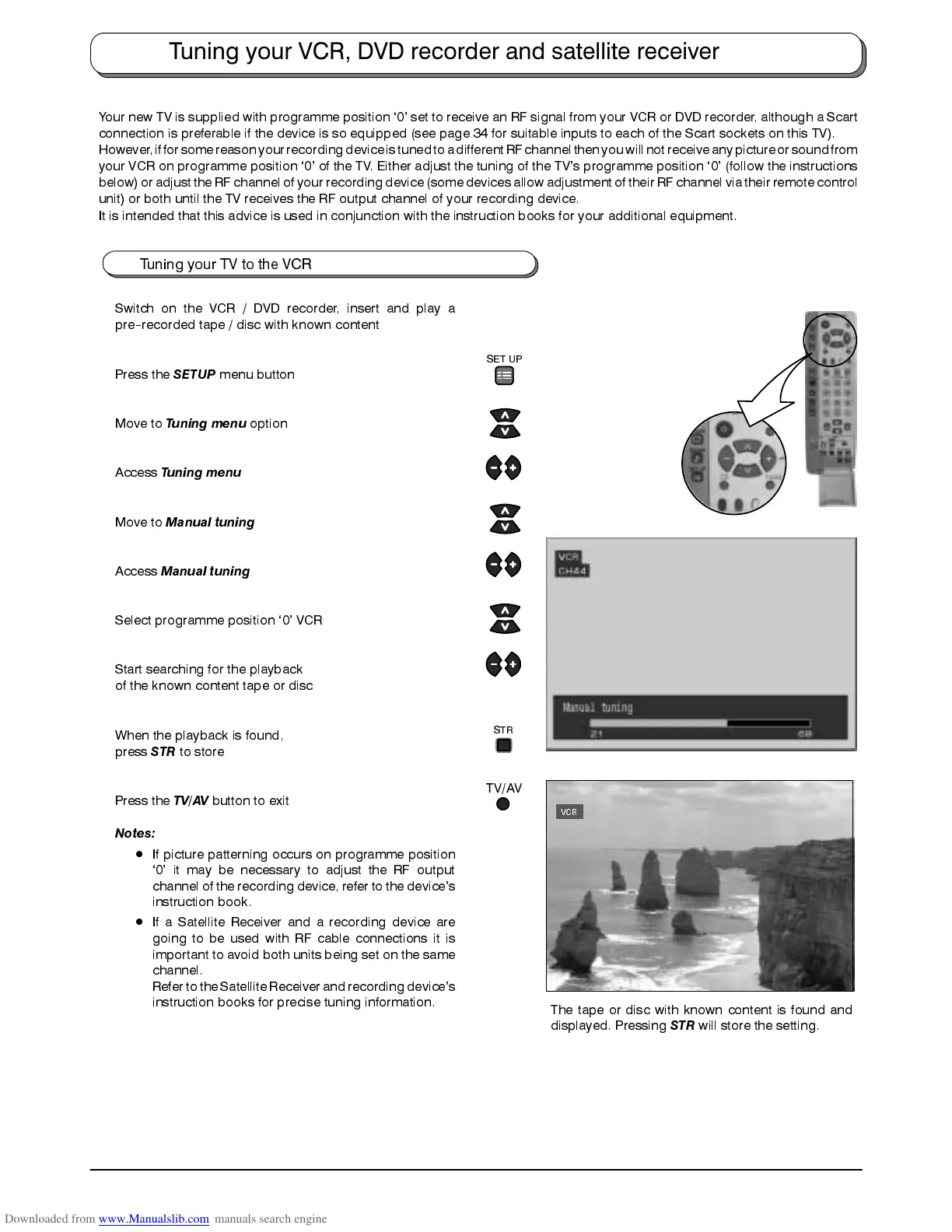
The tape or disc with known content is found and
displayed. Pressing
STR
will store the setting.
SET UP
STR
TV/AV









 To Next Page