- 152 -
= Note =
●
To use this function, turn this TV on.
●
This function is available only with 1 piece of other equipment.
●
You may be able to control this TV using your smartphone. For details,
refer to the support information of the application.
●
Display the TV full-screen for sharing the TV programme with another
piece of network equipment.
●
This function may not be available in the following conditions of this TV:
– While the recording is in progress
●
Selecting the channel or TV mode on your smartphone may not be
available while the recording is in progress.
Using DLNA
To use DLNA
®
features, ensure the preparations of the media server, network
connections and network settings are completed.
Network > DLNA > Information
Network > Network connections
Network > Network settings
1. Display APPS List with APPS.
2. Select Media Server with
/ / / and press OK to access.
3. Select one of the media servers with
/ and press OK to access.
●
For the operations to access another TV, select the name of another TV
from the displayed media server list.
●
To display / hide information of the highlighted media server
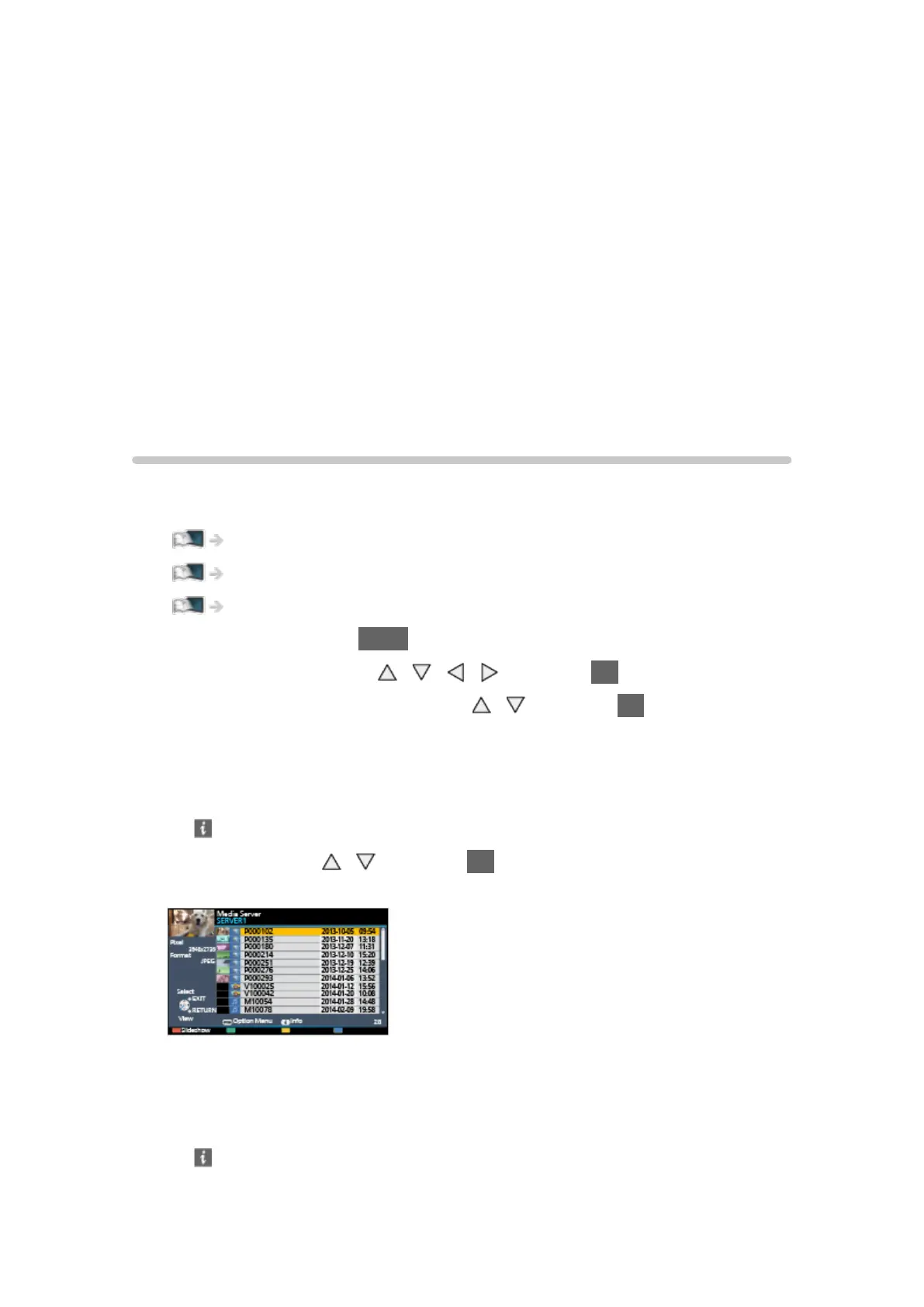
4. Select the file with / and press OK to access.
(Example)
●
Depending on the condition of media server, you may need to select
the folder before selecting the file.
●
To display / hide information of the highlighted file



 To Next Page