- 64 -
Copy Adjustment
Copies the picture settings of True Cinema, Custom, Professional1 or
Professional2 to those of another input or another Viewing Mode.
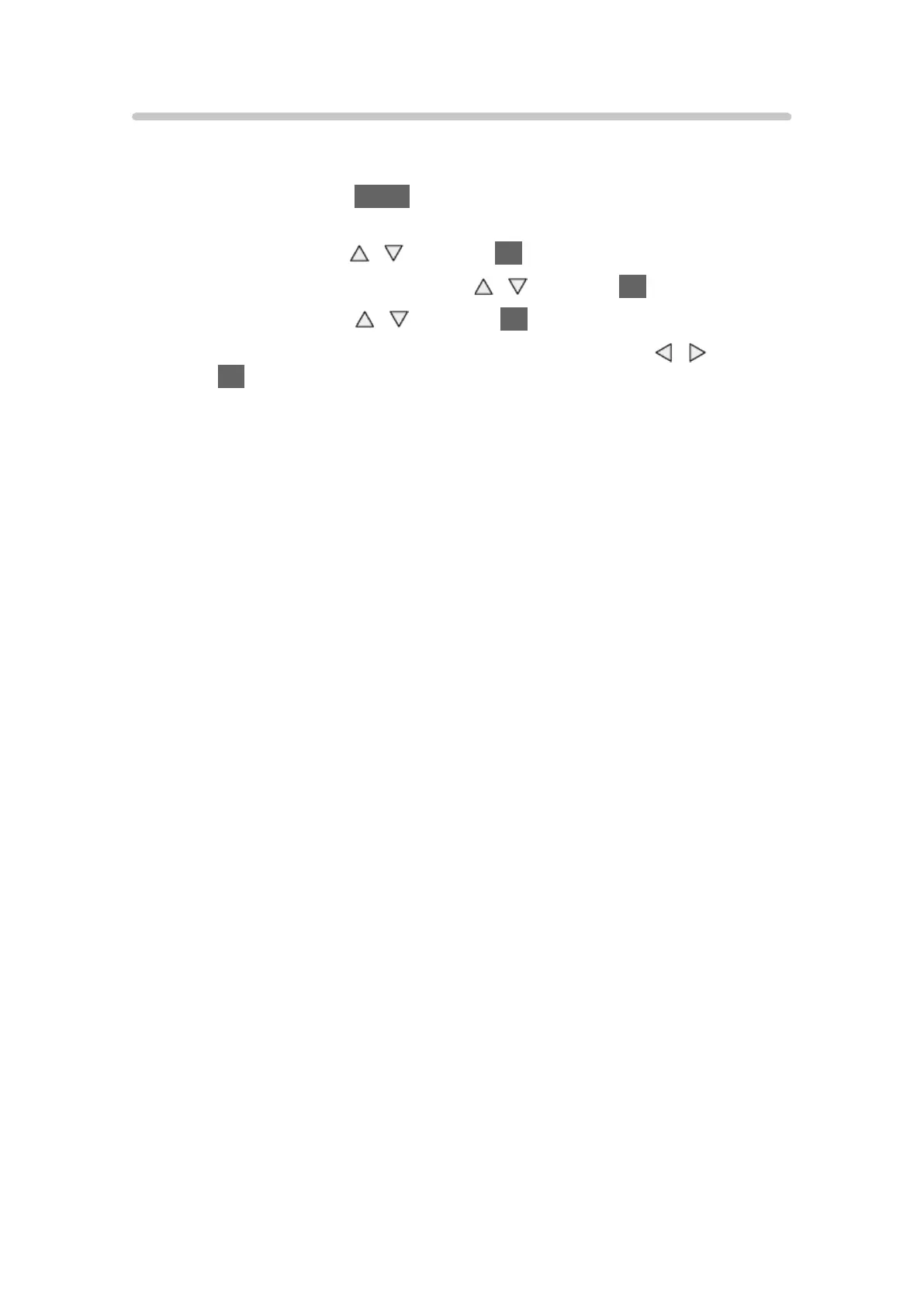
1. Display the menu with MENU.
2. Select Picture > Copy Adjustment > Destination Viewing Mode /
Destination Input with
/ and press OK to access.
3. Select the destination to copy to with
/ and press OK to set.
4. Select Copy Start with
/ and press OK to copy.
5. When the confirmation screen is displayed, select Yes with
/ and
press OK to set.
= Note =
●
Option Settings, Screen Settings and 3D Settings will not be copied.
●
You cannot copy to the locked mode.




 To Next Page