- 53 -
Basic settings
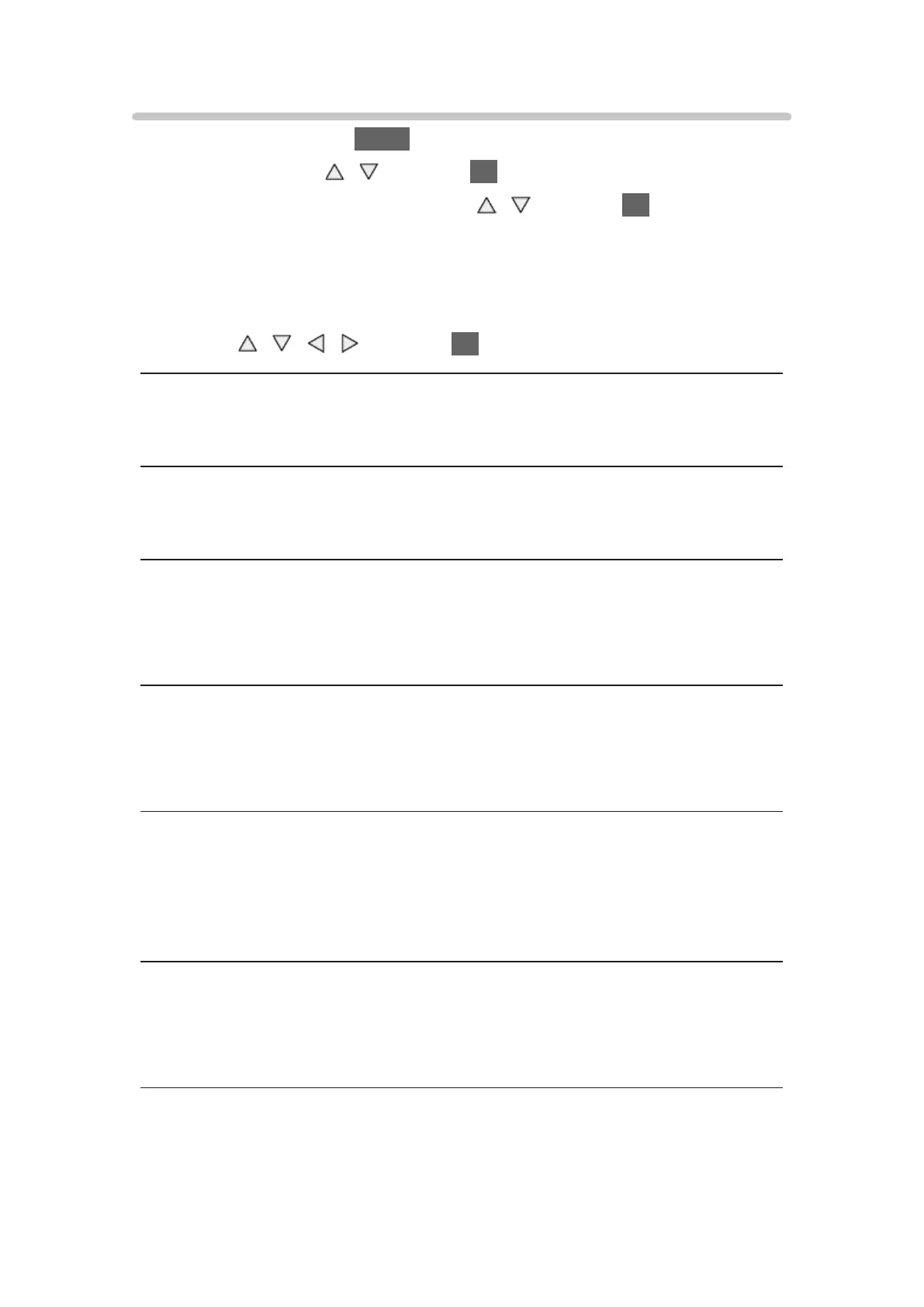
1. Display the menu with MENU.
2. Select Picture with
/ and press OK to access.
3. Select one of the following items with
/ and press OK to access.
Backlight / Contrast / Brightness / Colour / Tint / Sharpness / Colour
Temperature / Vivid Colour / Adaptive Backlight Control / Letterbox /
Resolution Remaster / Caption Smoother / Brilliance Enhancer / Intelligent
Frame Creation / 24p Smooth Film
4. Set with
/ / / and press OK to store.
Backlight, Contrast, Brightness, Colour, Tint, Sharpness
Adjusts the levels of these options according to your personal preference.
Colour Temperature
Sets the overall colour tone of the picture (bluer - redder).
Vivid Colour
(On / Off)
Automatically adjusts colours to vivid ones.
Adaptive Backlight Control
Automatically controls the level of backlight according to the images.
●
Not valid in multi window mode
Letterbox
(Dimmer / Normal)
Adjusts the black level of the letterbox (anamorphic) area for watching
movies, etc.
Resolution Remaster
(Auto / Max / Mid / Min / Off)
Enhances picture resolution to make the image sharper.




 To Next Page