English
25
Changing Picture
and Sound settings
■ Picture
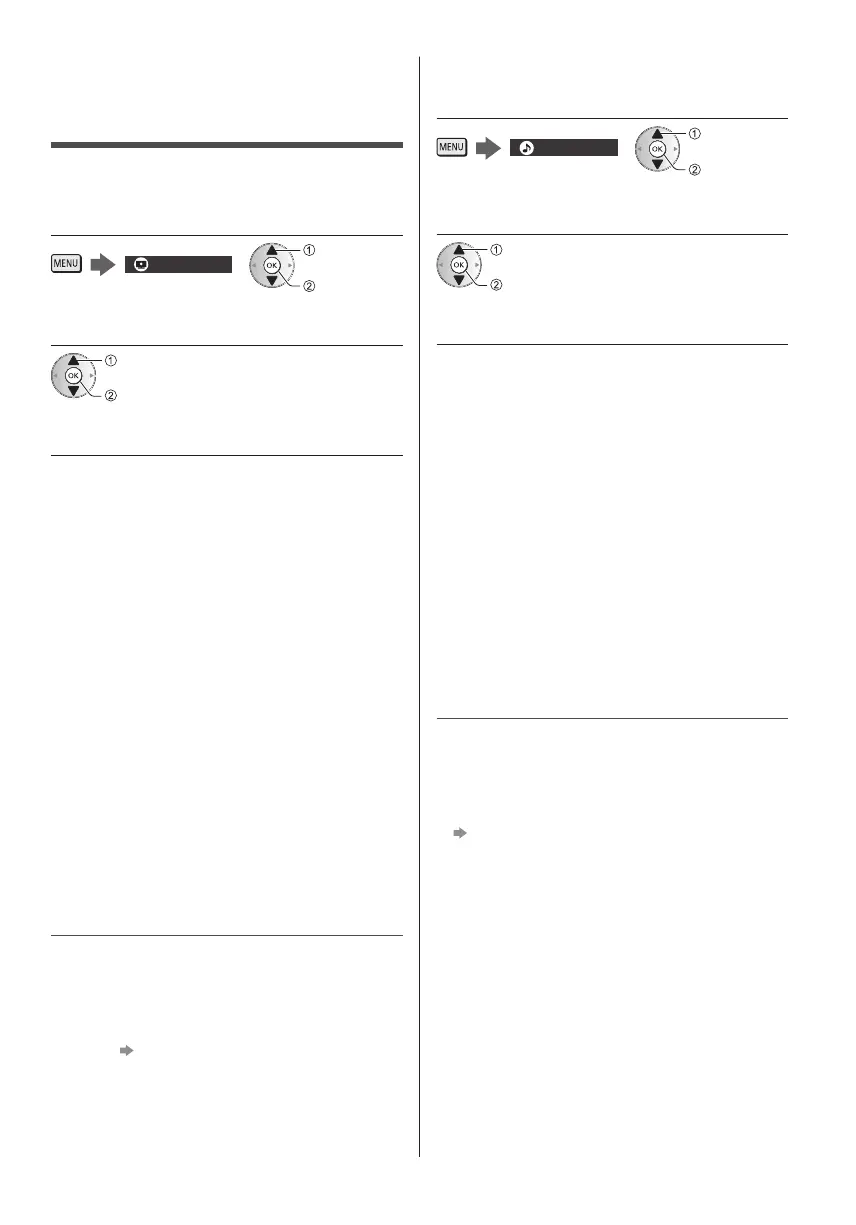
1 Display the menu and select [Picture]
Picture
select
access
2 Select [Viewing Mode]
select
access
3 Select the picture mode
You can select your favourite mode for each input.
[Dynamic]:
Improves contrast and sharpness for viewing in a
bright room.
[Normal]:
Normal use for viewing in a normal lighting condition.
[Cinema]:
Improves the performance of contrast, black and
colour reproduction for watching movies in a
darkened room.
[True Cinema]:
Reproduces the original image quality precisely
without any revision.
[Custom]:
Adjusts each menu item manually to suit your
favourite picture quality.
●
The following items can be adjusted and stored for
each mode.
[Backlight] / [Contrast] / [Brightness] / [Colour] / [Tint] /
[Sharpness] / [Colour Temperature] / [Vivid Colour] /
[Colour Remaster] / [Rec.2020 Colour Remaster] /
[Reversal Film Effect] / [Adaptive Backlight Control] /
[Ambient Sensor] / [Noise Reduction] / [MPEG
Remaster] / [Resolution Remaster] / [Dynamic Range
Remaster] / [Intelligent Frame Creation]
●
You can set [Viewing Mode] in 2D and 3D mode for
each.
●
For information about the other items, refer to
[eHELP] (Settings > Picture).
●
To reset the current [Viewing Mode] to the default
settings
[Reset to Defaults] in the Picture Menu
■ Sound
1 Display the menu and select [Sound]
Sound
select
access
2 Select [Mode]
select
access
3 Select the sound mode
You can select your favourite mode for each input.
[Standard]:
Provides the suitable sound quality for all types of
scenes.
[Music]:
Improves sound quality for watching music videos,
etc.
[Ambience]:
Improves spatial effects and provides clear sounds.
[User]:
Adjusts the sounds manually using the equaliser to
suit your favourite sound quality.
The following items can be adjusted and stored for each
mode.
[Bass] / [Treble] / [Surround] / [Bass Boost]
For the User mode, [Equaliser] is available in the Sound
Menu instead of [Bass] and [Treble]. Select [Equaliser]
and adjust the frequency.
●
This function is effective only for the sound from TV
speakers.
●
For information about the other items, refer to
[eHELP] (Settings > Sound).
●
To reset the current [Mode] to the default settings
[Reset to Defaults] in the Sound Menu



 To Next Page