English
29
Watching External
Inputs
Connect the external equipment (VCR, DVD, etc.) and
you can watch through the input.
●
For details, refer to [eHELP] (Watching > External
equipment).
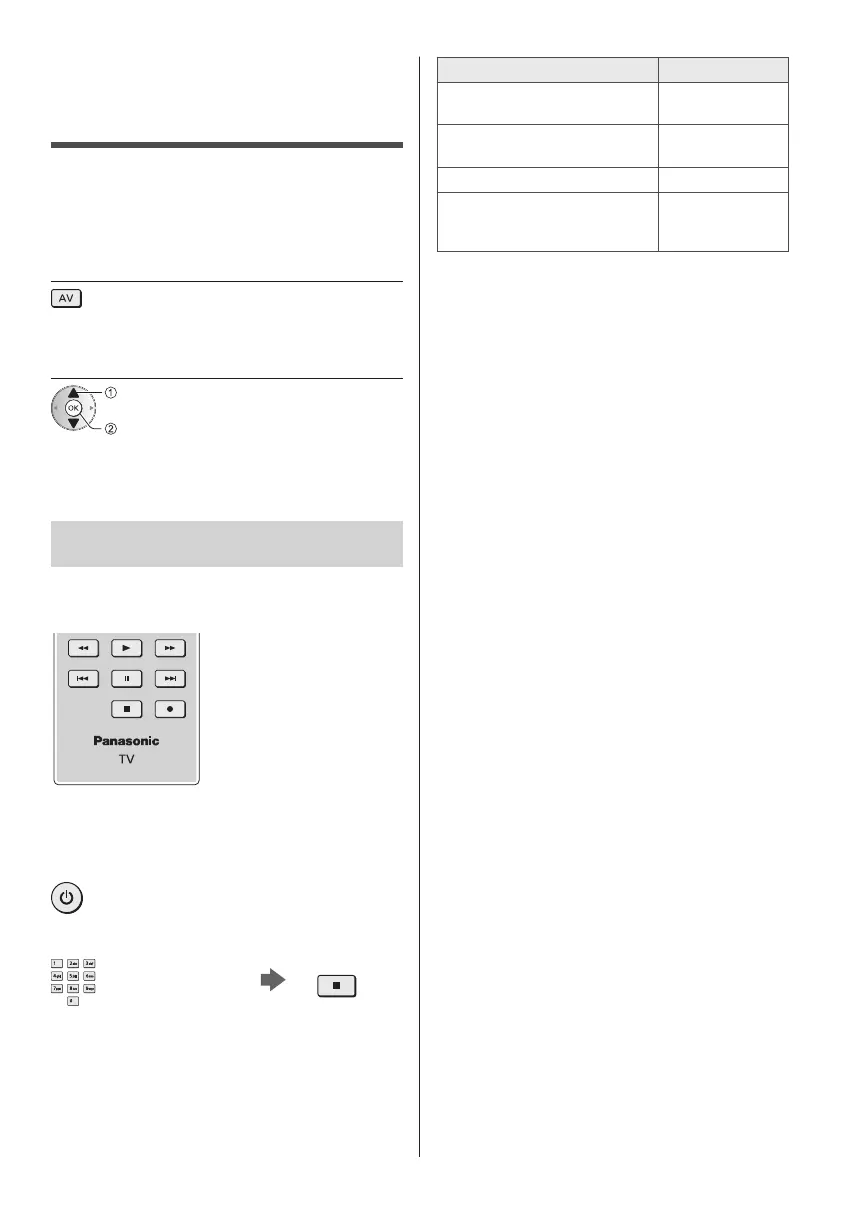
1 Display the input selection menu
2 Select the input mode connected to
the equipment
select
watch
●
You can also select the input pressing the AV button.
Press repeatedly until the desired input is selected.
●
You can select [COMPONENT] and [VIDEO] in [AV].
Operating the equipment with TV’s
remote control
You can operate the content in Media Player / media
server, recording functions or the connected equipment
with the following buttons of this TV’s remote control.
■ How to change the code
Each Panasonic product has its own remote control
code. Change the code according to the product for
operation.
Press and hold Standby On / Off switch
during the following operations
Enter the appropriate code,
see table below
Change
Type of the equipment, features Code
DVD Recorder, DVD Player,
Blu-ray Disc Player
70
Player theatre, Blu-ray Disc
theatre
71
VCR 72
Using in USB HDD Recording,
Media Player, DLNA features or
VIERA Link
73
(default)



 To Next Page