5
Teletext Operation ................................................................................................................................19 ~ 21
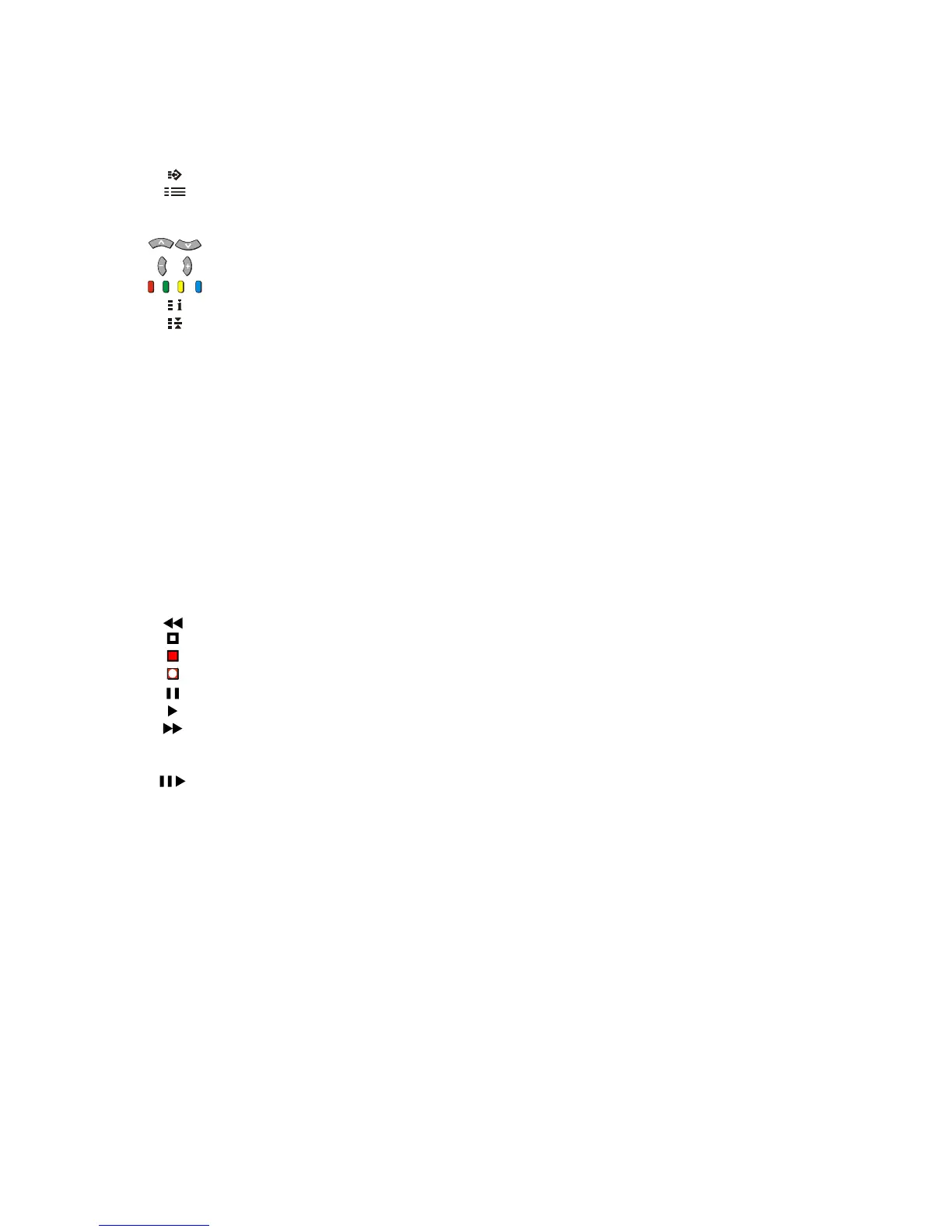
F.P. (Favourite Page) ................................................................................................................19
Set Up ........................................................................................................................................20
TV/TEXT ....................................................................................................................................20
STR (Store)................................................................................................................................ 20
PAGE NUMBER UP AND DOWN BUTTONS...........................................................................20
SUB-PAGE NUMBER UP AND DOWN BUTTONS .................................................................. 20
COLOUR CODED BUTTONS ...................................................................................................20
INDEX ........................................................................................................................................20
HOLD .........................................................................................................................................20
0 ~ 9 PAGE NUMBER BUTTONS ...................................................................................................... 20
REVEAL..................................................................................................................................... 21
F/T/B (Full / Top / Bottom) .........................................................................................................21
DISPLAY CANCEL ....................................................................................................................21
TIME TEXT ................................................................................................................................21
Tuning Menu .........................................................................................................................................22 ~ 30
Channel Allocation .....................................................................................................................23
SYS Select.................................................................................................................................23
Auto Tune ..................................................................................................................................24
Manual Tune ..............................................................................................................................25
Tuning the Television to a VCR .................................................................................................25
Fine Tuning ................................................................................................................................26
Skip ............................................................................................................................................26
Geomagnetic Correction.............................................................................................................................. 27
Remote Control VCR/LD/DVD Operation ................................................................................................... 28
Remote Control VCR/LD/DVD Buttons and Switches .................................................................................... 29
REWIND / REVIEW ................................................................................................................... 29
STOP .........................................................................................................................................29
POWER BUTTON ..................................................................................................................... 29
RECORD ...................................................................................................................................29
PAUSE....................................................................................................................................... 29
PLAY.......................................................................................................................................... 29
FAST FORWARD / CUE ........................................................................................................... 29
VCR/LD/DVD ............................................................................................................................. 29
PROGRAMME NUMBER UP AND DOWN / PROGRAMME SKIP .......................................... 29
STILL ADVANCE DISC SIDE B SELECTION...........................................................................29
DISC SIDE A SELECTION ........................................................................................................29
Manufacturers’ Code Settings......................................................................................................................... 30
Connecting Equipment to the TV .......................................................................................................31 ~ 35
Front Panel Connections ................................................................................................................................ 31
Connecting to the RGB Input Terminals ....................................................................................31
Adjusting the RGB Picture .........................................................................................................32
AV Equipment ............................................................................................................................ 32
Headphone................................................................................................................................. 33
Rear Panel Connections .................................................................................................................................34
Monitor Out ................................................................................................................................ 34
Connecting a Standard VCR to the AV Input ............................................................................ 35
Connecting S-Video Equipment to the AV Input........................................................................ 35
Connecting DVD Equipment to the AV Input ............................................................................. 35
Customer Information ..........................................................................................................................36 ~ 40
Warnings And Cautions ..................................................................................................................................36
Cleaning, Locating and Caring for the Television ........................................................................................... 37
Caring for the Remote Control ........................................................................................................................ 37
Troubleshooting .............................................................................................................................................. 38
Specifications .................................................................................................................................................. 39
Customer’s Record ........................................................................................................................... Back Page
CONTENTS



 To Next Page