Tuning and Editing Channels ●
(DVB)
Advanced
39
Display a notification message
New Channel Message
Selects whether to give a notification message when a new DVB channel is found. (Off / On)
New channels found!
Press OK to update channel list
Press EXIT to ignore.
Selecting OK will perform “Update Channel List”.●
This function is not available in DVB-S mode.●
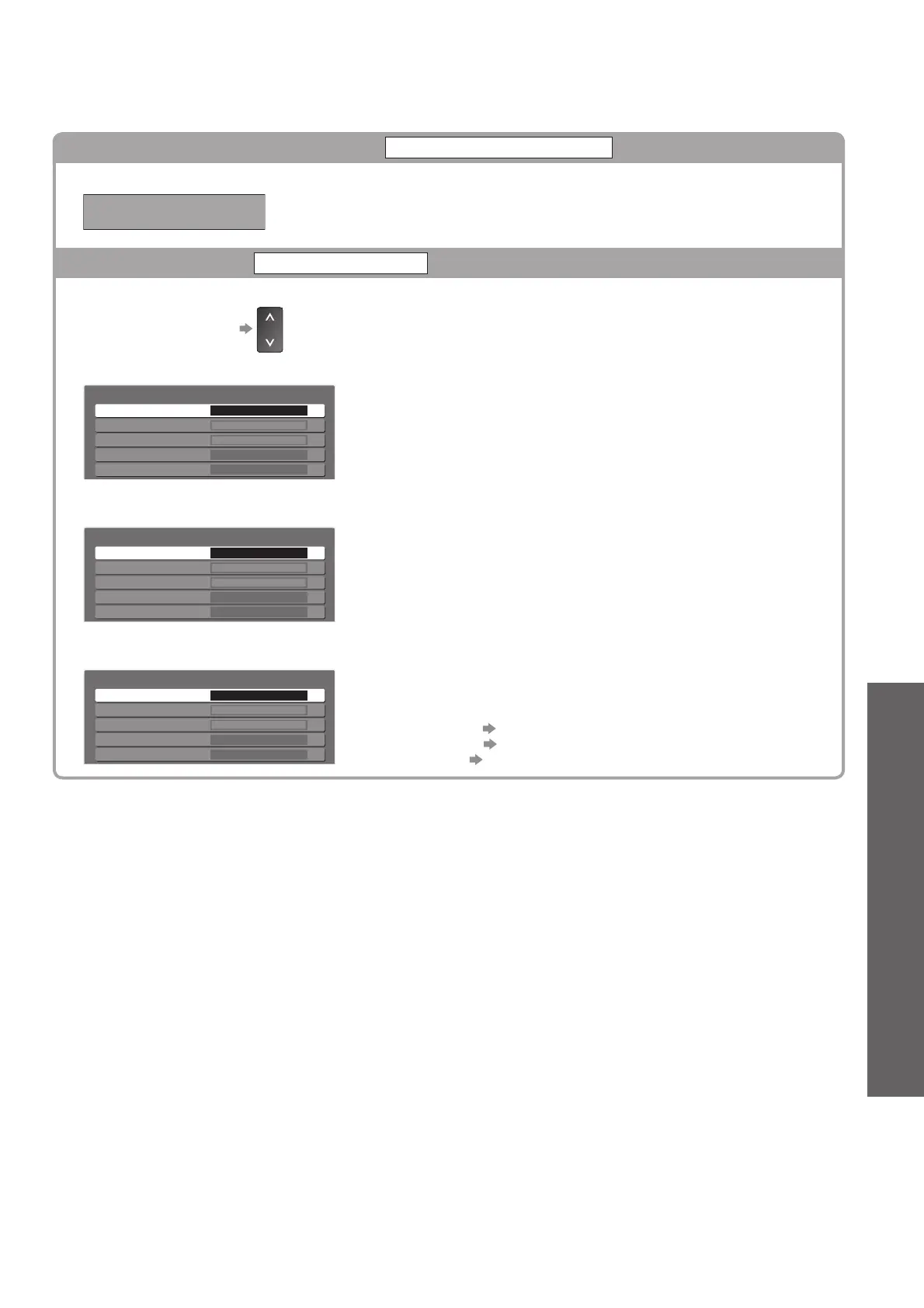
Check DVB signal
Signal Condition
Selects a channel and checks the DVB signal condition.
To change the channel
●
A good Signal Strength is not an indication of suitable signal for DVB
reception. Please use the Signal Quality indicator as follows:
Signal Quality:
Green bar
● Good
Yellow bar
● Poor
Red bar
● Bad (Check the Terrestrial aerial, cable or Satellite dish)
DVB-S:
DVB-S Signal Condition
Channel Name
Signal Quality
Signal Strength
10
10
Satellite
Parameter
1 BBC 1 East (W)
0
0
10847MHz, H, 22000kS/s
Astra 19.2° E
DVB-C:
DVB-C Signal Condition
Channel Name 70 CBBC Channel
Signal Quality
Signal Strength
010
010
Network Name
Parameter
[CH62] 802 MHz
Wenvoe
DVB-T:
DVB-T Signal Condition
Channel Name 70 CBBC Channel
Signal Quality
Signal Strength
010
010
Network Name
Parameter
[CH62] 802 MHz
Wenvoe








 To Next Page