Frequently Asked Questions ●
Technical Information ●
FAQs, etc.
79
FAQs
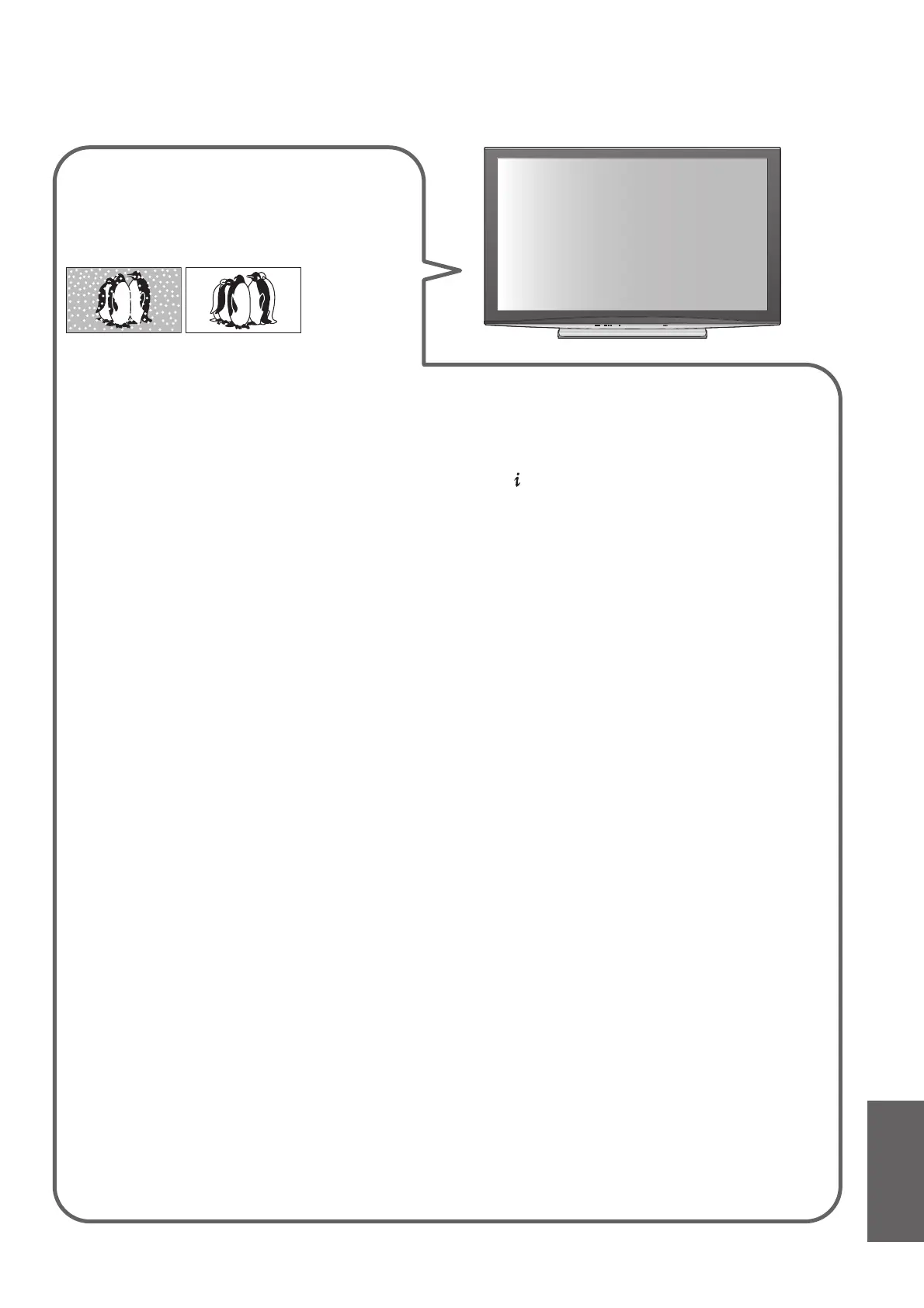
White spots or shadow
images (noise)
Check the position, direction, and connection ●
of the aerial.
Neither image nor sound is
produced
Is the TV in AV mode?●
Check the correct AV input mode is selected.●
Check the mains lead is plugged into the ●
socket outlet.
Has the TV been turned On?●
Check the Picture Menu (p. 26) and volume.●
Check all required SCART cables and ●
connections are firmly in place.
Auto aspect
Auto aspect is designed to provide you with the ●
best ratio to fill the screen. (p. 72)
Press the ASPECT button if you would like to
●
change the aspect ratio manually (p. 16).
S-Video / black and white
picture
Check that the output of the external ●
equipment matches the input of the TV. If
the output of the external equipment is set to
S-Video, the TV must also be set to S-Video
(p. 22).
No programmes shown on
TV Guide
Check the digital transmitter.●
Adjust the direction of the aerial or dish to ●
another transmitter installed nearby.
Check the analogue broadcast.
●
If the image quality is poor, check the aerial
and consult your nearest dealer.
Remains channel number, input
mode, etc. on the TV screen
-I.e. EC/AV1
Press the ● button to clear these.
Press again to redisplay.
Q-Link function does not work
Confirm SCART cable and connection. ●
Also set “AV1 / AV2 out” in the Setup Menu (p. 28).
“VIERA Link” function does
not work and an error message
appears
Confirm the connection. (p. 62 and p. 63)●
Turn the connected equipment on and then switch the ●
TV on. (p. 65)
Recording does not start
immediately
Check the settings of the recorder. For details, read the ●
manual of the recorder.
Permanently lit spots on screen
Due to production process involved in this technology ●
this may result in some pixels which are permanently lit
or unlit. This is not a malfunction.
Contrast is reduced
Contrast is lowered in the following conditions without ●
any user operation for a few minutes:
no signal in DVB or AV mode•
selected locked channel•
selected invalid channel•
selected radio channel•
displayed menu•
Thumbnail, list or still picture in SD Card mode or •
DLNA operations
Before requesting service or assistance, please follow these simple guides to resolve the problem.
If the problem still persists, please contact your local Panasonic dealer for assistance.








 To Next Page