EasyManua.ls Logo

Panasonic UB-T780BP - User Manual

Panasonic UB-T780BP
52 pages
Print Icon
To Next Page IconTo Next Page
Loading...
UB-T780BP
Operating Instructions
(For Basic Operations)
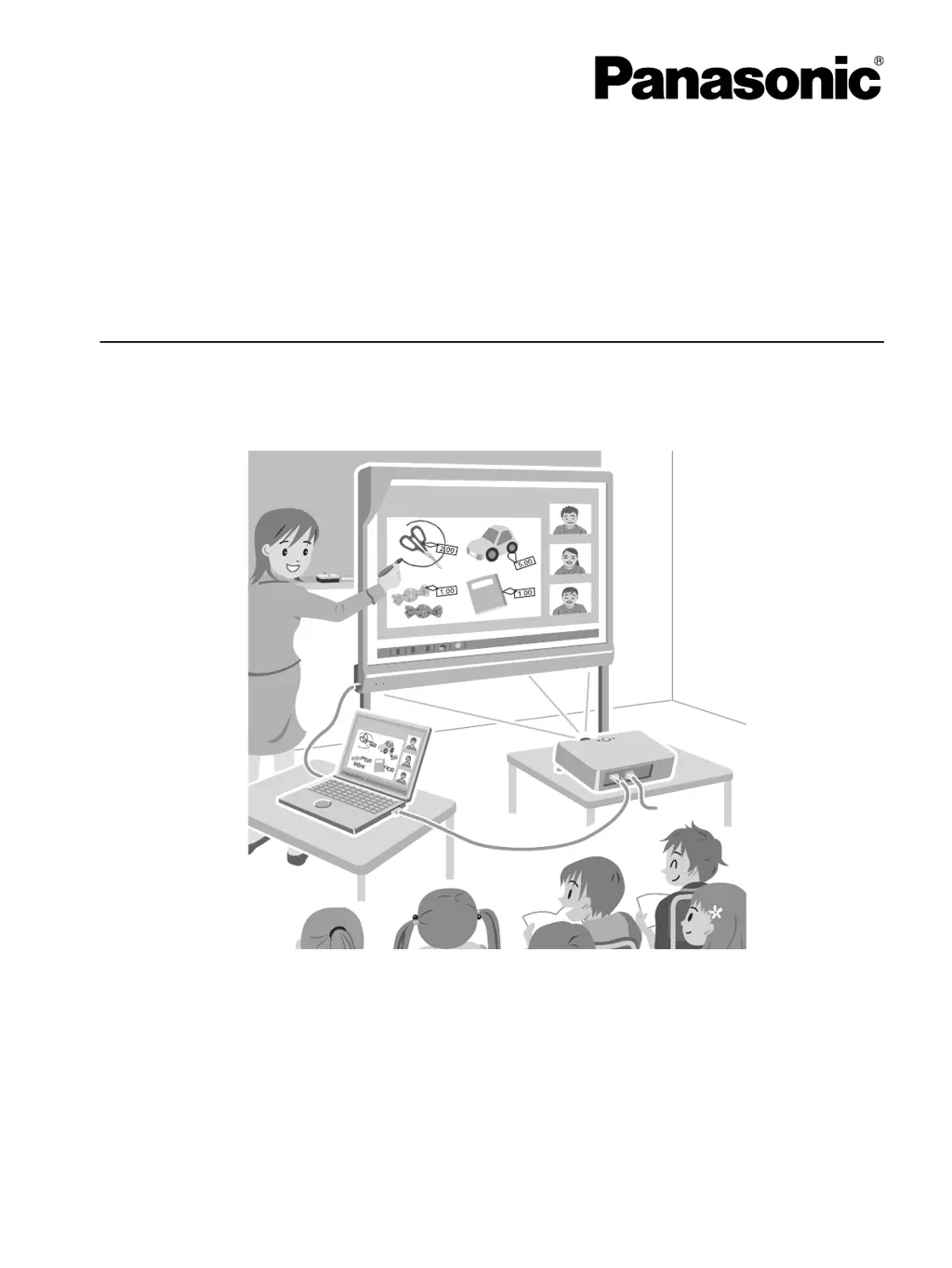
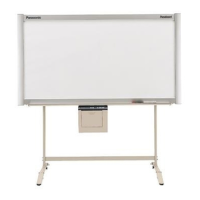
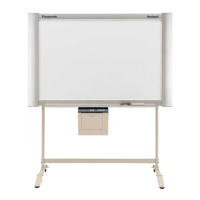
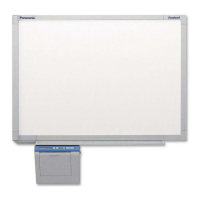
Electronic Board
(elite Panaboard)
Model No. UB-T780BP
Installation Manual Included (for qualified service personnel)
• To assemble this unit, please refer to the Installation Manual on pages 29 through 48.
• Before operating this unit, please read these instructions completely and keep them carefully for future
reference.
• This unit is designed for installation by a qualified servicing dealer.
Installation performed by non-authorized individuals could cause safety-related problems with the operation of
this equipment.
For U.S.A. only:
• To locate the closest authorized dealer in your area, please call 1-800-449-8989.
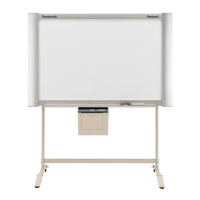
Stand is sold separately.

Questions and Answers

  • R
    Richard LucasAug 7, 2025
    What to do if the computer does not recognize the Panasonic elite Panaboard?
    • K
      Kimberly ThomasAug 7, 2025
      If your computer isn't recognizing the Panasonic elite Panaboard, it might not be properly connected with the USB cable. Ensure the USB cable is correctly connected to both the Panaboard and the computer. If your computer has multiple USB ports, try using a different one. Also, make sure you are not connecting the elite Panaboard through a USB hub, as this can cause recognition issues.
  • H
    Heather SantanaAug 16, 2025
    Why is the connection between the computer and the Panasonic elite Panaboard unexpectedly lost?
    • J
      jessewrightAug 16, 2025
      If the connection between your computer and the Panasonic elite Panaboard is unexpectedly lost, verify that the elite Panaboard is in an operable state. Also, check that the USB cable is properly connected to both the computer and the Panaboard.
  • D
    Damon WilliamsAug 19, 2025
    How to fix the electronic pen's position on Panasonic Interactive whiteboard?
    • K
      Kelly RodriguezAug 19, 2025
      If the electronic pen's position is not correct on your Panasonic Interactive whiteboard, it is possible that the projected image is misaligned. To resolve this, perform the calibration again.
  • J
    Jennifer StantonAug 25, 2025
    What to do if marks written with a white-board marker cannot be erased on Panasonic?
    • R
      Robert RomeroAug 25, 2025
      If you're having trouble erasing marks written with a whiteboard marker on your Panasonic, try using commercially available whiteboard cleaner or a neutral household cleaner diluted with water.
  • S
    Sara PerezAug 28, 2025
    Why are extra lines displayed on the Panasonic computer screen?
    • A
      Adam IngramAug 28, 2025
      If you are seeing extra lines displayed on the computer screen when using your Panasonic, avoid pushing the penpoint with your finger.
  • H
    hickmanericaSep 1, 2025
    How to fix Panasonic Interactive whiteboard LEDs not lighting?
    • C
      Cameron ClarkSep 1, 2025
      If the LEDs on your Panasonic Interactive whiteboard do not light up when the USB cable is connected to the computer, check that the USB cable is properly connected. If the problem persists, disconnect the USB cable from the computer and then reconnect it.
  • M
    Maurice TorresNov 10, 2025
    What to do if drawn lines and comments are not completely displayed on Panasonic Interactive whiteboard?
    • M
      Michelle SmithNov 10, 2025
      If drawn lines and comments are not completely displayed or are displayed in the wrong location, and the electronic pen loses function, it could be due to several reasons. Check if you are holding the electronic pen at an angle or if you are covering part of the electronic pen's sensor with your hand. Ensure that you are not operating the elite Panaboard in direct sunlight or other strong lighting, and that no infrared controllers are pointed towards the position sensor. Also, verify that there isn't a wall, ceiling, or air-conditioner vent close to the sides of the elite Panaboard, and that a plasma or LCD television is not being used nearby. Make sure that part of the position sensor is not blocked and that several electronic pens are not being used at the same time and the electronic pe...

Panasonic UB-T780BP Specifications

General IconGeneral
Display Size77 inches
Touch TechnologyInfrared
Multi-TouchYes
ConnectivityUSB
Operating System CompatibilityWindows, Mac OS
PortsUSB
ProcessorNot applicable
RAMN/A (Whiteboard only, no built-in PC)
StorageN/A (Whiteboard only, no built-in PC)

Related product manuals