EasyManua.ls Logo

Panasonic UB-T880W - User Manual

Panasonic UB-T880W
56 pages
Print Icon
To Next Page IconTo Next Page
Loading...
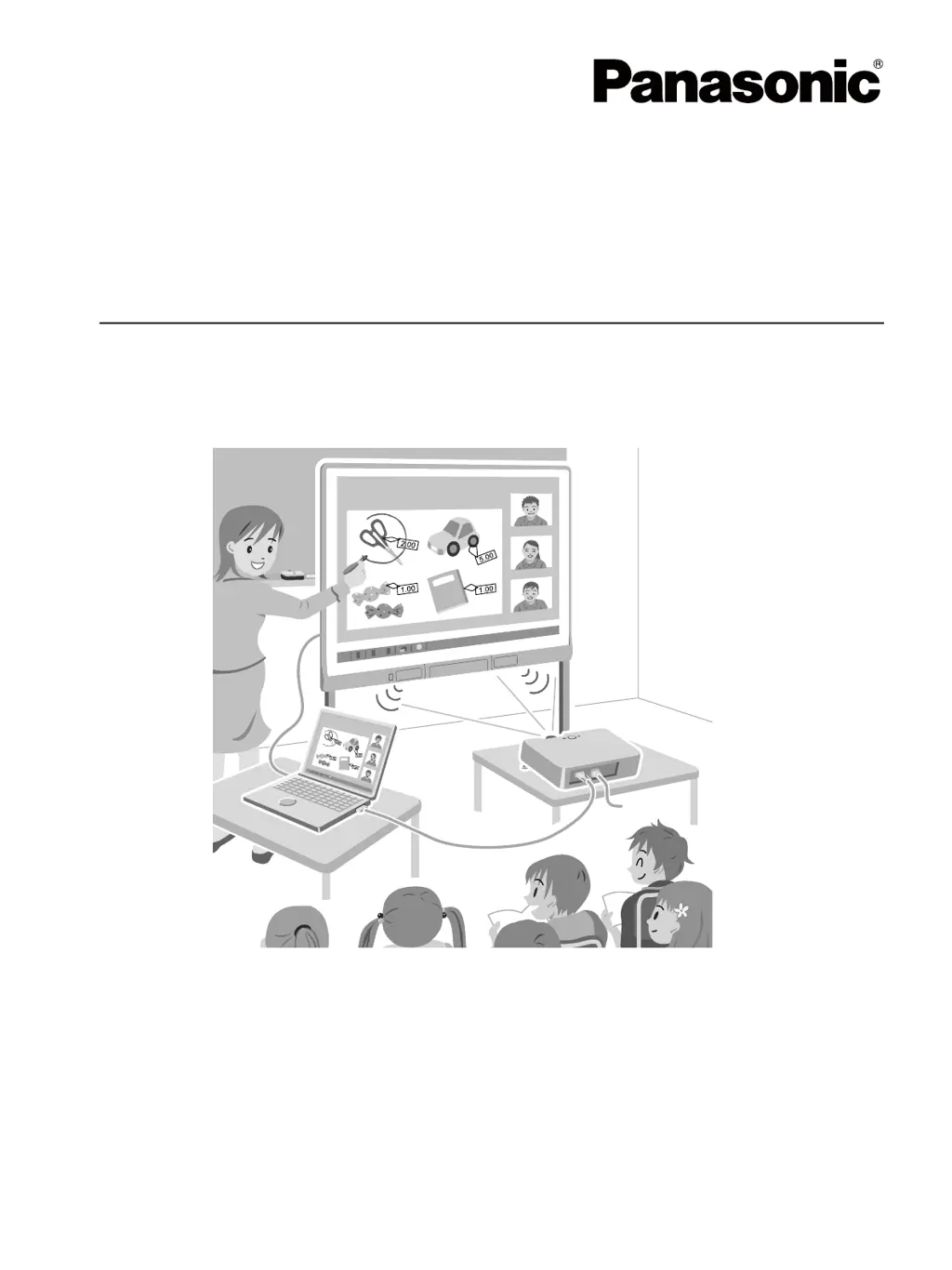
Operating Instructions
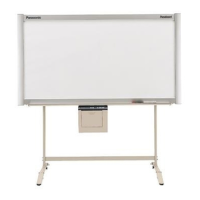
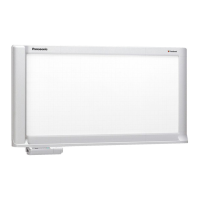
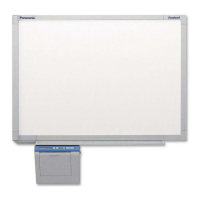
Electronic Board
(elite Panaboard)
Model No. UB-T880W
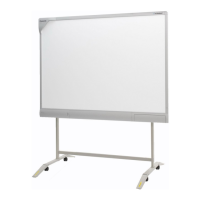
UB-T880W
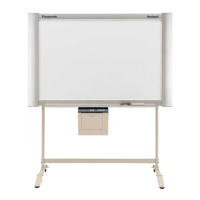
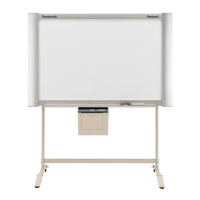
Stand is sold separately.
UB-T880
Installation Manual Included (for qualified service personnel)
To assemble this unit, please refer to the Installation Manual on pages 35 through 55.
Before operating this unit, please read these instructions completely and keep them carefully for future
reference.
This unit is designed for installation by a qualified servicing dealer.
Installation performed by non-authorized individuals could cause safety-related problems with the operation of
this equipment.
For U.S.A. only:
To locate the closest authorized dealer in your area, please call 1-800-449-8989.
UB-T880-PJQXC0337ZA_mst.book 1 ページ 2010年5月11日 火曜日 午後1時9

Other manuals for Panasonic UB-T880W

Questions and Answers

  • T
    tiffany61Aug 17, 2025
    Why is my Panasonic UB-T880W Interactive whiteboard electronic pen not working?
    • E
      Edward DeleonAug 17, 2025
      To resolve the issue of the electronic pen losing functions on your Panasonic Interactive whiteboard, try the following: * If you've been using your finger, wait at least one second before using the pen. * Close other applications and anti-virus software. * Replace the pen's battery. * Adjust the selector dial to change the mode. * Connect peripherals directly to the computer. * Register the electronic pen using the Electronic Pen Registration Tool.
  • D
    dorisrussellAug 20, 2025
    What to do if computer does not recognize Panasonic UB-T880W?
    • C
      catherineberryAug 20, 2025
      If your computer isn't recognizing the Panasonic elite Panaboard, ensure you securely connect the Panaboard and your computer using a USB cable. Avoid connecting the elite Panaboard through a USB hub.
  • L
    Lisa McguireAug 22, 2025
    Why is my Panasonic UB-T880W Interactive whiteboard response delayed?
    • E
      ereillyAug 22, 2025
      If the Panasonic elite Panaboard response is delayed, try shutting down other applications and anti-virus software.
  • R
    ray63Aug 25, 2025
    What to do if Panasonic Interactive whiteboard connection is unexpectedly lost?
    • C
      Cindy WilsonAug 26, 2025
      If the connection between your computer and the Panasonic elite Panaboard is unexpectedly lost, check that the elite Panaboard is in an operable state and that the USB cable is properly connected.
  • A
    Andrew BrownAug 27, 2025
    How to fix low sound on Panasonic Interactive whiteboard?
    • T
      Tricia ReynoldsAug 28, 2025
      If the sound level is low or no sound is output from the speaker of your Panasonic Interactive whiteboard, try the following: 1. Adjust the volume using the volume dial. 2. Adjust the volume using the volume control in the notification area, or uncheck the mute setting. 3. Adjust the volume of the application (e.g. Windows Media Player). 4. Securely connect the external audio input port and the VCR or DVD player etc.
  • Y
    yburgessAug 30, 2025
    Why is the Panasonic Interactive whiteboard pen LED blinking?
    • M
      Megan MorenoAug 30, 2025
      If the electronic pen status LED is blinking on your Panasonic Interactive whiteboard, replace the electronic pen’s battery.
  • J
    John RosarioSep 2, 2025
    What to do if Panasonic UB-T880W LEDs do not light?
    • C
      Cynthia ColemanSep 2, 2025
      If the LEDs do not light when the power switch is turned on for your Panasonic Interactive whiteboard, check that the power cord is properly plugged in. If the problem persists, unplug the cord momentarily, wait about 2 seconds, and plug it in again.
  • N
    Natalie WrightSep 4, 2025
    How to clean Panasonic UB-T880W marker marks?
    • S
      Sherri RogersSep 5, 2025
      If marks written with a whiteboard marker cannot be erased from your Panasonic Interactive whiteboard, use commercially available whiteboard cleaner or neutral household cleaner diluted with water.
  • L
    Lynn BrewerSep 7, 2025
    Why aren't my finger drawings showing on my Panasonic UB-T880W?
    • R
      Ruben RiveraSep 7, 2025
      If lines or comments drawn with your finger are not shown on the computer screen of your Panasonic Interactive whiteboard, use only your finger tip to touch the screen board and touch the screen board more firmly.
  • B
    Brian SchaeferSep 10, 2025
    What to do if the external device connected to Panasonic UB-T880W USB hub does not work properly?
    • R
      Ronald MclaughlinSep 10, 2025
      If the external device connected to the USB hub does not work properly with your Panasonic elite Panaboard, securely connect the elite Panaboard and external devices and install the driver or application following the instructions in the manual for the external device.

Summary

For Your Safety

User Safety Guidelines

Safety guidelines for end-users, including power and grounding.

Power and Ground Connection

Instructions for safe power connection and grounding of the unit.

Installation and Operation Safety

System Calibration

Performing Calibration

Step-by-step guide to perform the initial calibration of the system.

Installation Safety Precautions

Wall Mounting Construction

Steps to ensure the wall is suitable and strong enough for mounting.

Confirming Operation and Features

Confirming Interactive Features

Steps to test the interactive functionality, including calibration and writing.

Panasonic UB-T880W Specifications

General IconGeneral
Interface3x USB 2.0, 3.5 mm
Working area1153 x 1845 mm
Product colorWhite
Compatible operating systemsWindows XP (SP3+), Vista (SP2+), 7
Package weight39000 g
Weight and Dimensions IconWeight and Dimensions
Width1845 mm
Height1175 mm
Dimensions (WxDxH)1900 x 117 x 1320 mm

Related product manuals