Using Account Codes
,
Usim Call Forwardha
4.
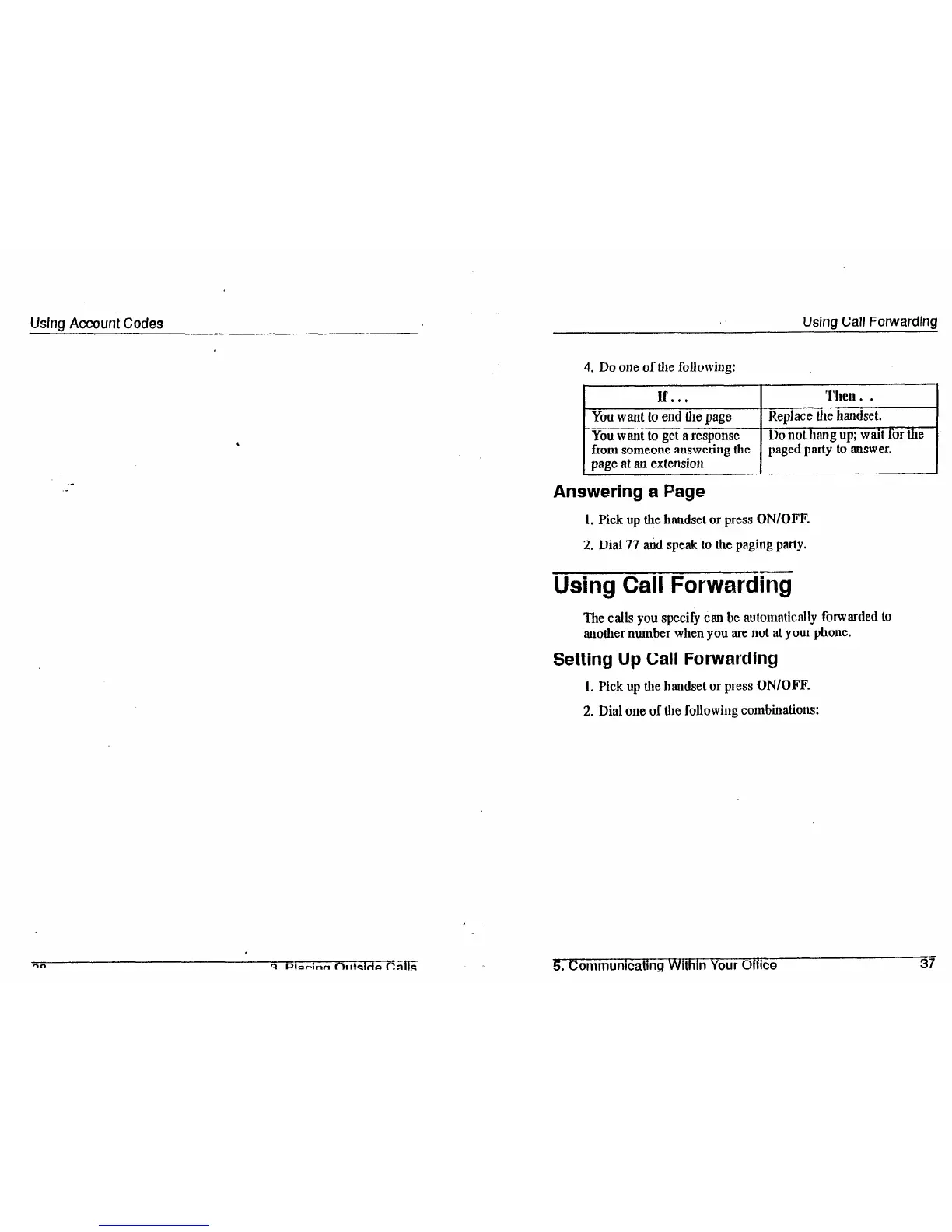
Do one of the followhlg:
If...
Then . .
You want to end the
page
Replace the handset.
^ -
You want to get a response
Do not hang up; wait for the
from someone answering the paged party to answer.
page at an extension
Answering a Page
1. Pick up the handset or press
ON/OFF.
2. Dial 77 tid speak to the paging party.
Using Call Forwarding
The calls you specify Can be automatically forwarded to
another number when you are not at your phone.
Setting Up Call Forwarding
1. Pick up the handset or press
ON/OFF.
2. Dial one of the following combinations:
5
.
Communlcatlng Within Your OflIce
37













 To Next Page